Module 3 Formstorming

Weekly Activity Template

Rita Zhang


Project 3


Module 3

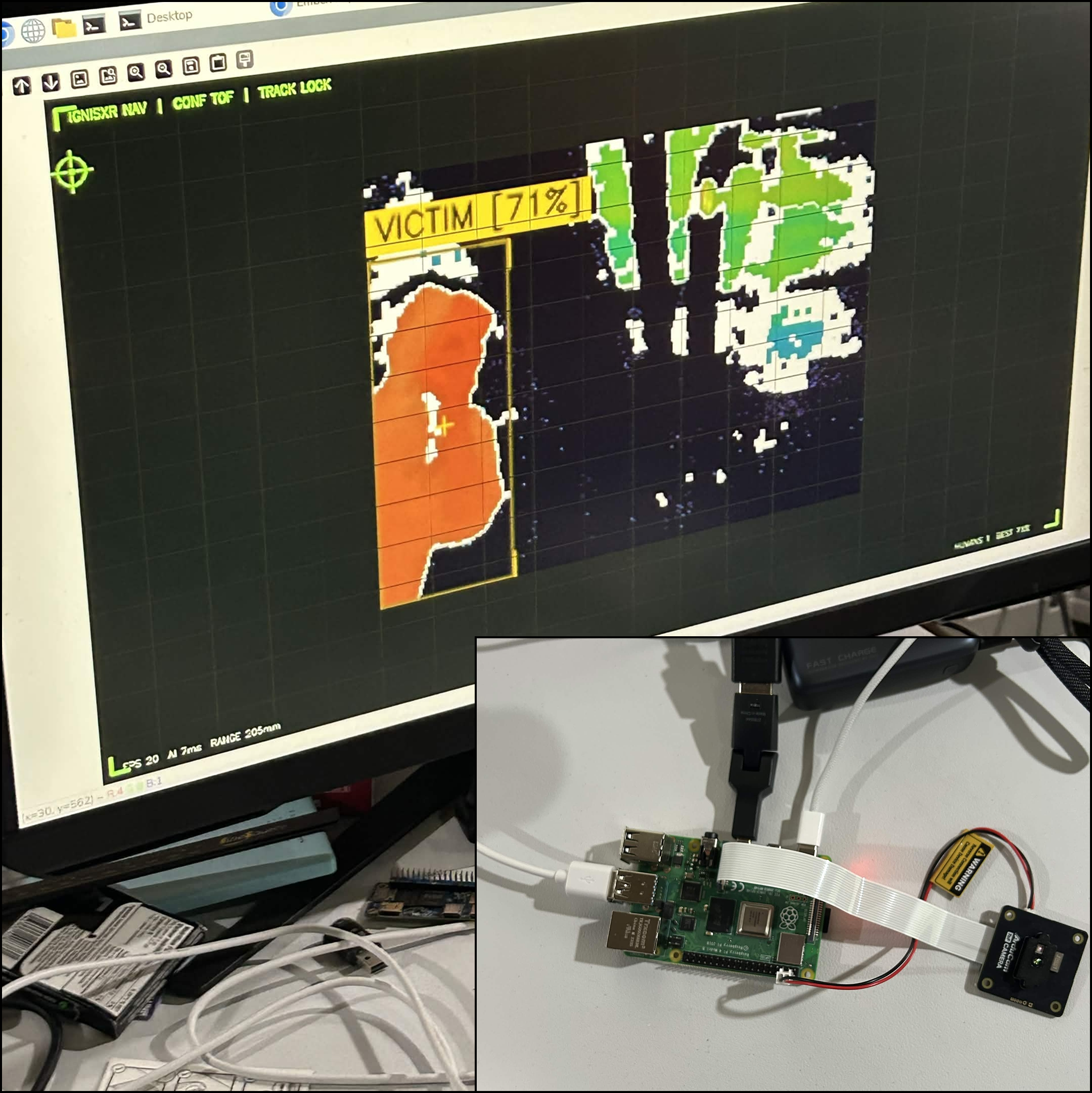
For this project I explored p5js, and how to connect Makey Makey with code to create cool visual effects. I also explored different conductive materals to see if it would work with my Makey Makey. For my final project, it was a lot more complicated, but I made an AR device for firefighters, and the primary feature is using liDAR so firefighters can still see what's in front of them even if the building is completely smoked up.

Activity 1

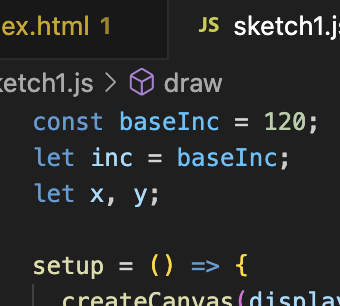
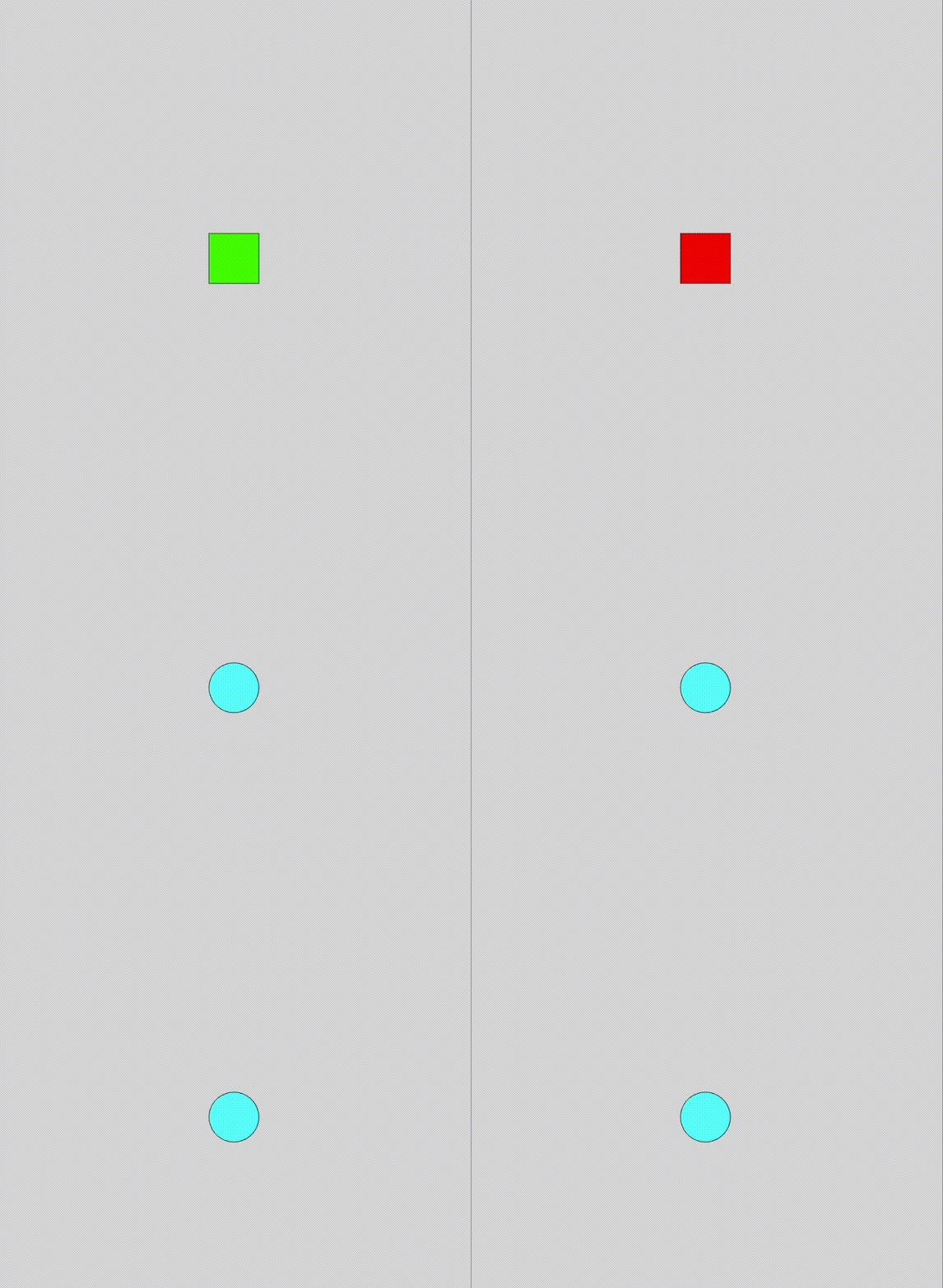
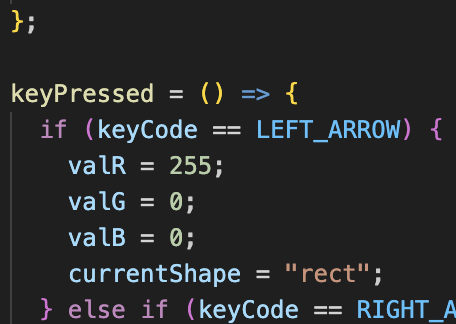
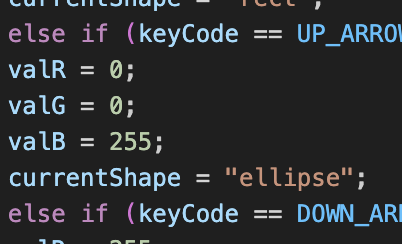
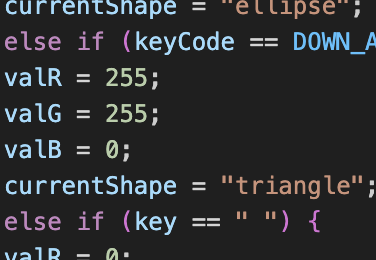
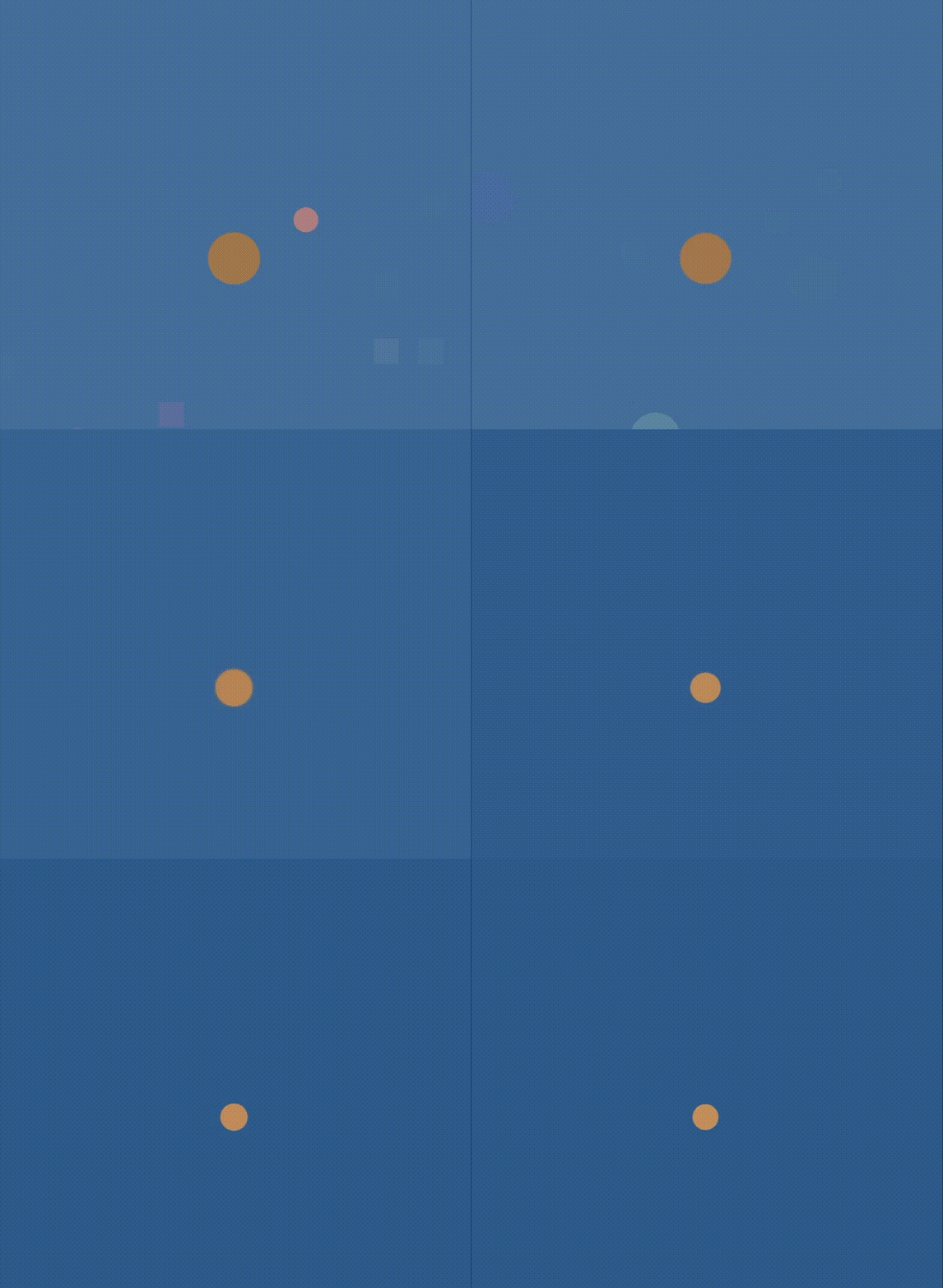
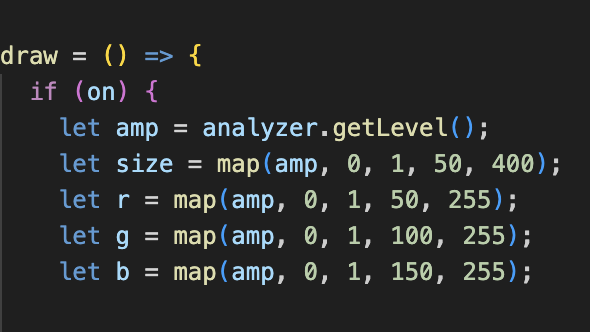
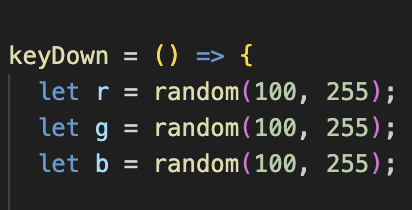
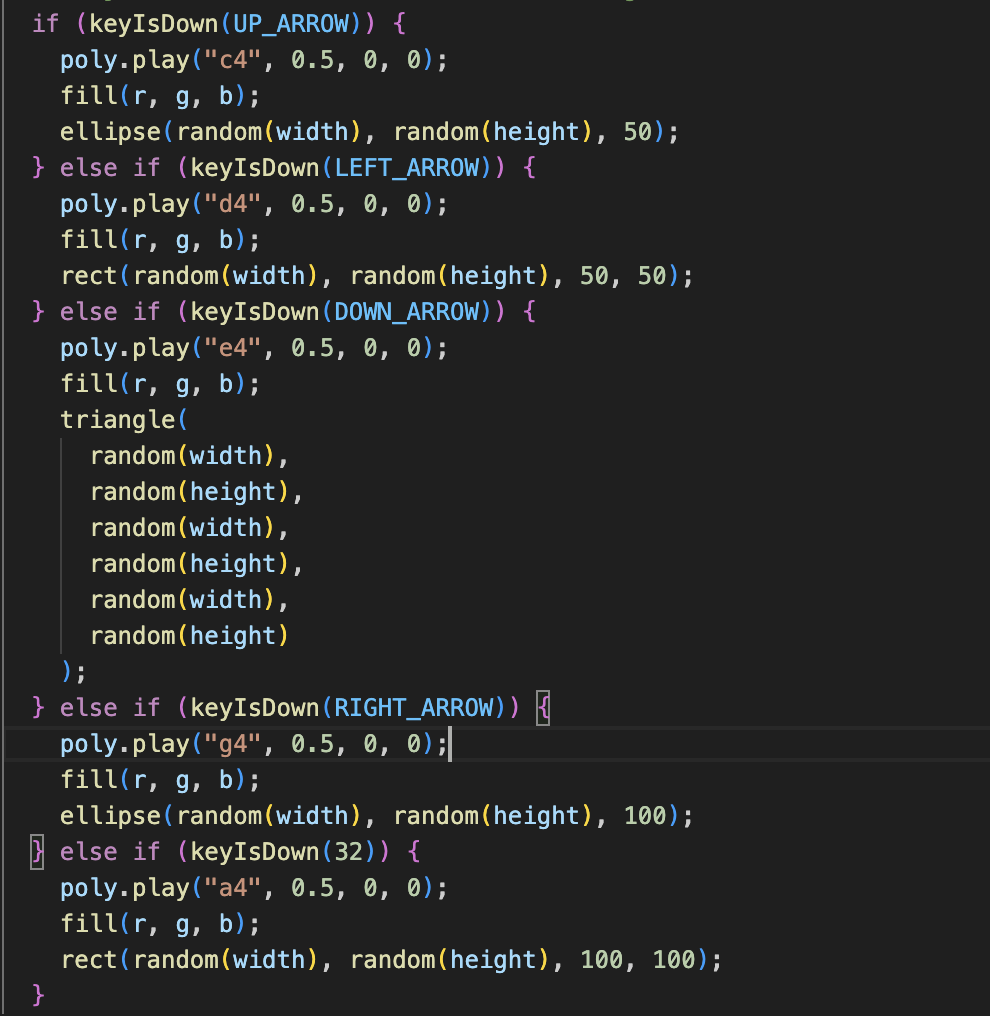
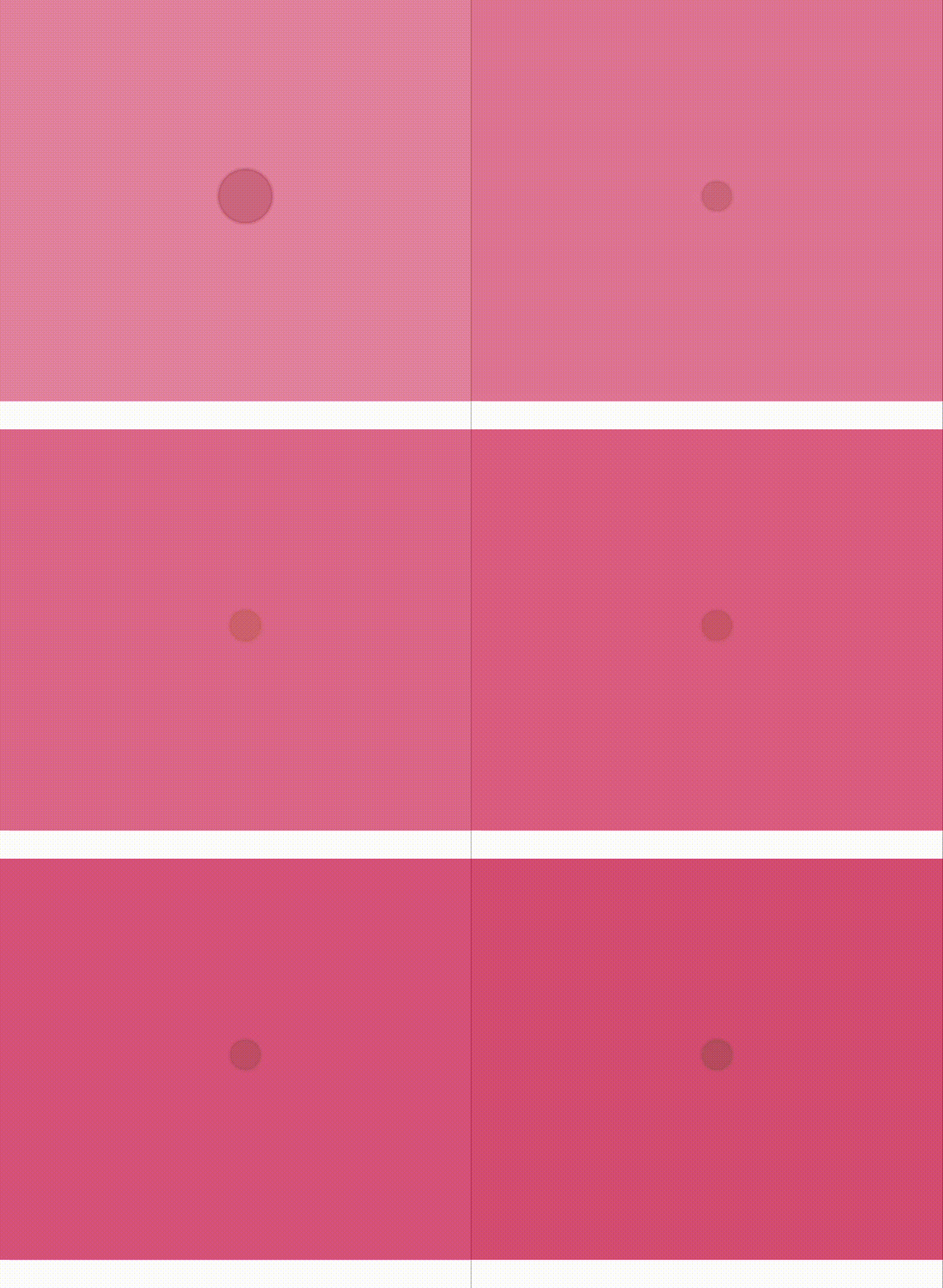
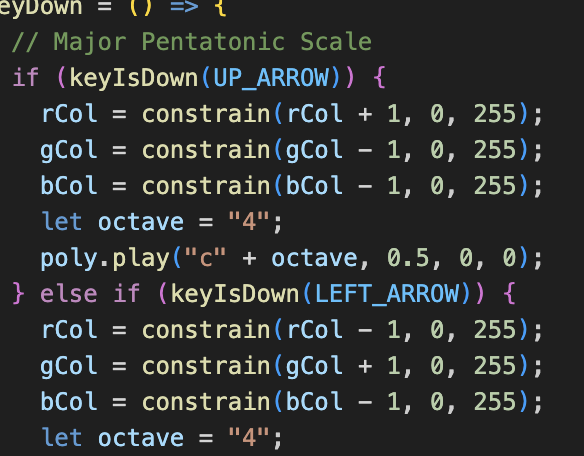
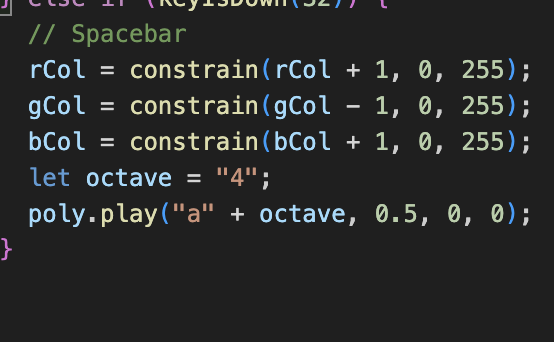
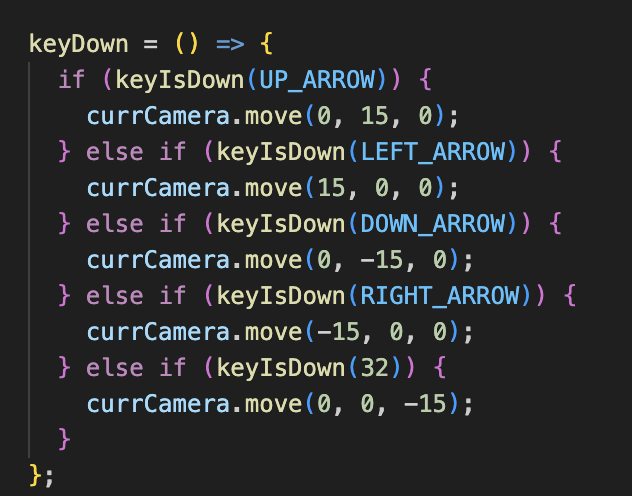
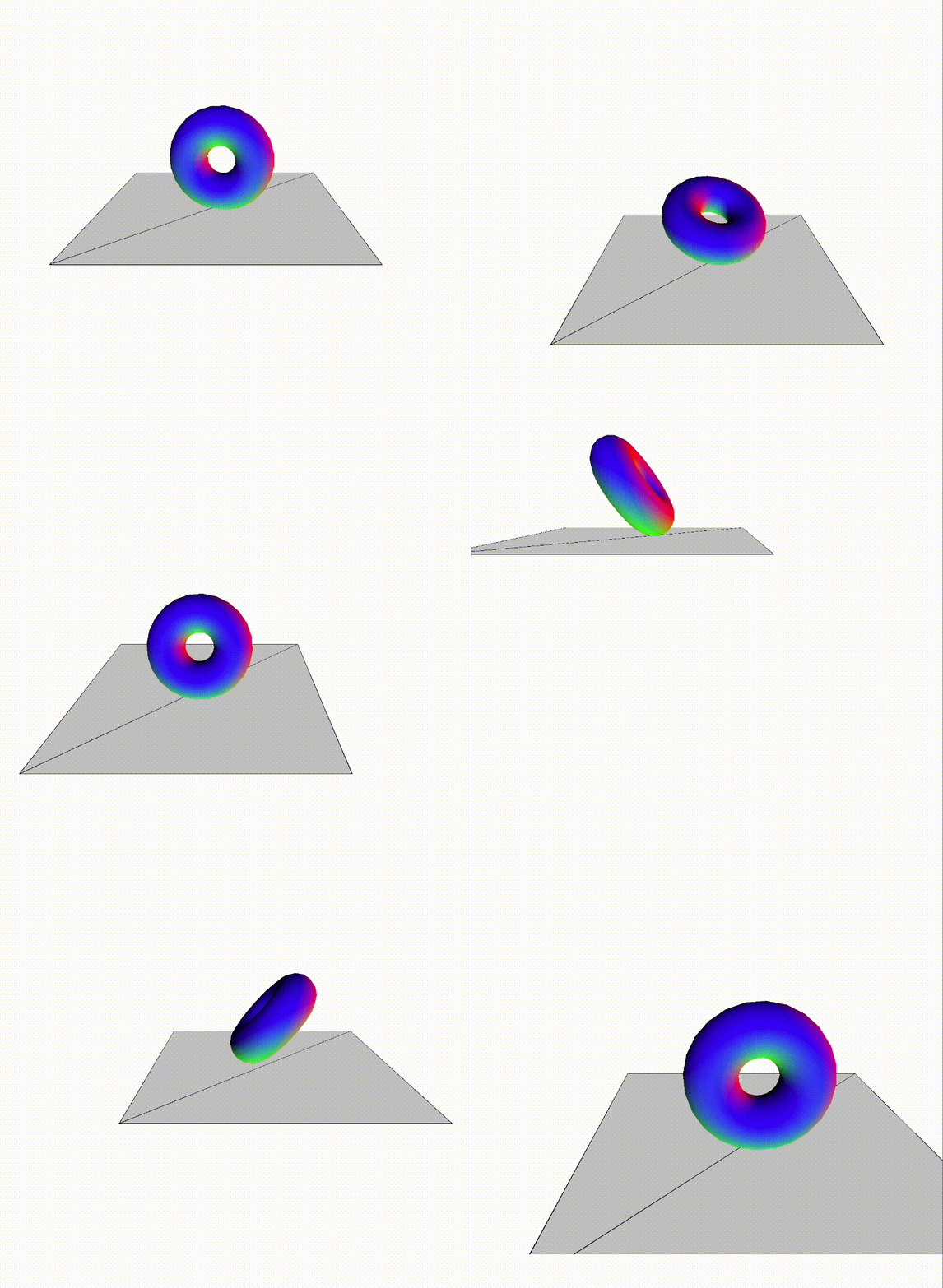
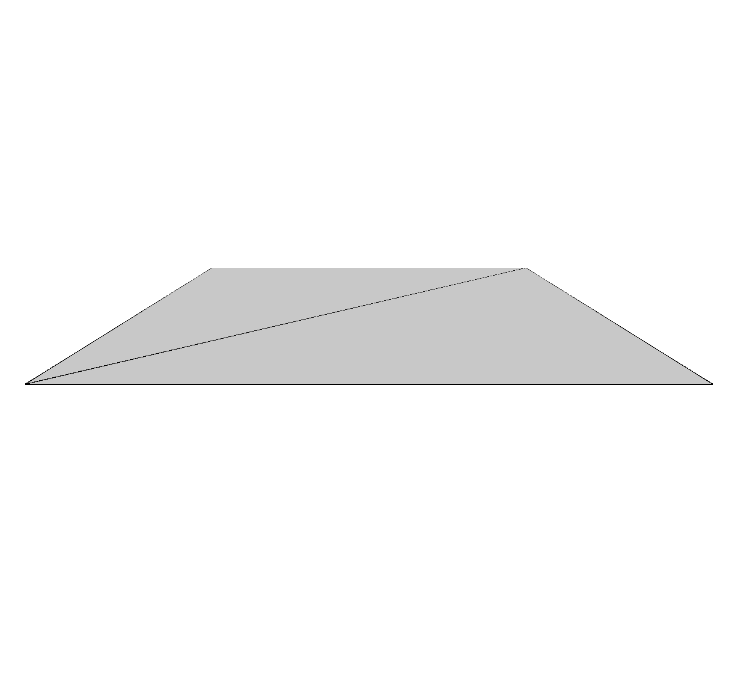
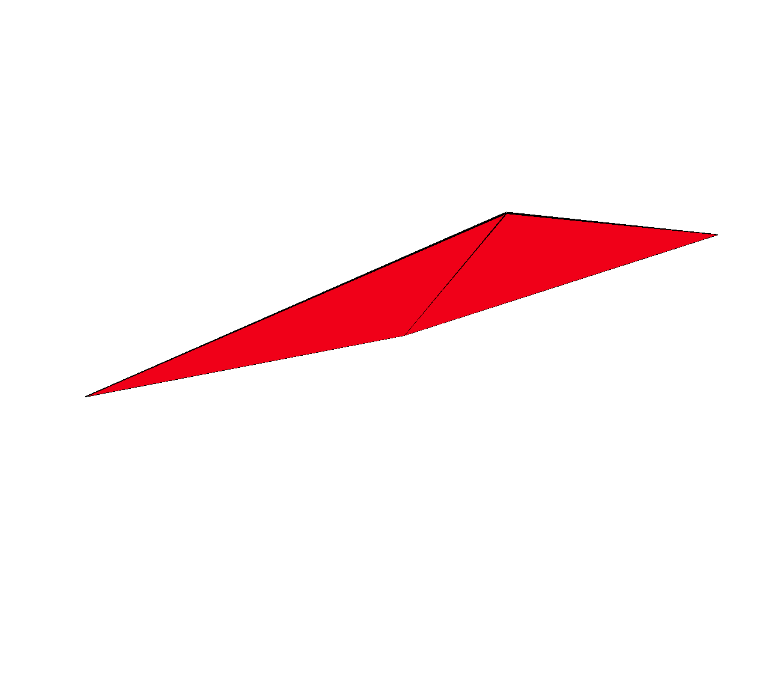
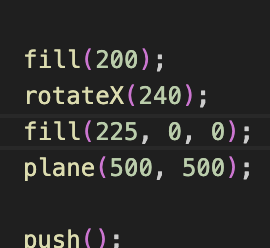
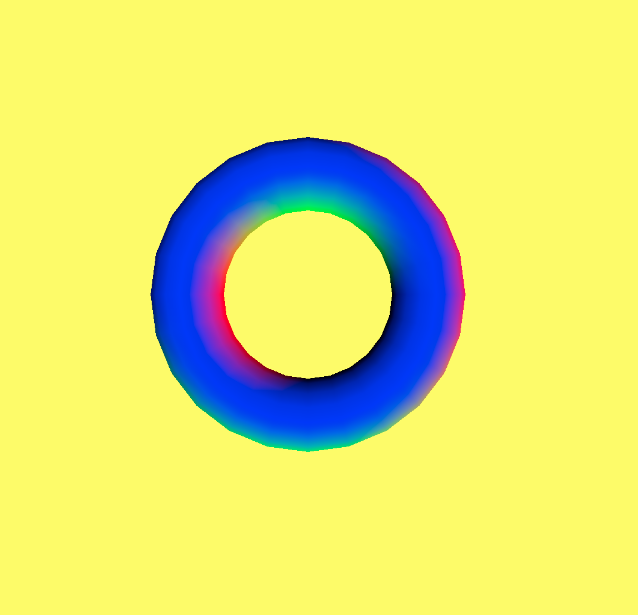
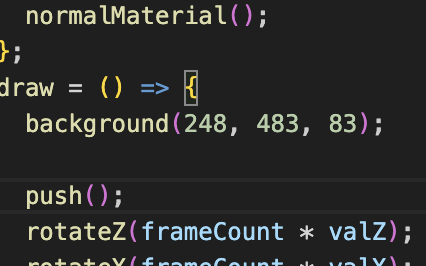
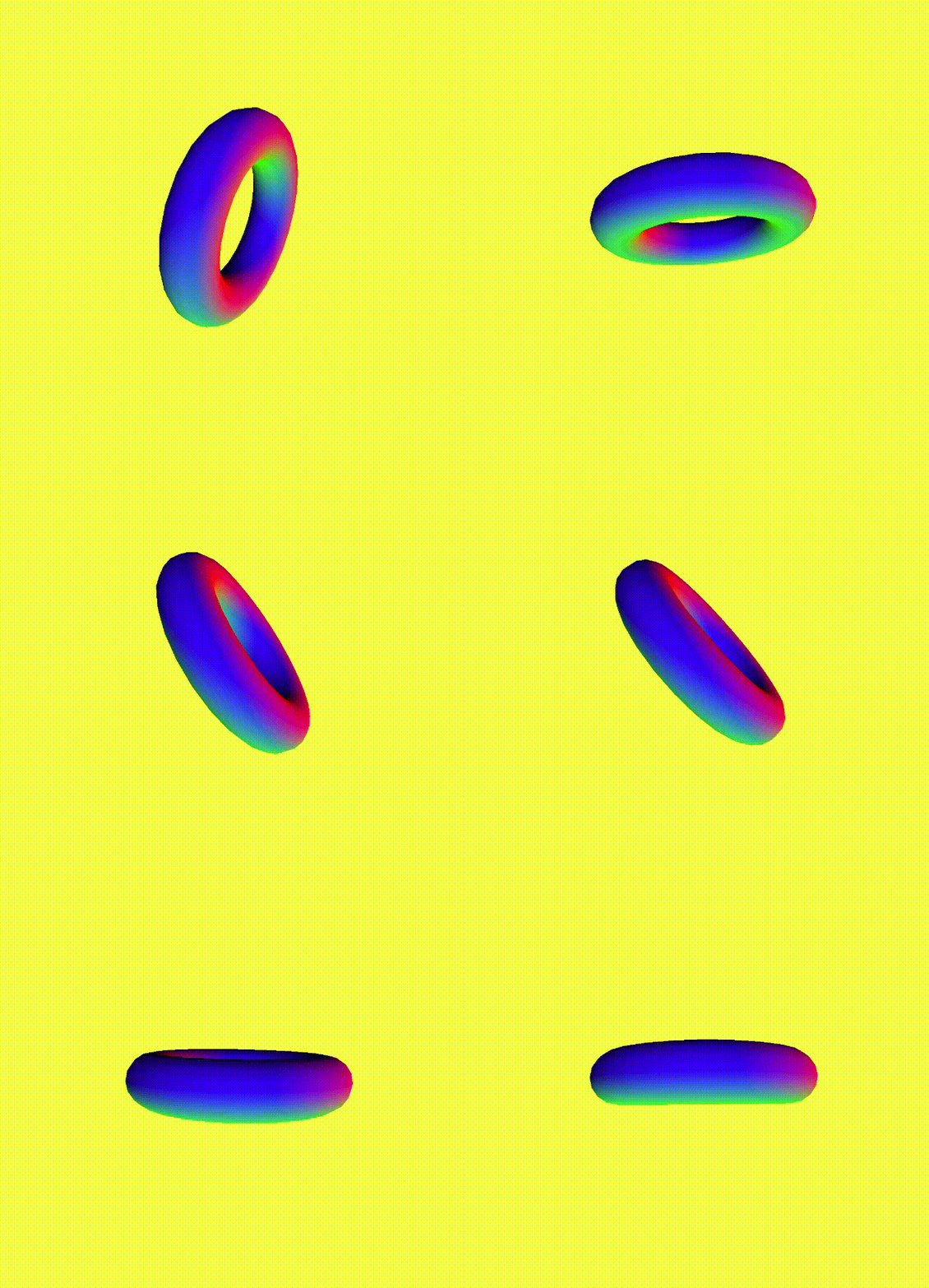
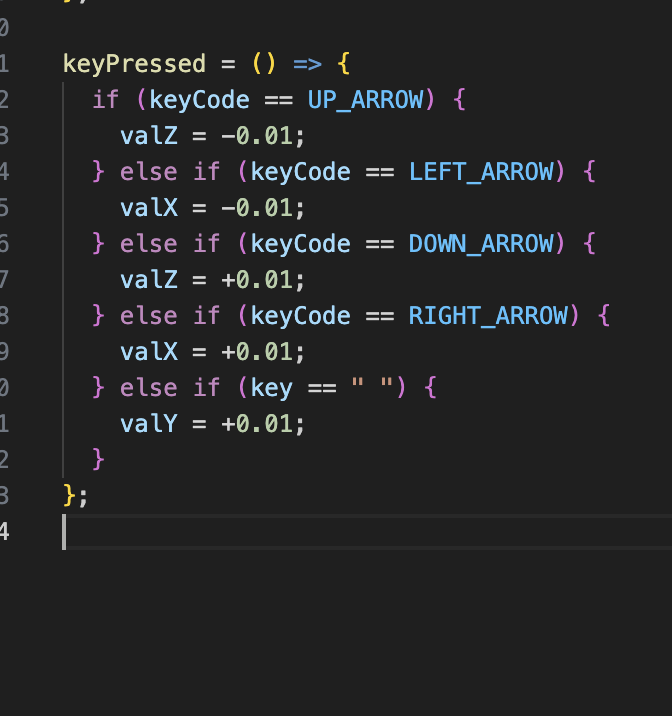
The circle jumps further when I use the arrow keys. I made the const baseInc 120 so there's a bigger difference in how far the circle can move. I changed the code so the original square can change shapes like it can change colours. This is the code where I changed some of the key functions to turn into a square by adding rect. This is the code where I changed some of the key functions to turn into a circle by adding ellipse. This is the code where I changed some of the key functions to turn into a triangle by adding triangle. For the next code, I made it more abstract by making more shapes appear randomly when you hold onto a key. I also changed the colour of the background to blue. Some keys made it so random squares would appear when you hold onto a key. Holding certain keys would make random circles appear as well. This gets the sound level and uses it to change an object’s size and color, making it bigger and brighter when the audio is louder. I made it so when a key is pressed, it generates random colours. This is the code to show when each key is pressed, it plays a different note and draws a random shape (circle, square, or triangle) in a random position using the current color. This is a video showing the colour getting gradually brighter when you hold on a key. This is the code showing the arrow keys and how they change the color slightly and play a note. Pressing the spacebar changes the color slightly and will play a note. I fixed how the keys translate to moving the actual object, before when I pressed the right arrow key, the place and arrow move left, and vice versa. This is a video of me moving the object around with the updated keys. I removed the torus and just kept the plane to see what it would look like. I changed the plane colour to red. This is the code of the changed colour. I changed the background colour to yellow. Here's the code of the changed background, I inserted random numbers and it worked. This is the torus spinning around. This is the code of the torus, but I deleted the bottom section so it would be a little more smoother when I pressed the keys.

Activity 2
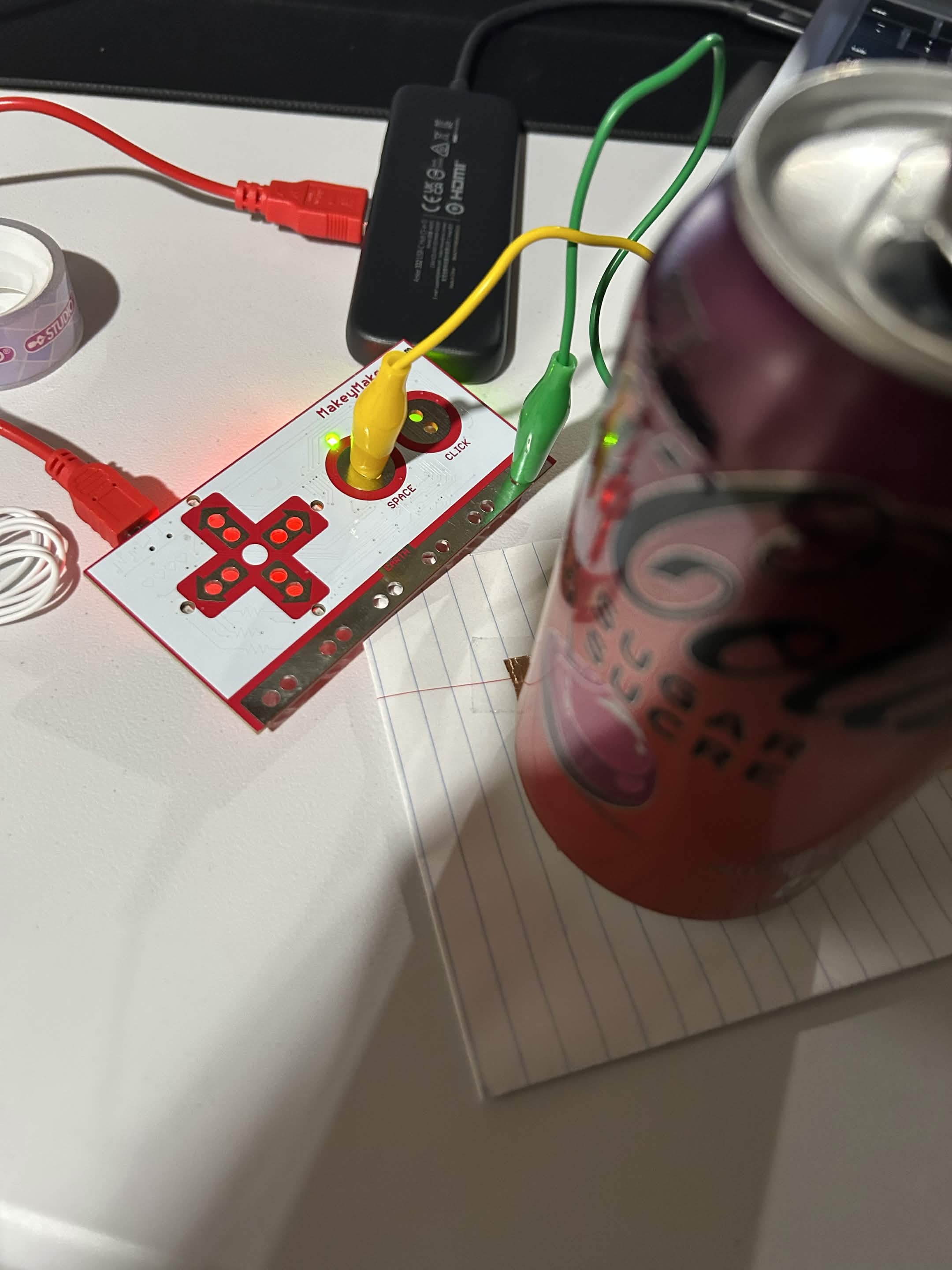
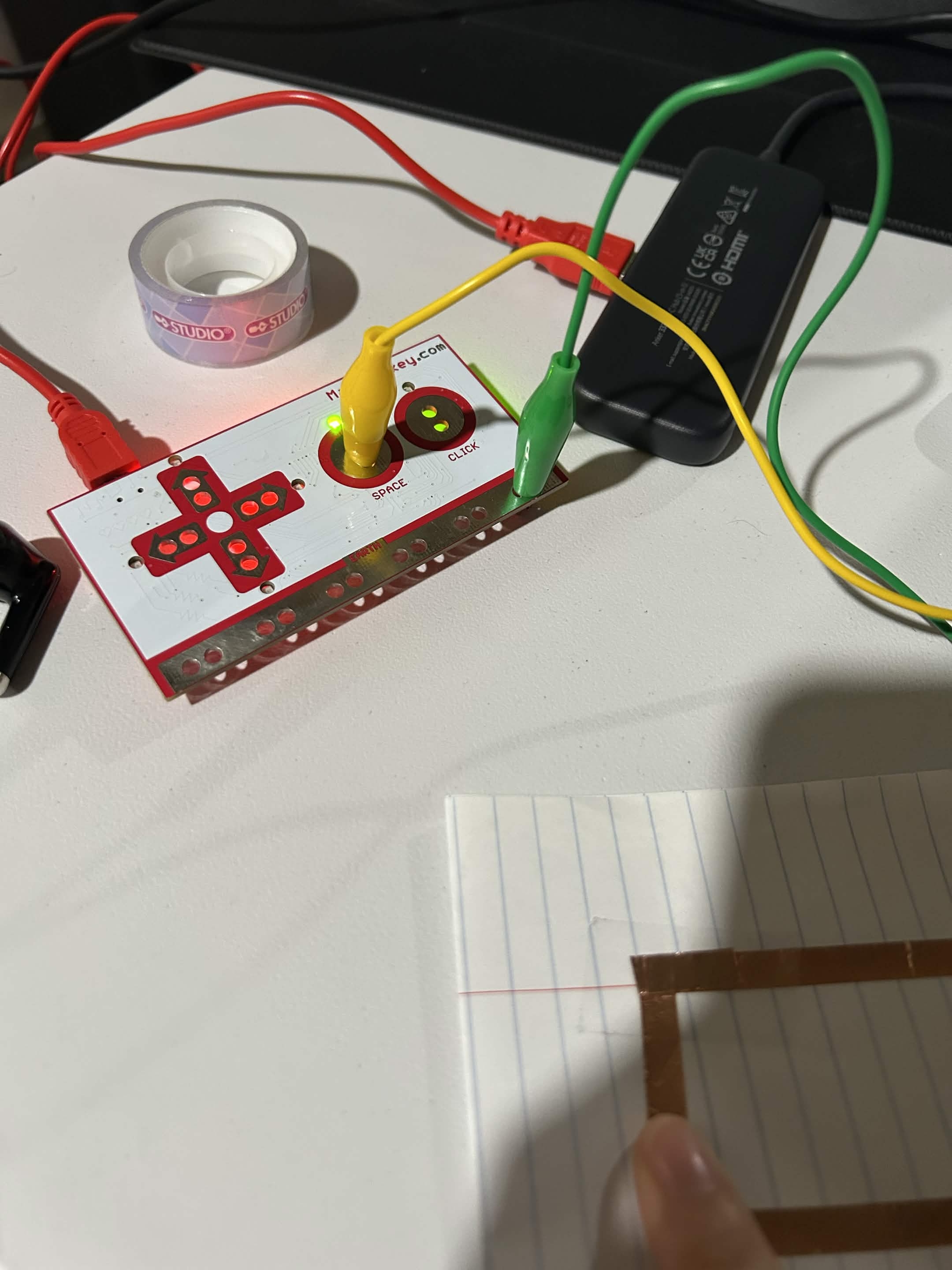
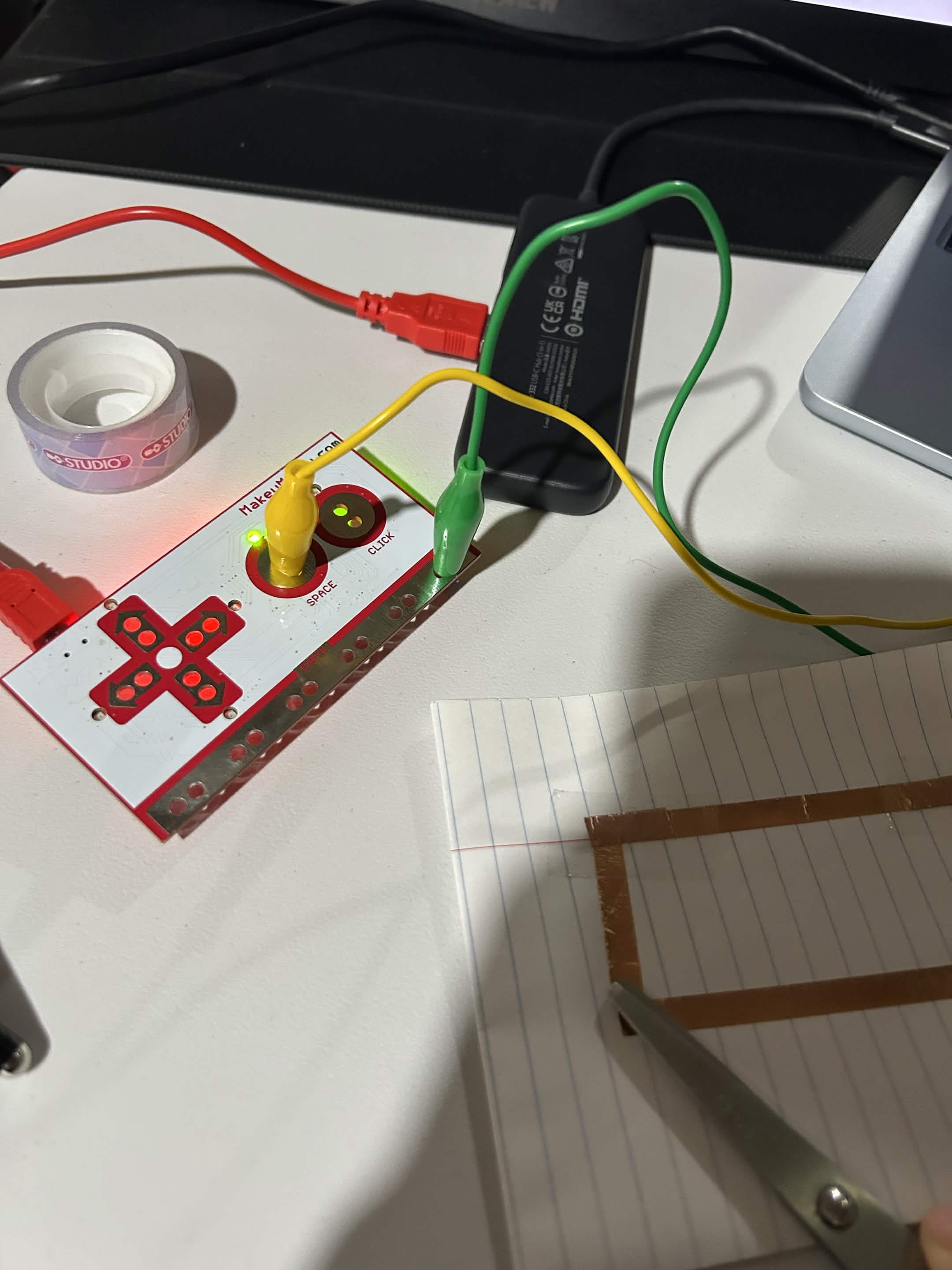
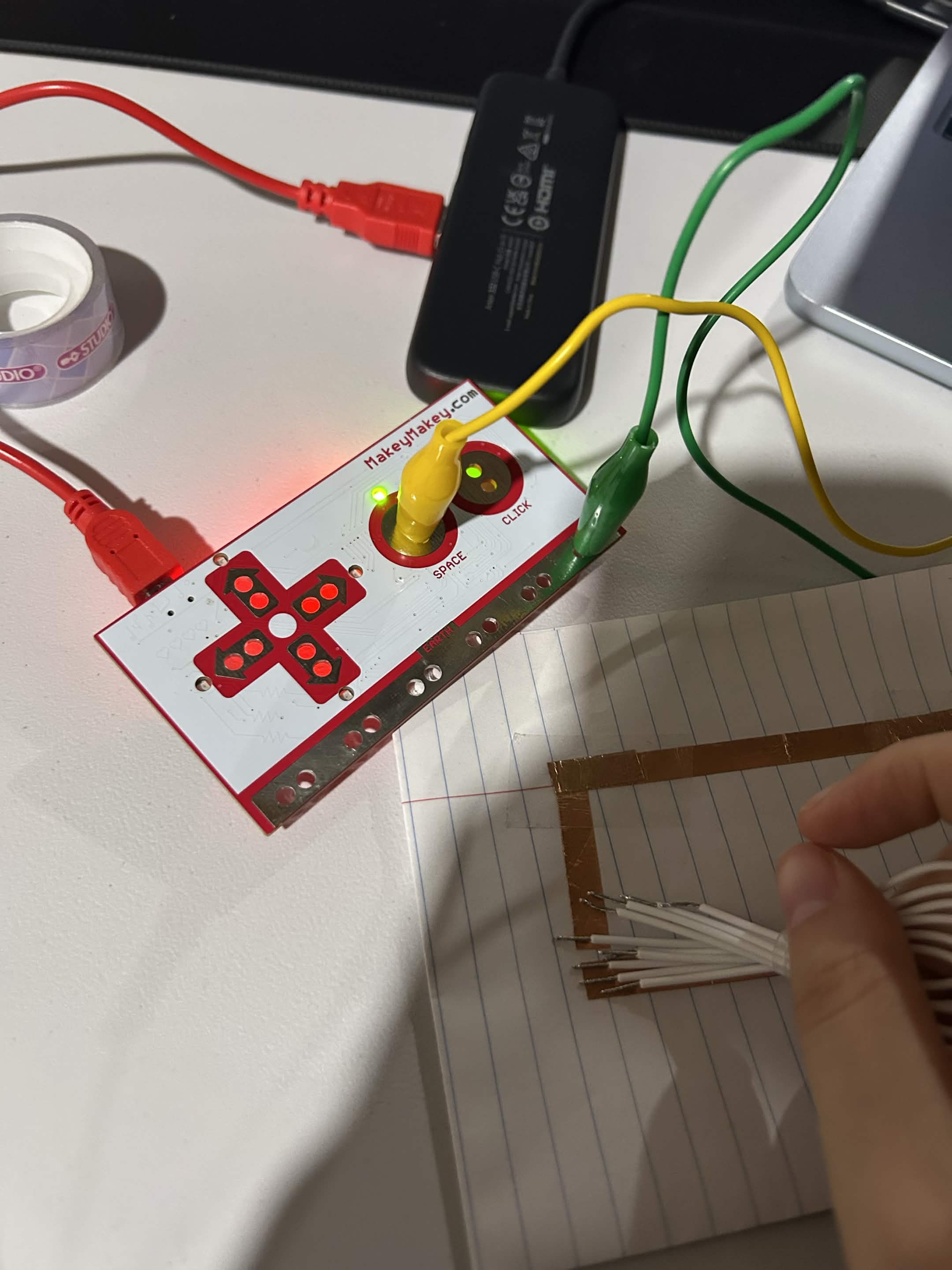
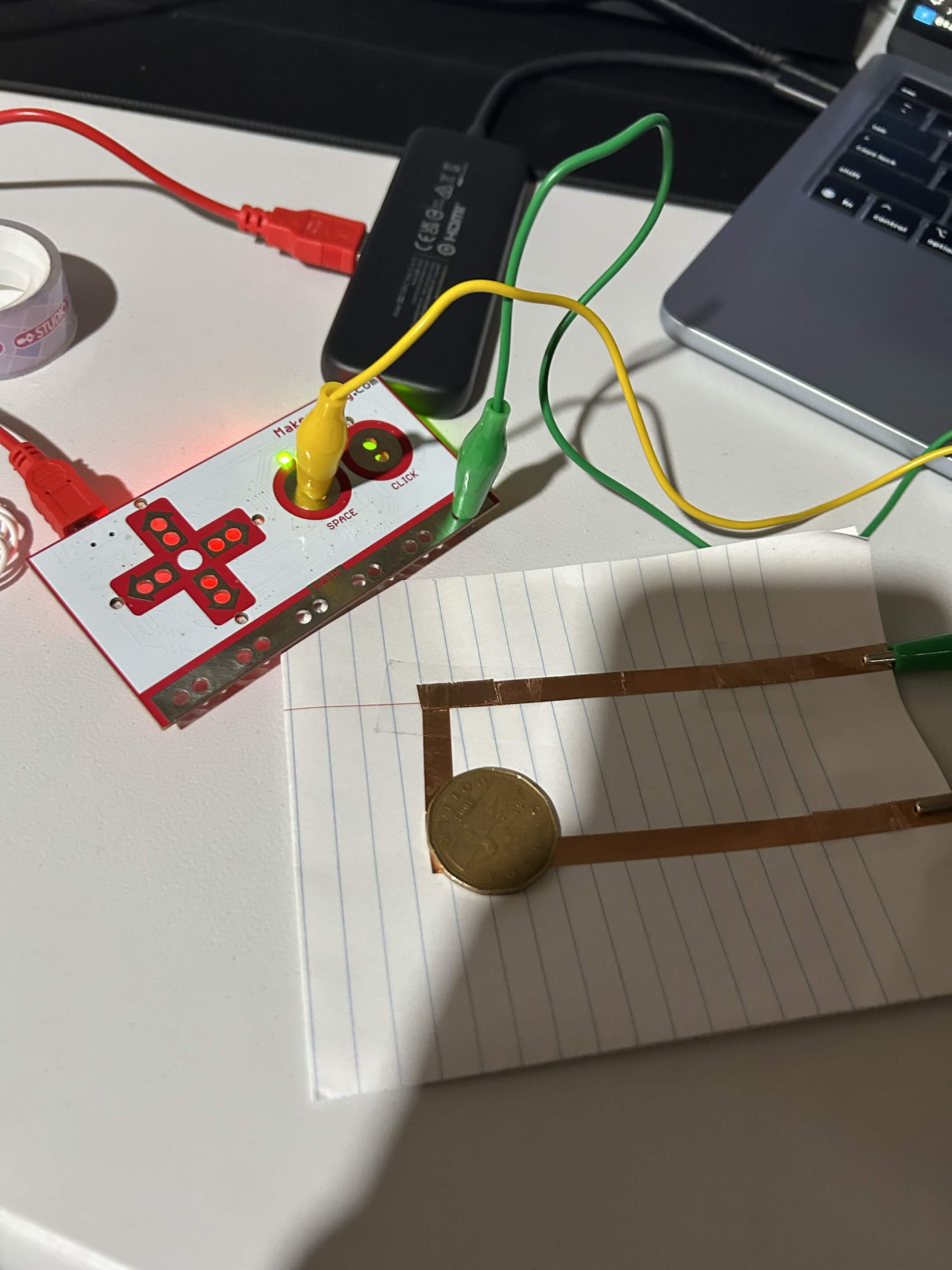
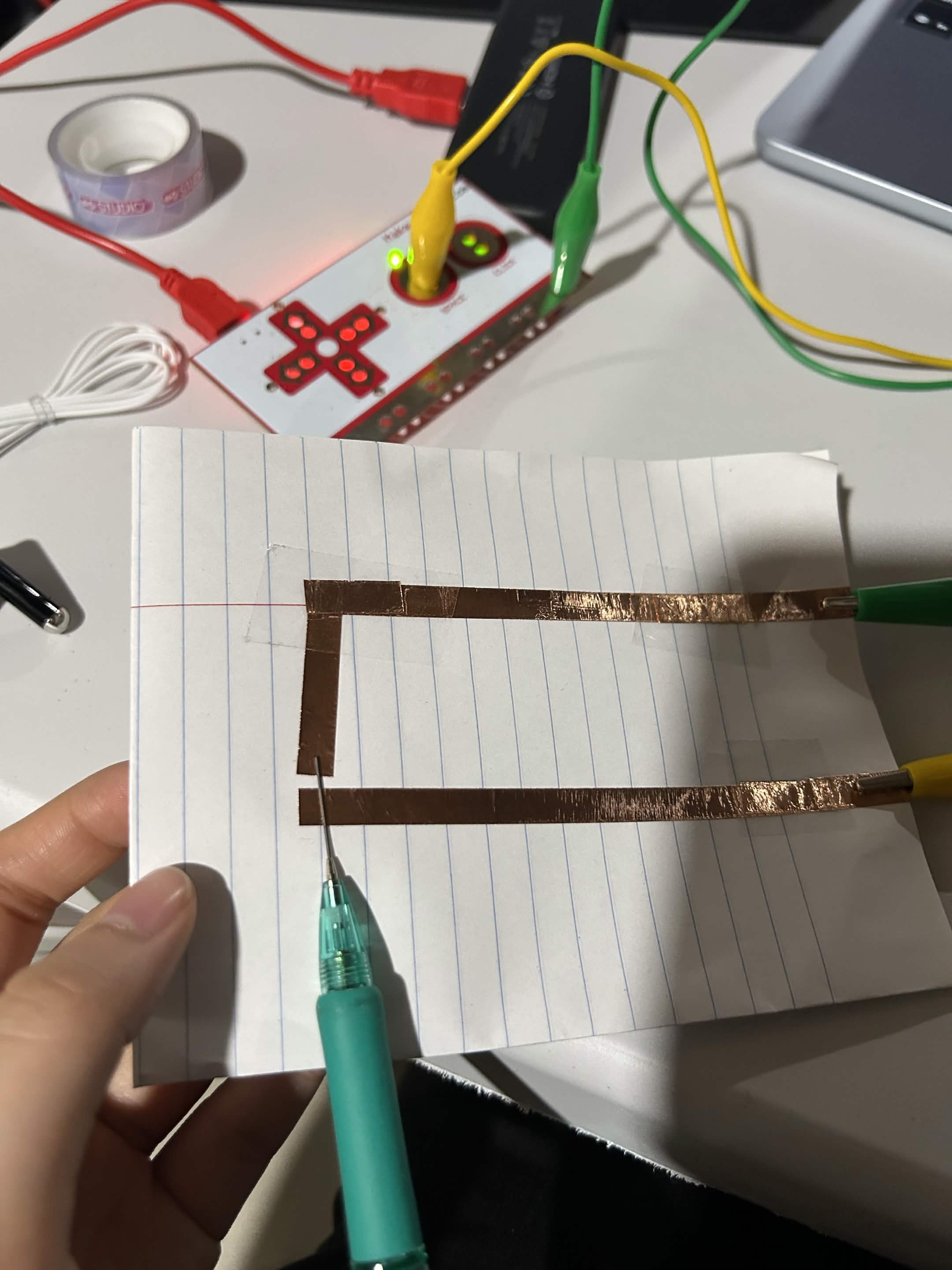
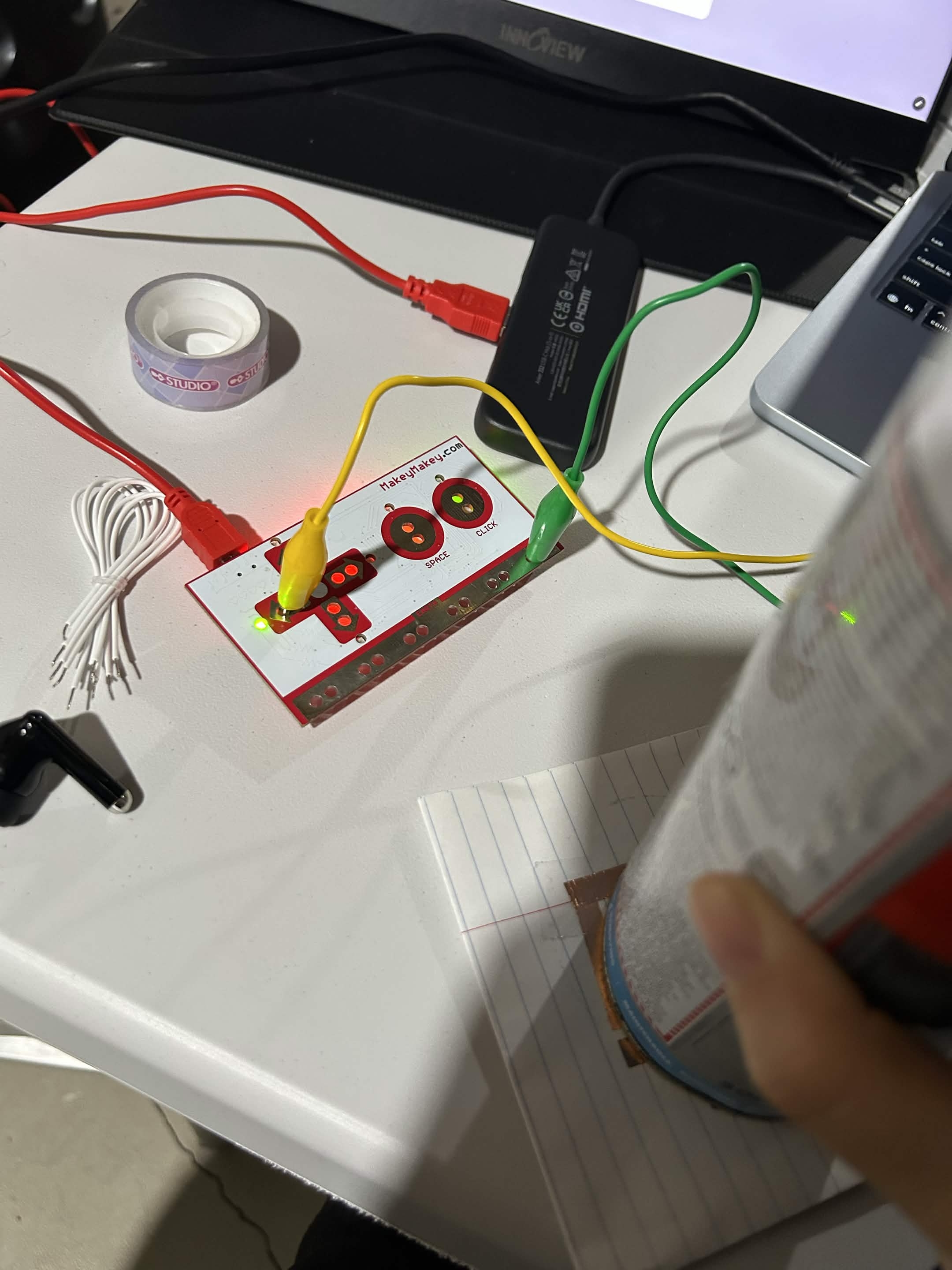
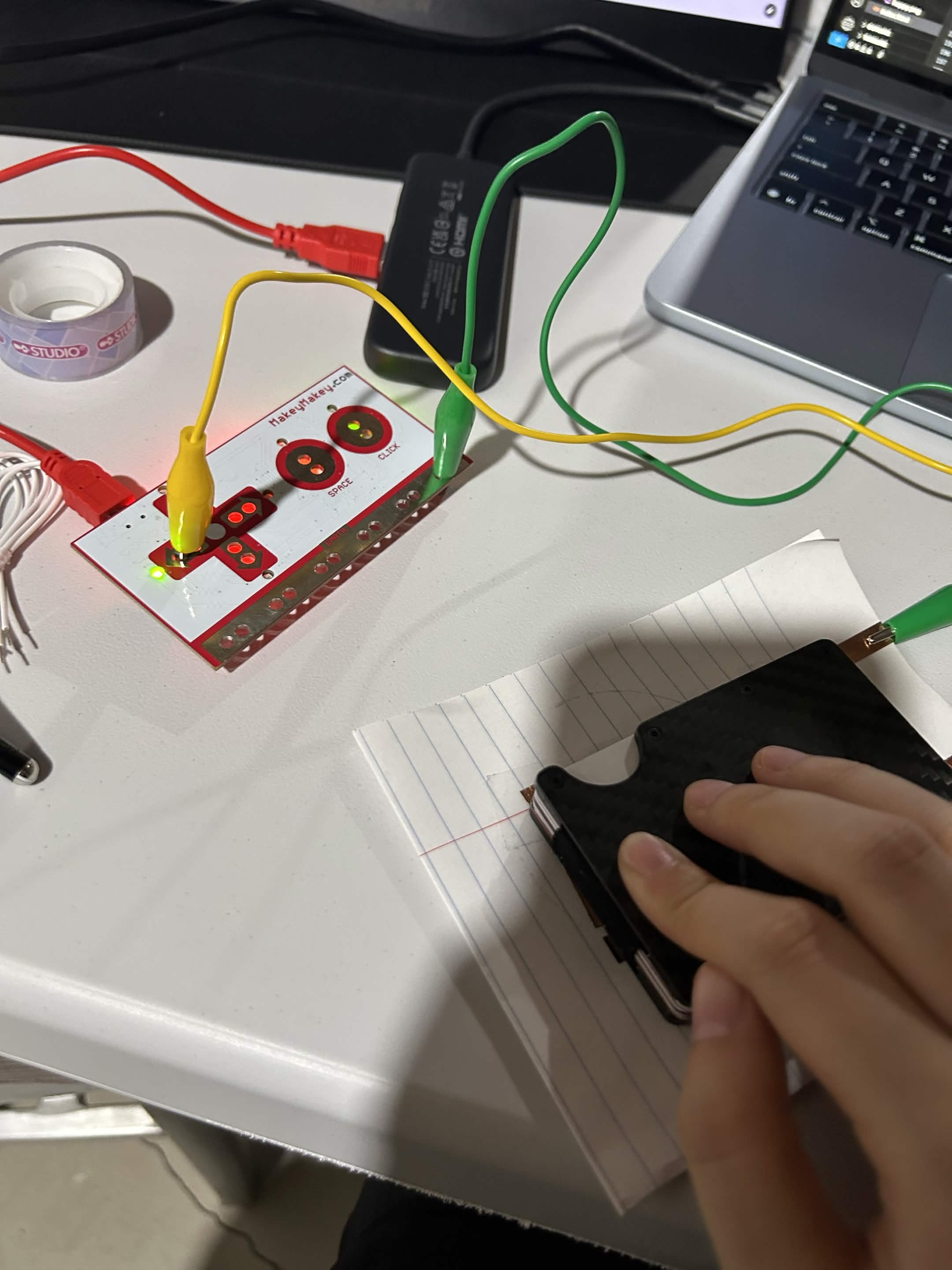
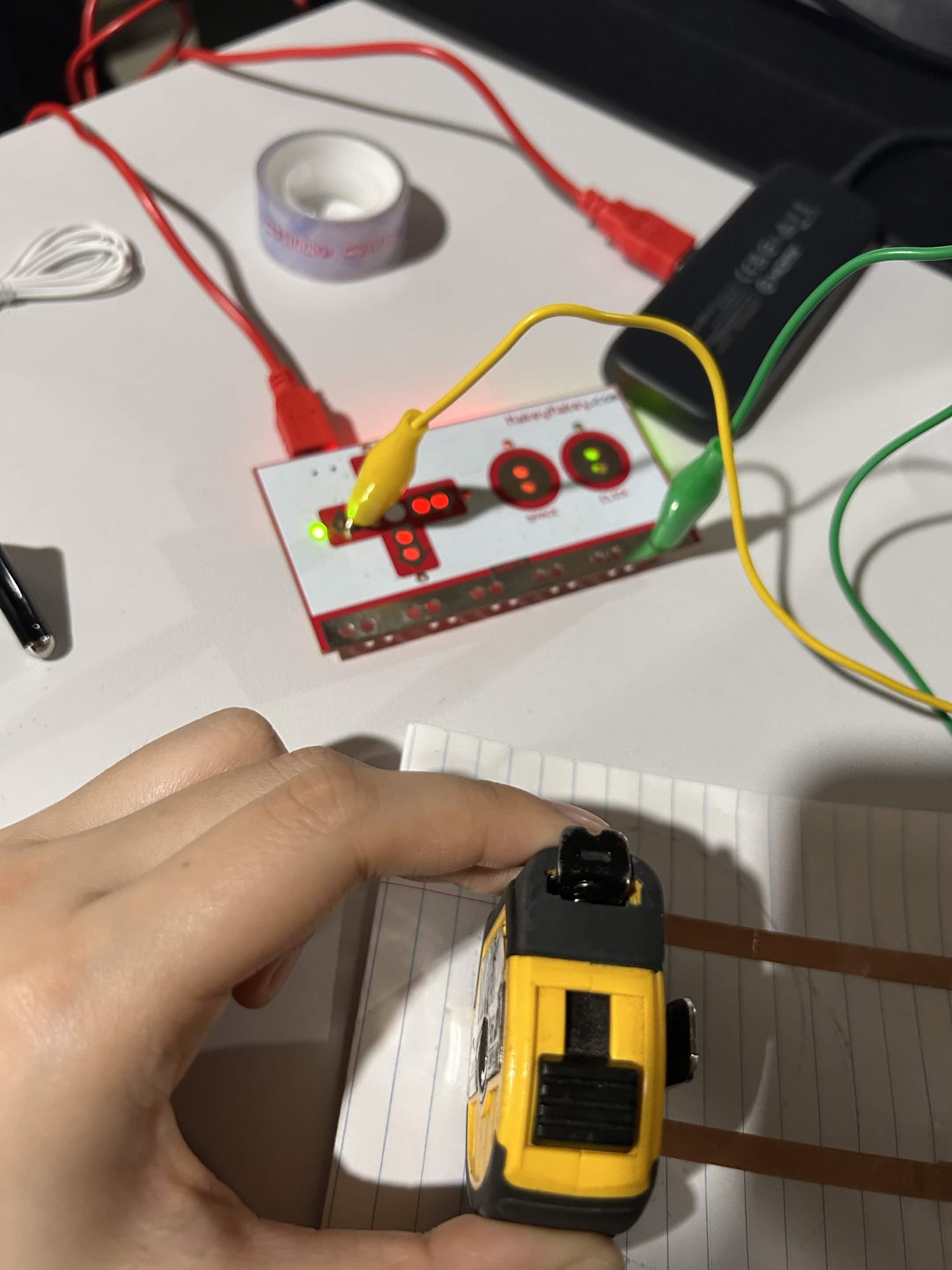
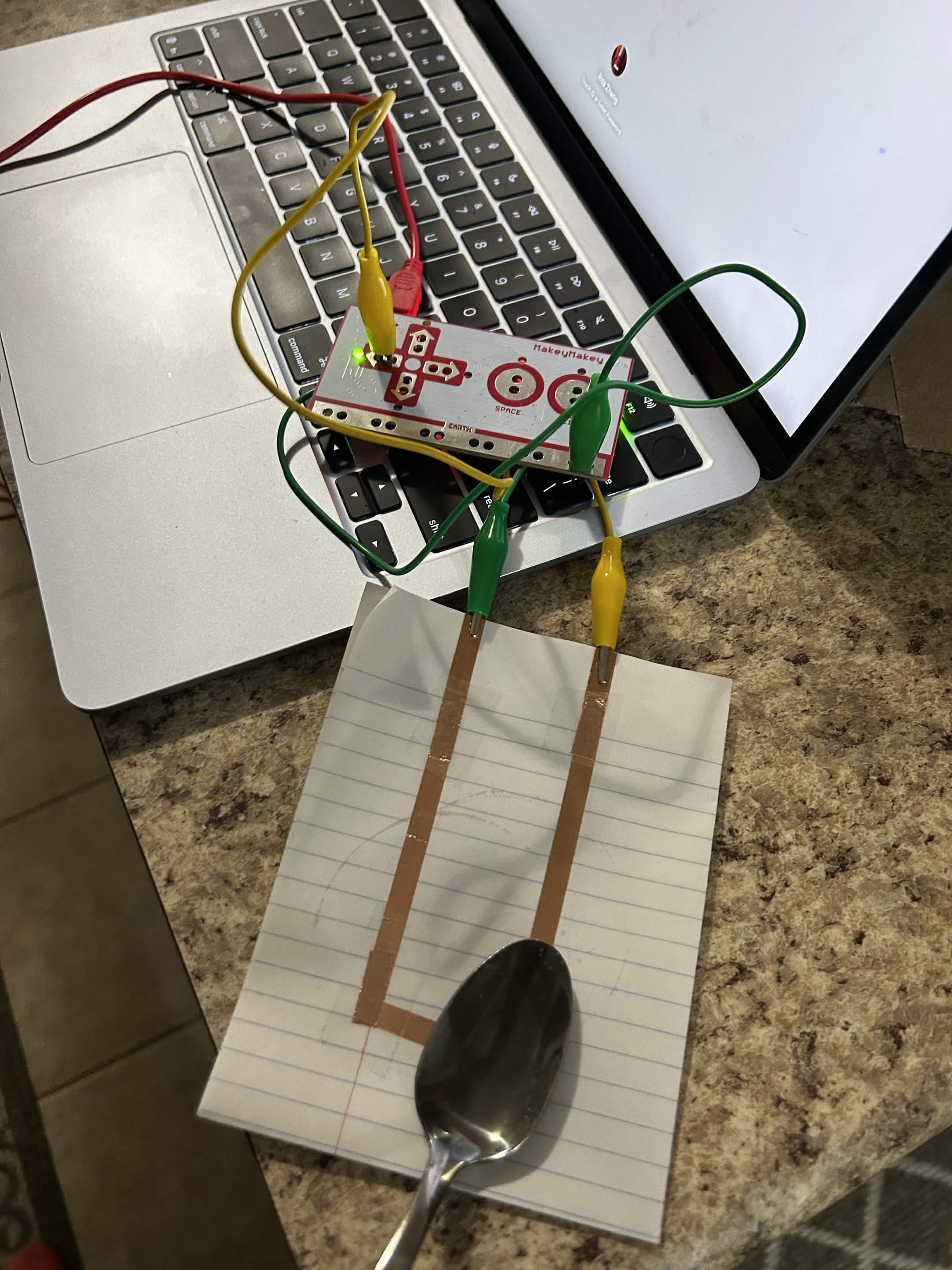
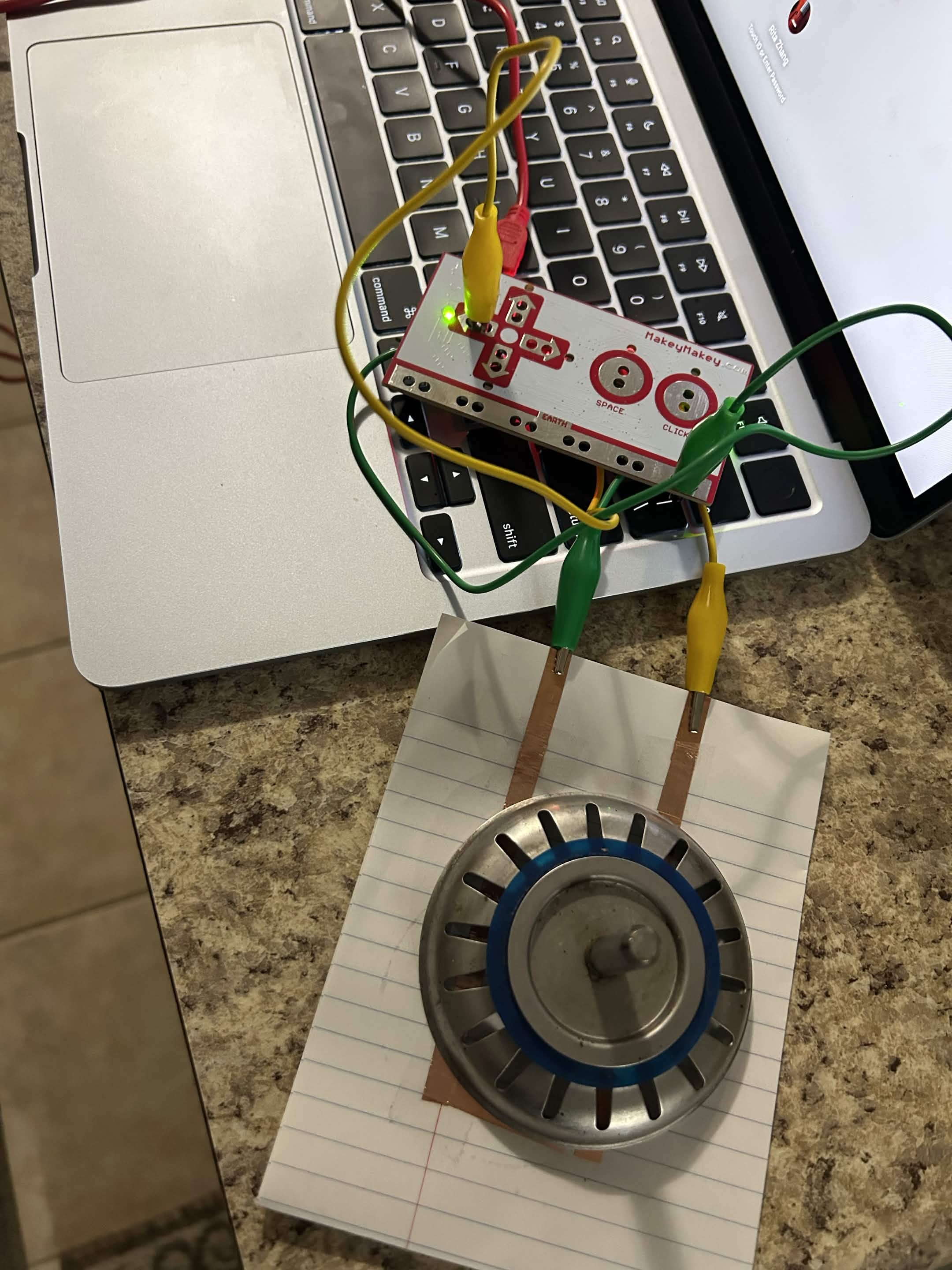
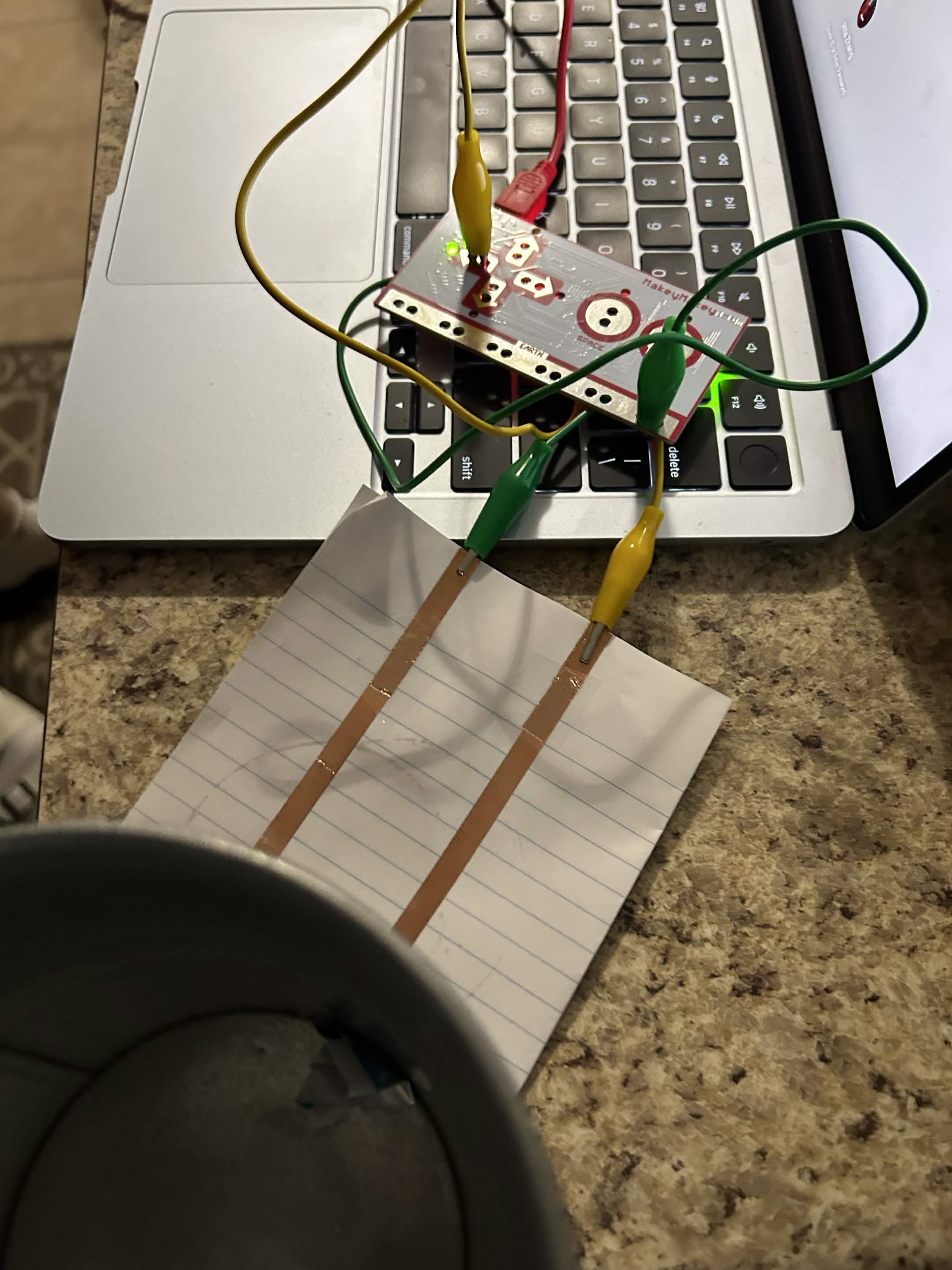
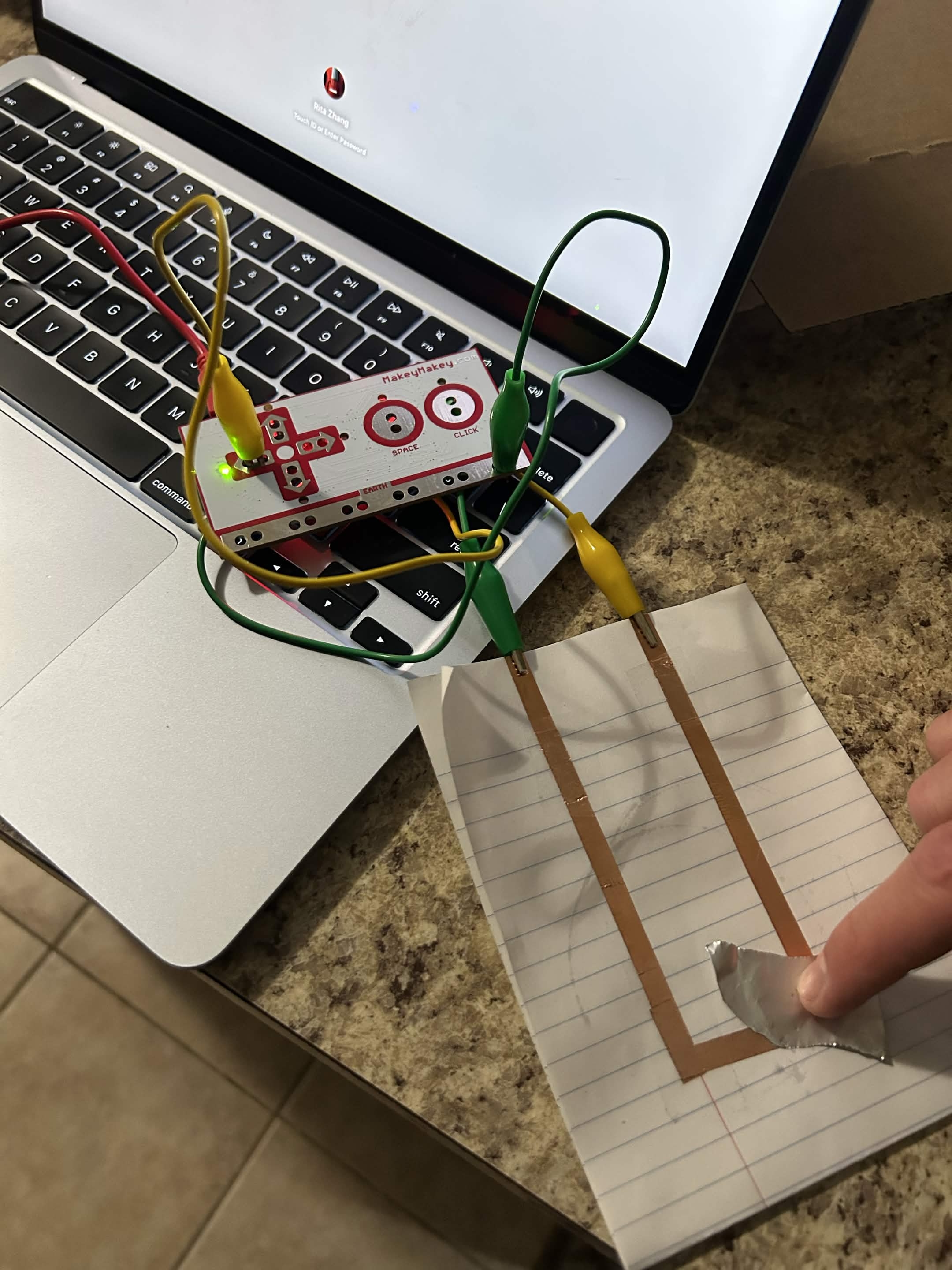
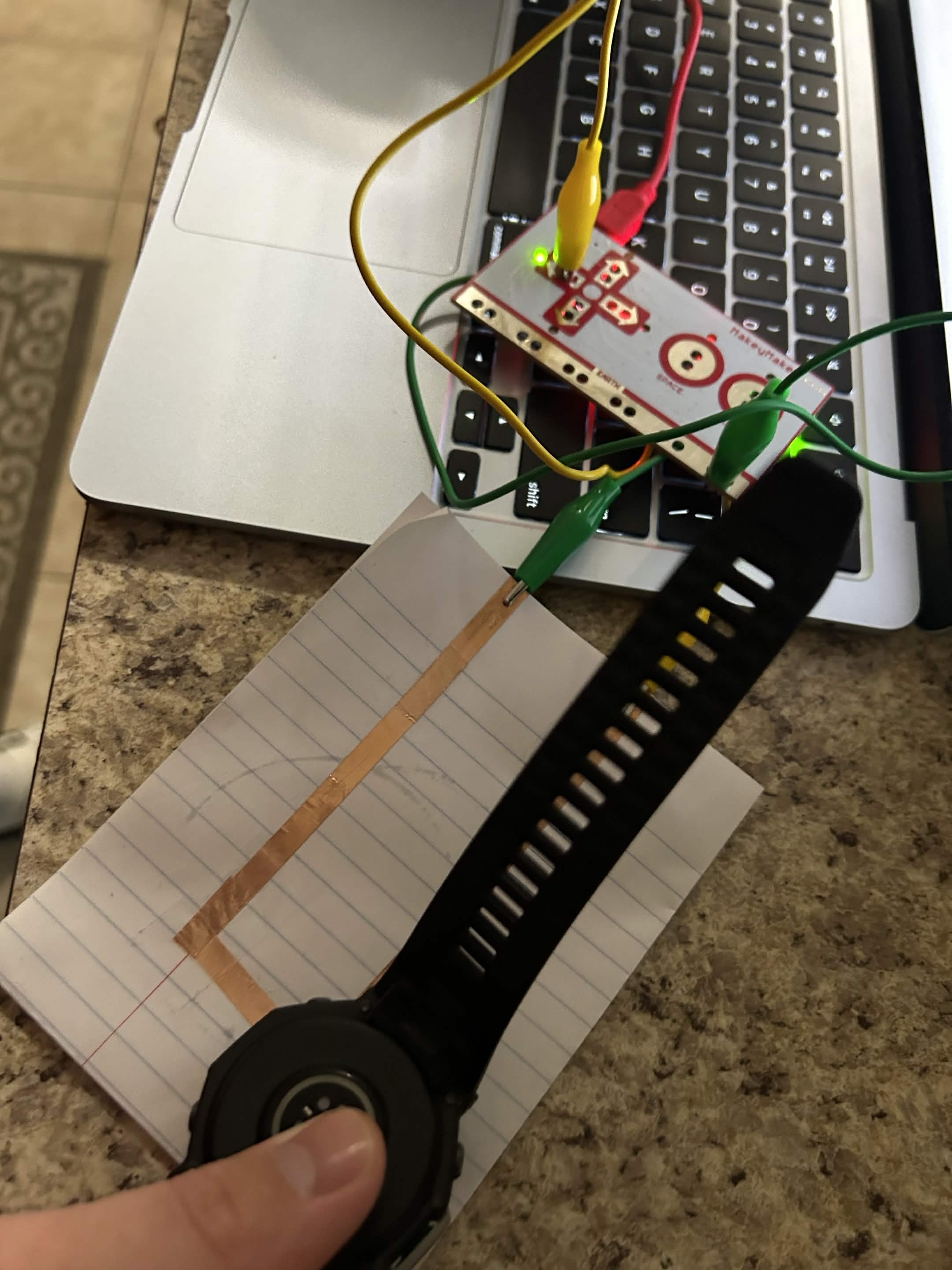
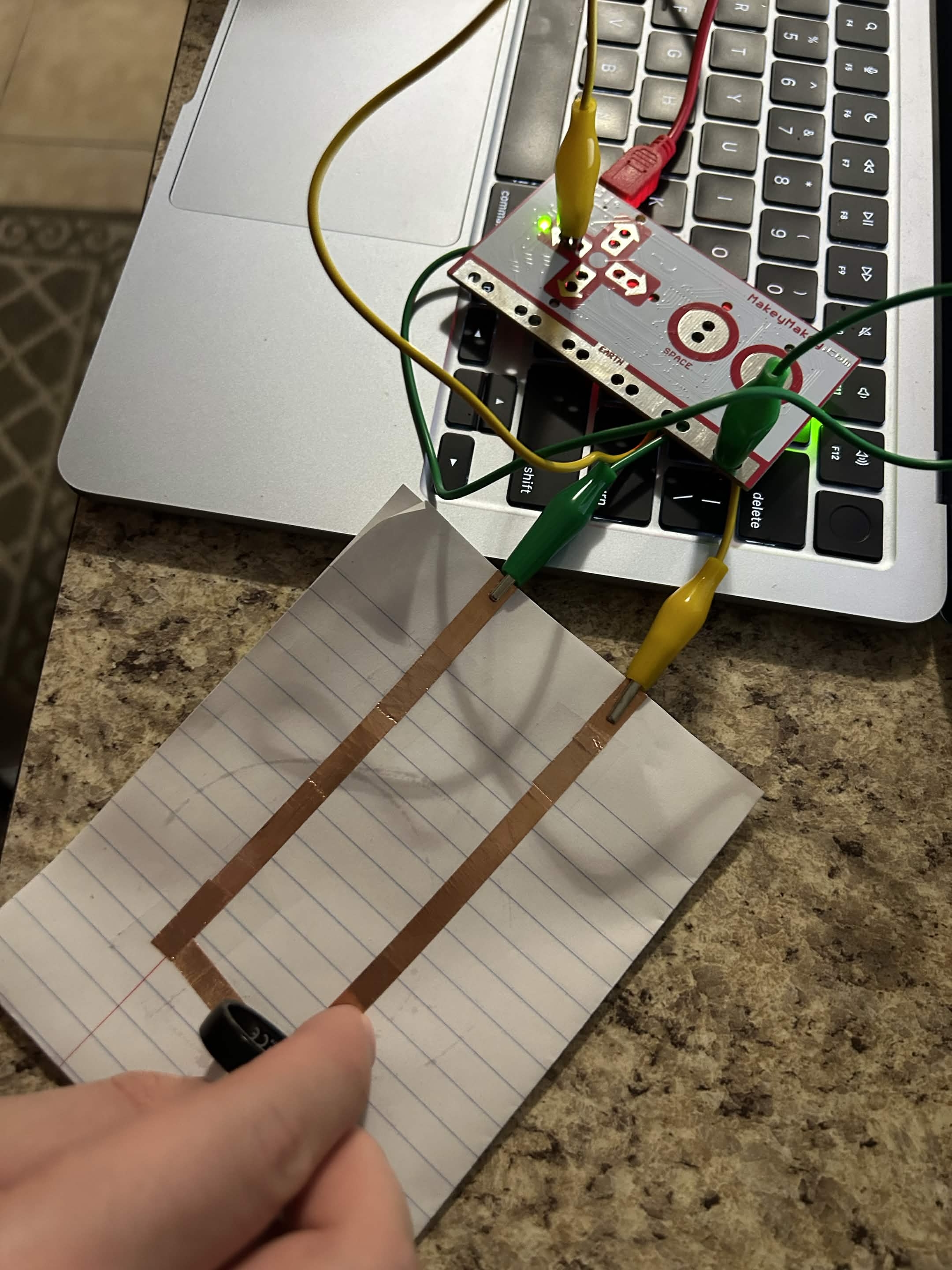
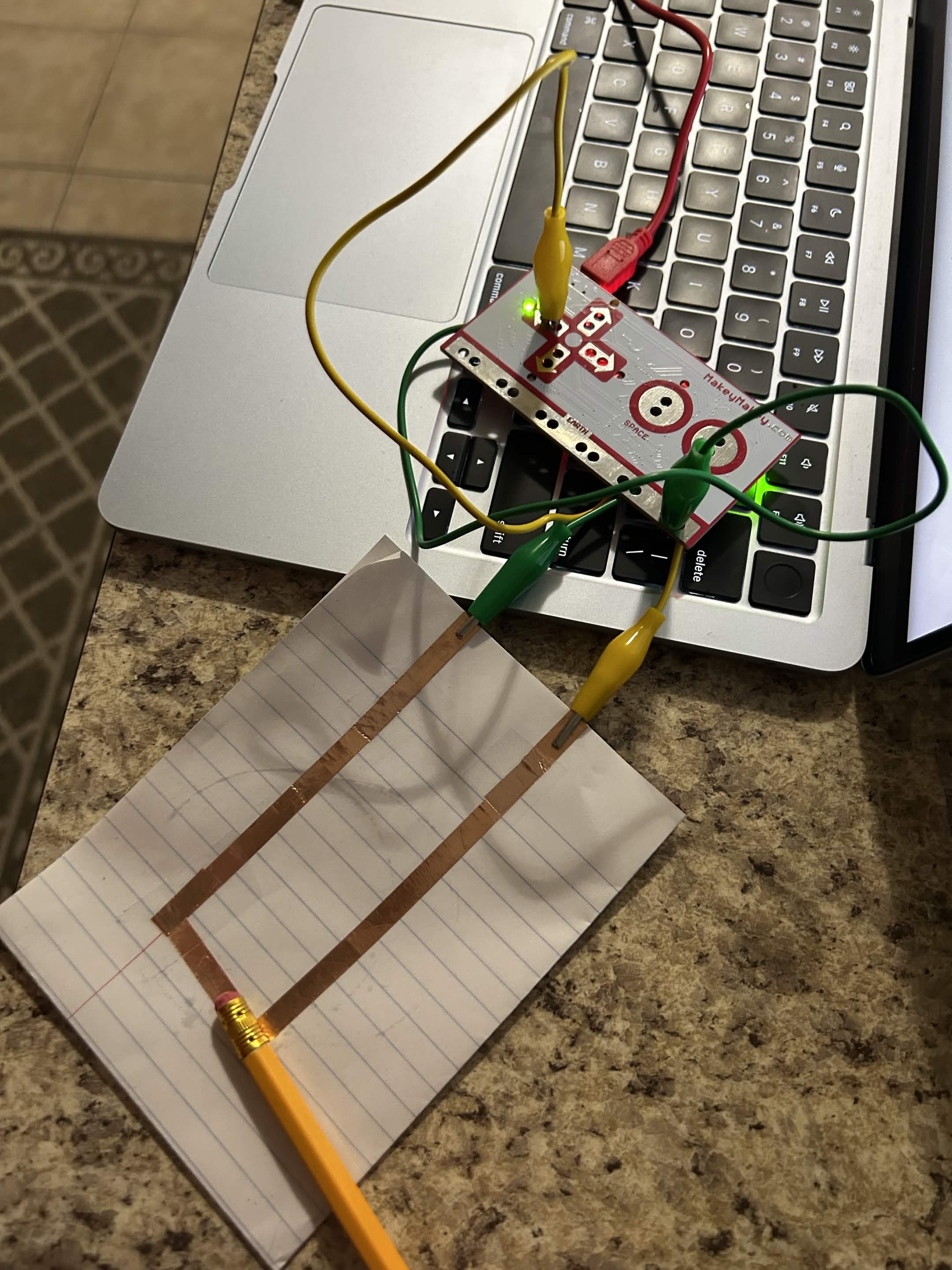
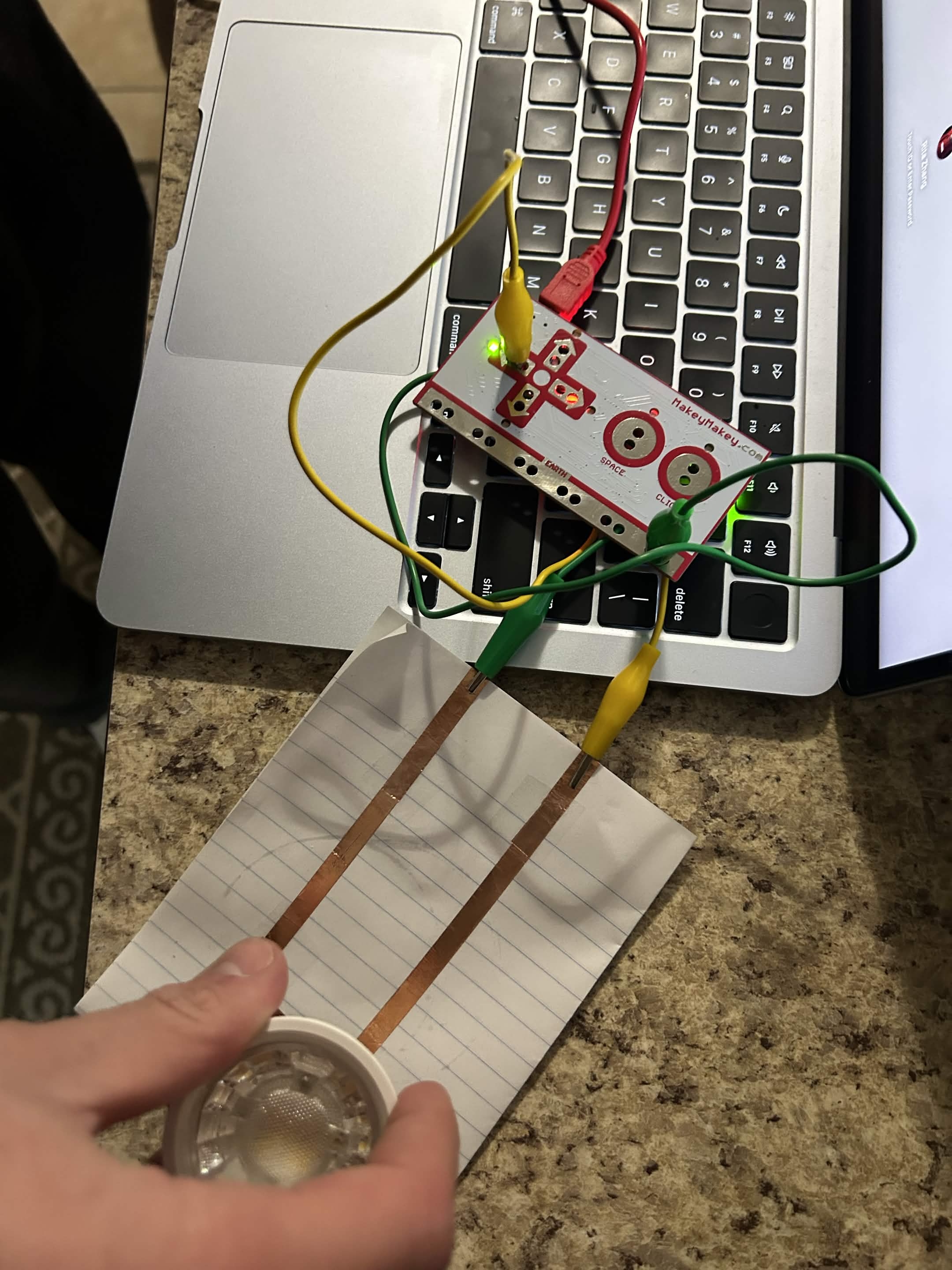
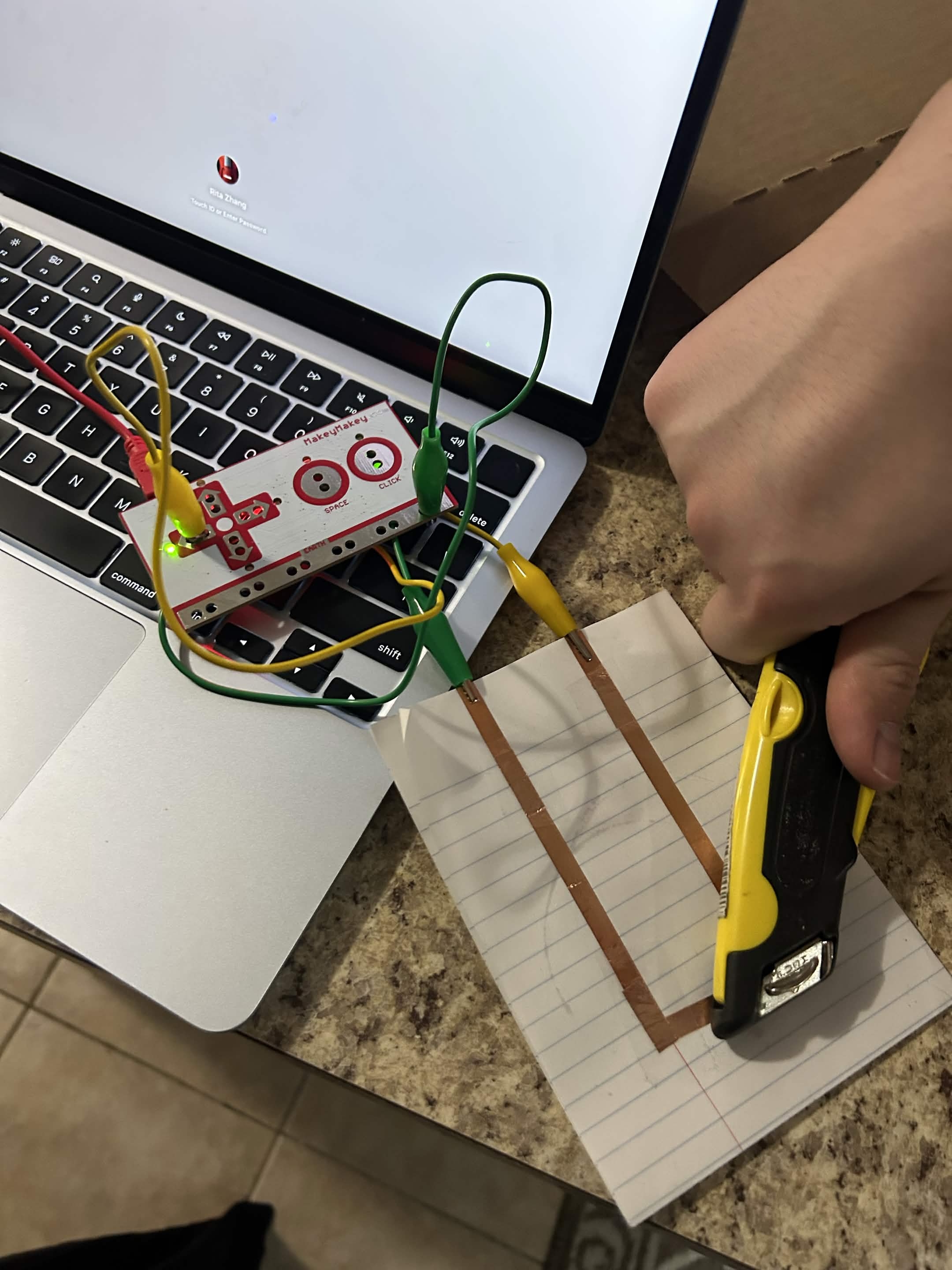
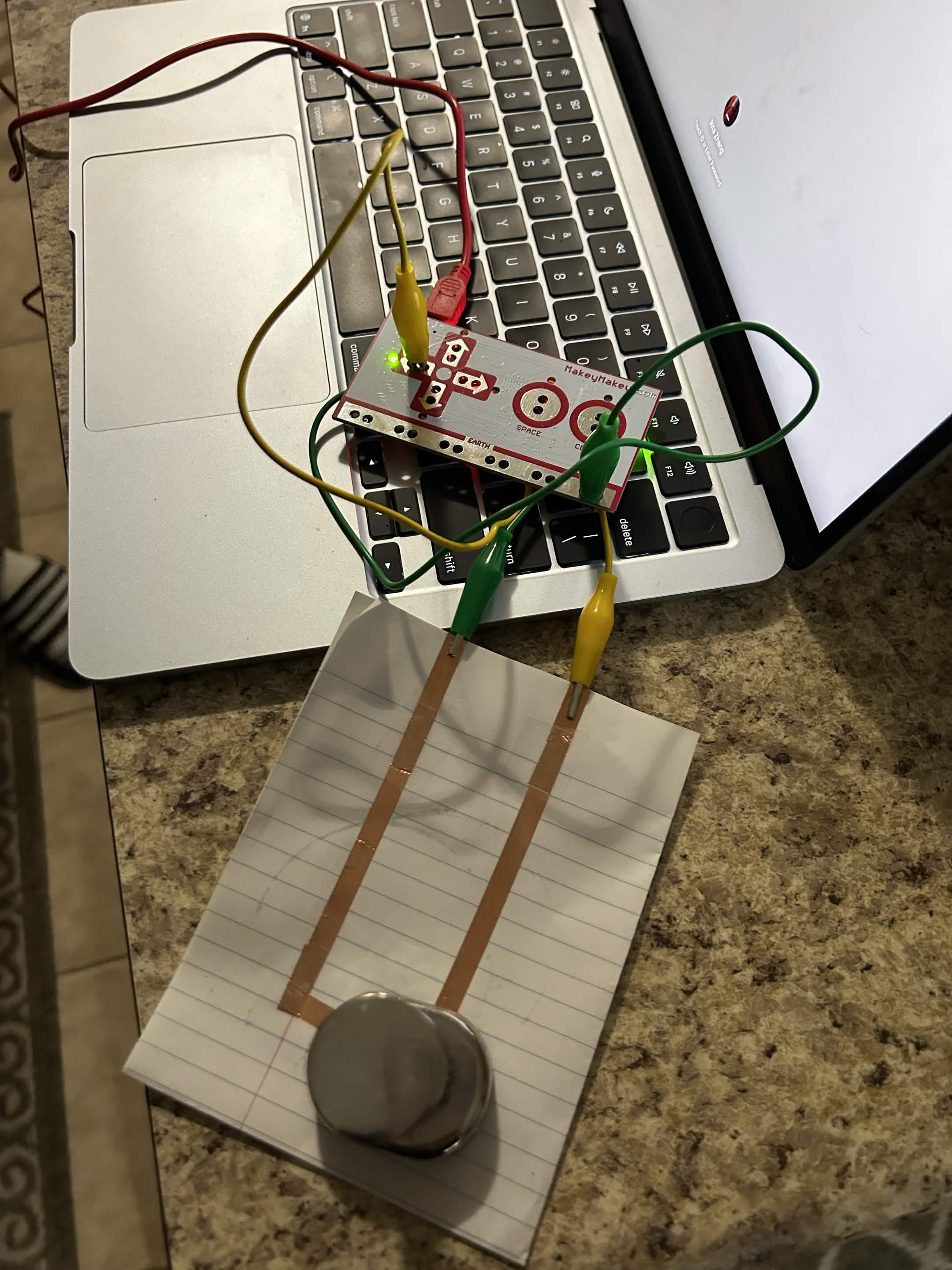
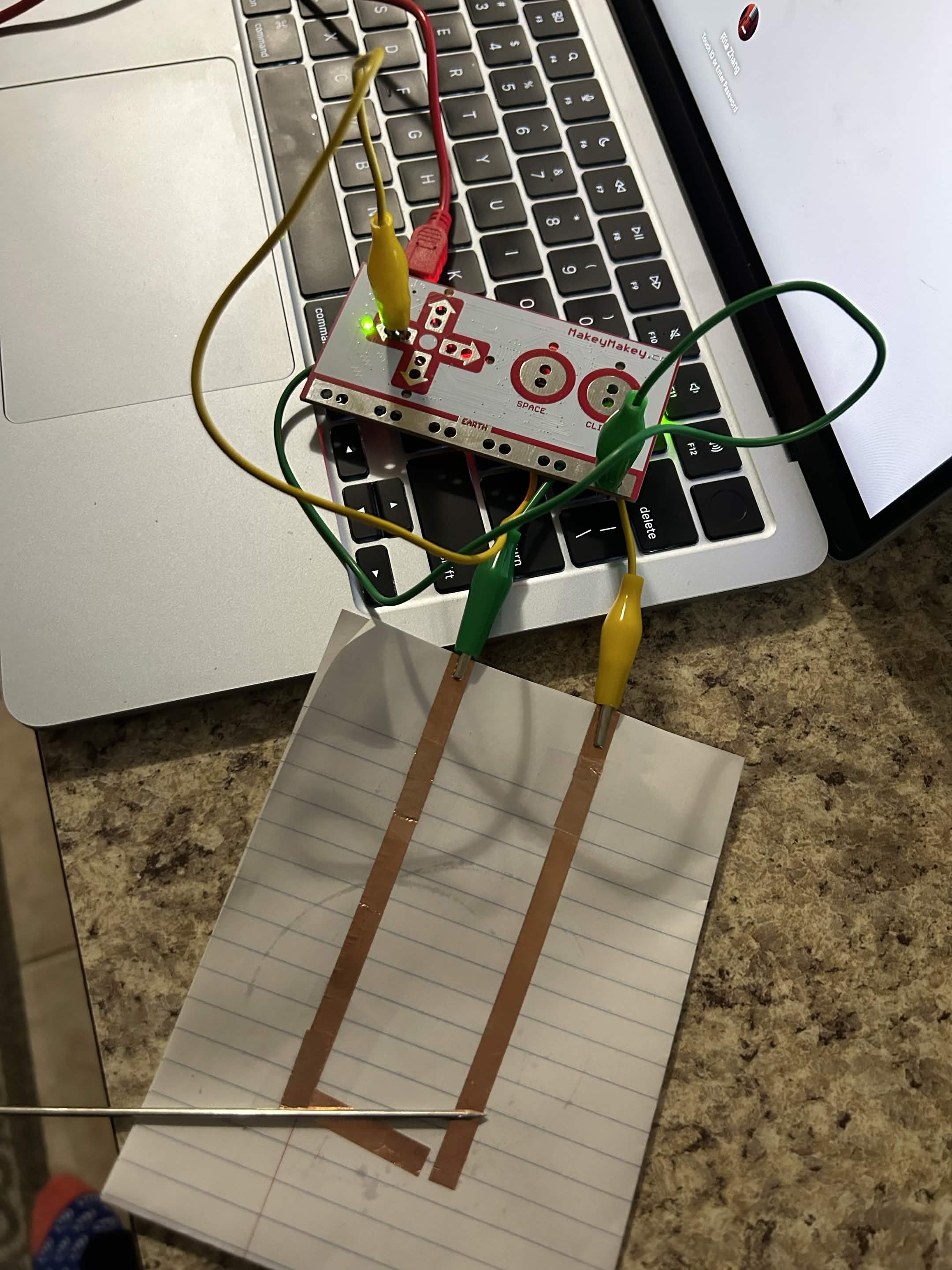
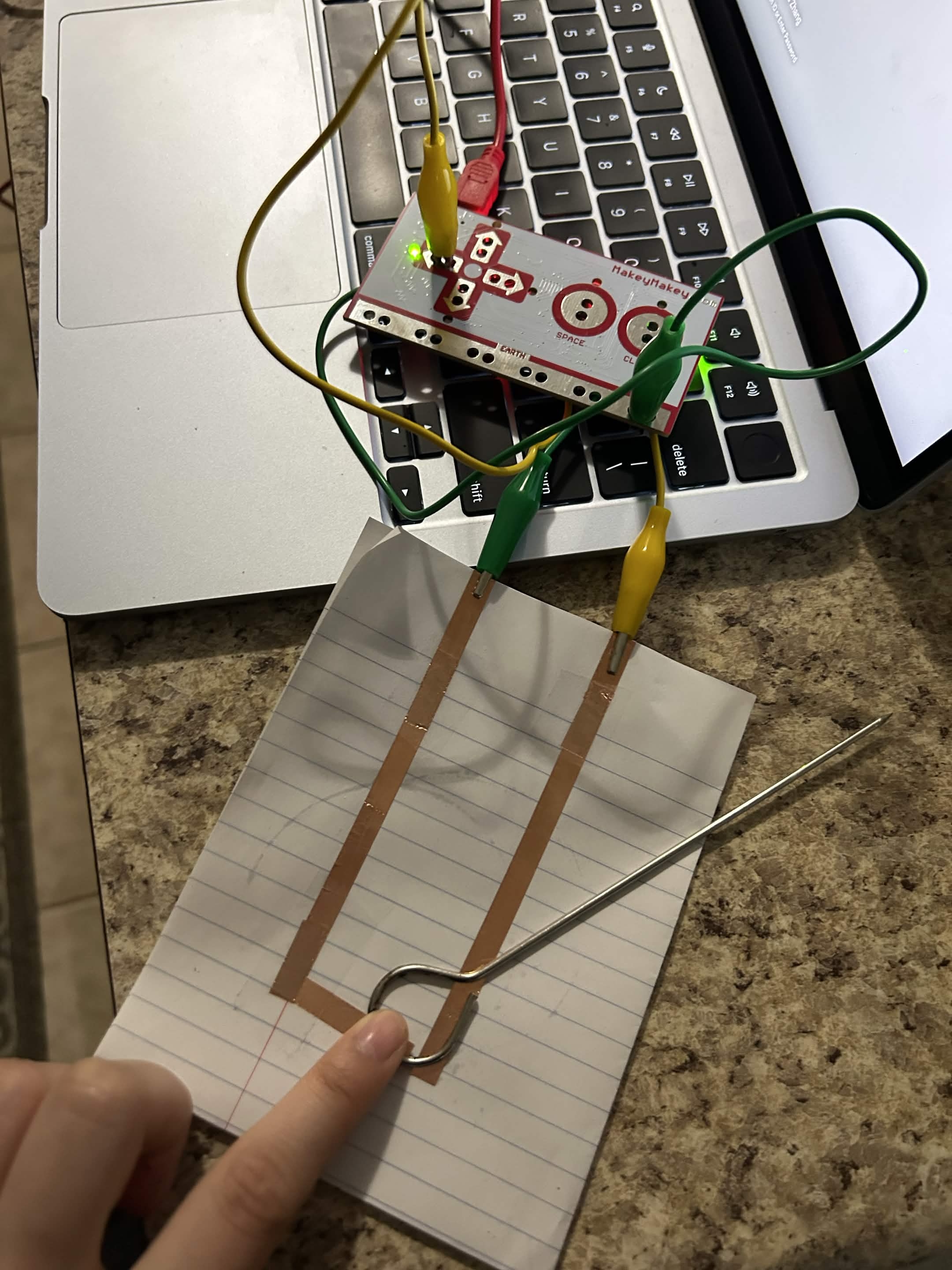
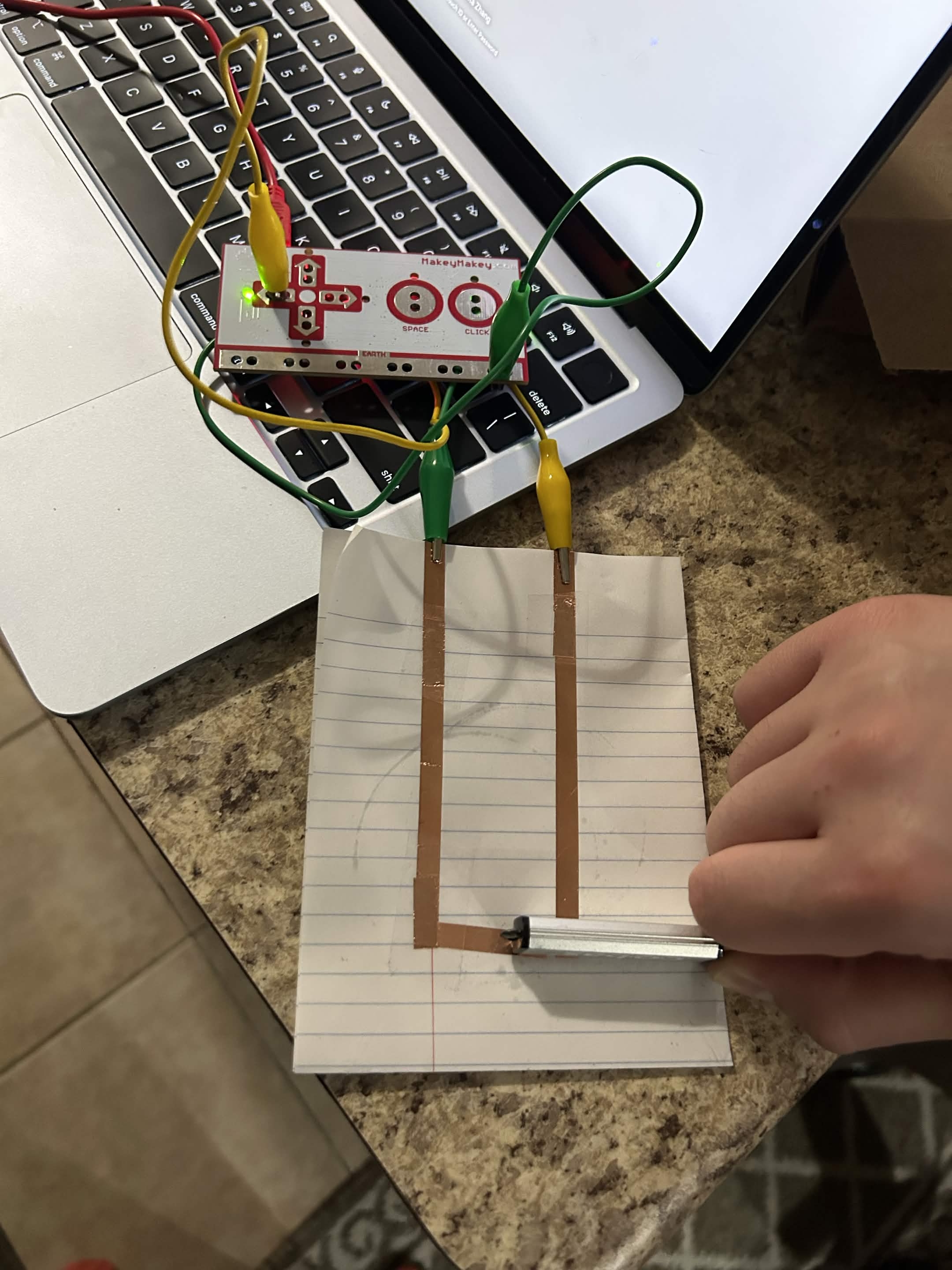
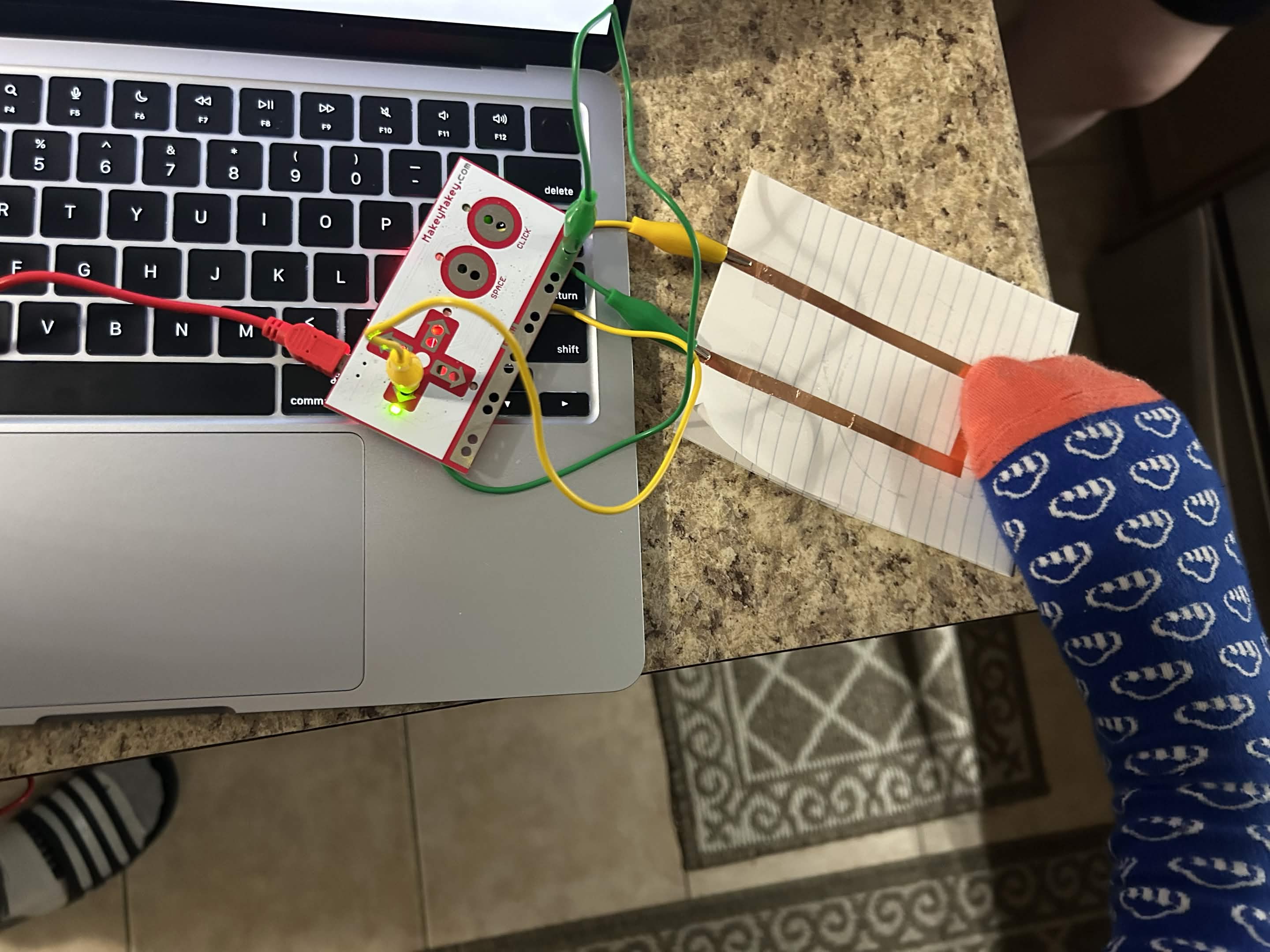
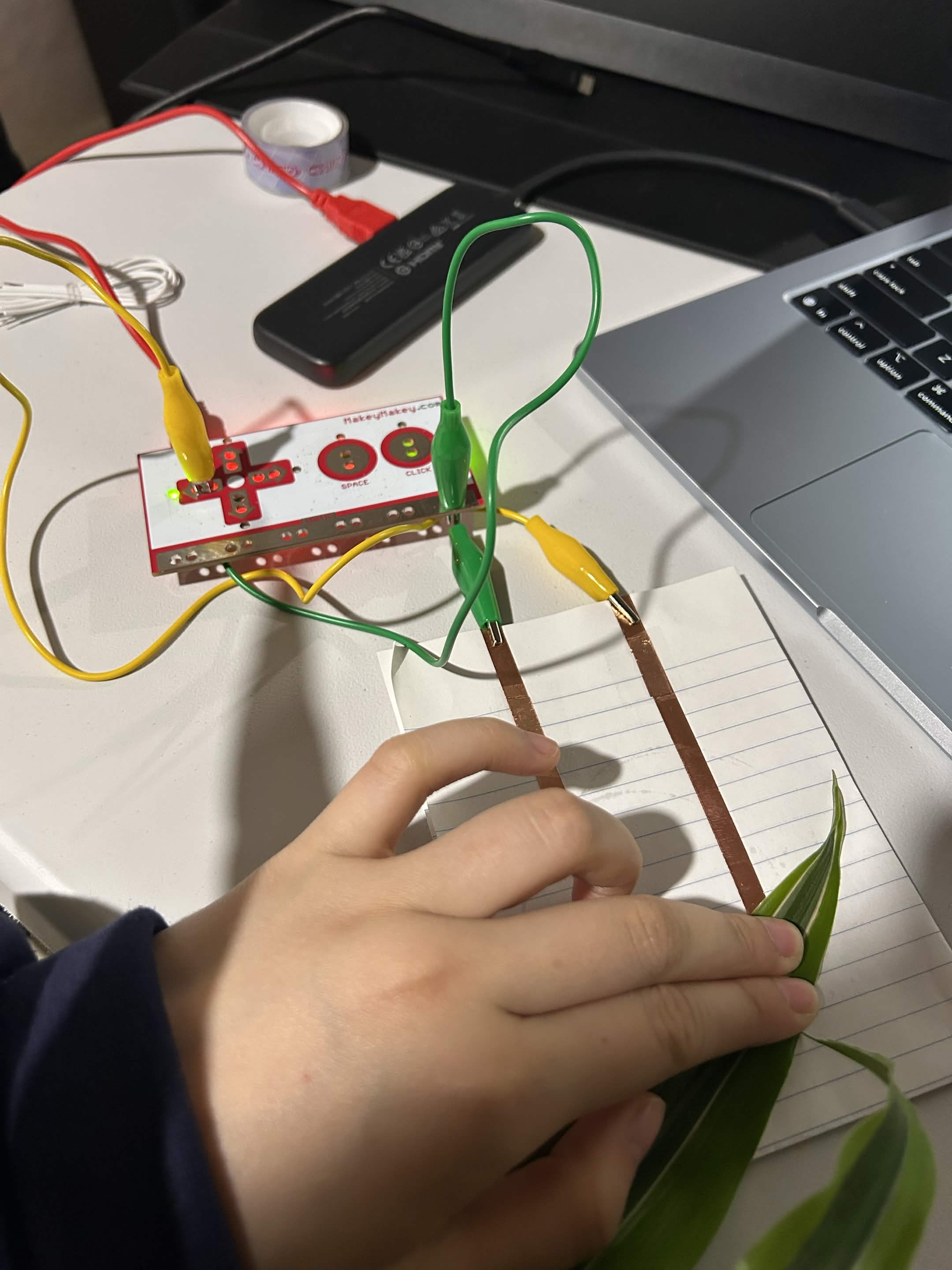
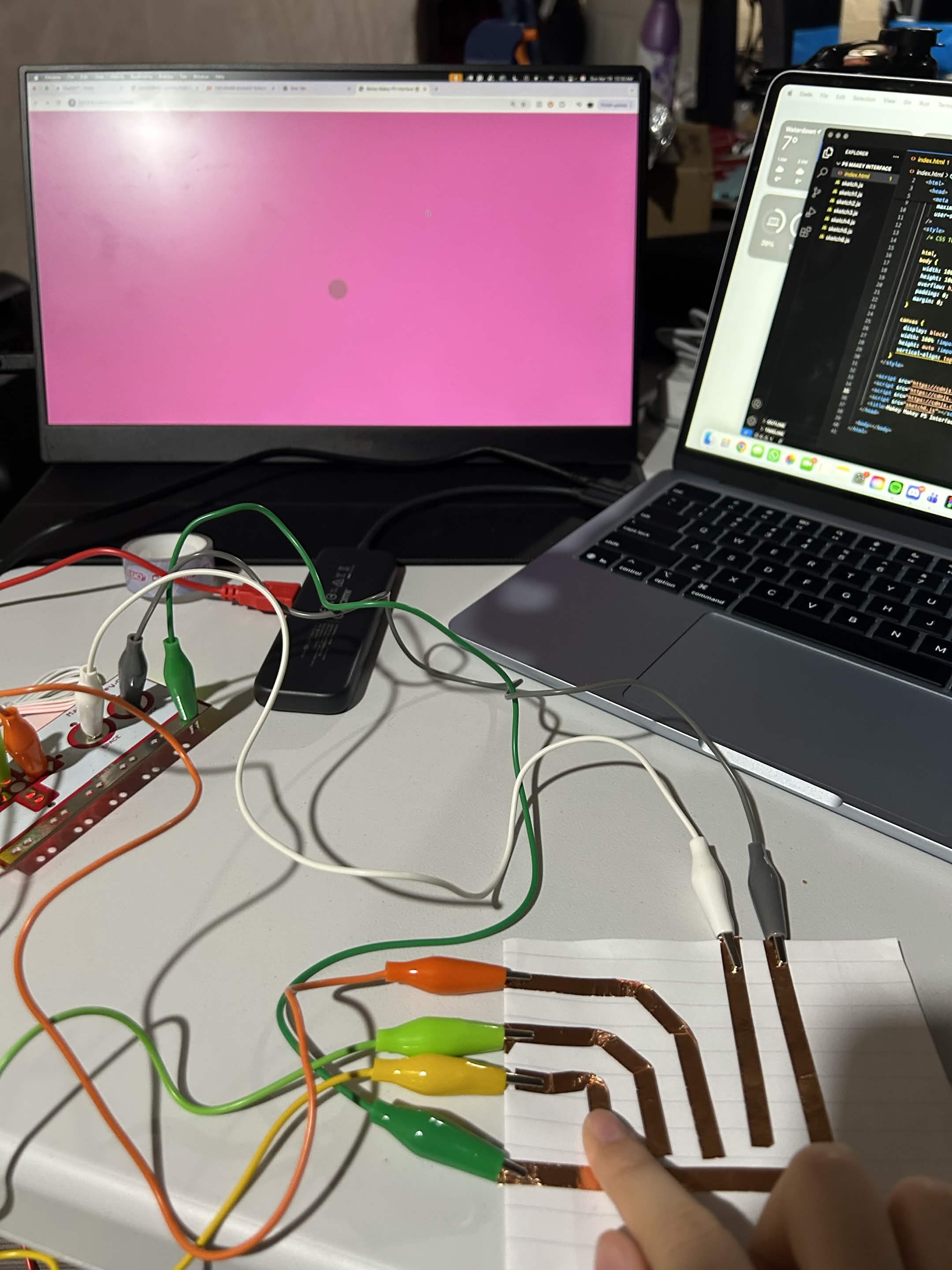
I used the conductive tape and hooked it up to my makey makey and laptop, to make sure it worked, I closed the circuit with my finger. I tested numerous different conductive materials. I started off with my scissors. I closed the circuit with the wires we were given that came with the makey makey. I closed the circuit with a coke can. I closed the circuit with a loonie. I closed the circuit with my pencil led. I closed the circuit with an air duster. I closed the circuit with a card wallet. I closed the circuit with a measuring tape. I closed the circuit with a spoon. I closed the circuit with a sink drain. I closed the circuit with a metal bucket. I closed the circuit with tin foil. I closed the circuit with a watch. I closed the circuit with a ring. I closed the circuit with the metal part of a pencil. I closed the circuit with a light bulb. I closed the circuit with an exacto knife. I closed the circuit with a coke can. I closed the circuit with a clump of metal. I closed the circuit with a skewer. I closed the circuit with the other side of the skewer. I closed the circuit with a USB drive. I closed the circuit with my foot. I created multiple paths for the circuit and had all the wires attachd to the makey makey, and I played around with it using the code.

Project 3


Final Project 3 Design

AR device used for firefighters using raspberry pi, liDAR sensor, and camera to see through smoke.
×

Powered by w3.css