Module 2 Formstorming

Weekly Activity Template

Rita Zhang


Project 2


Module 2

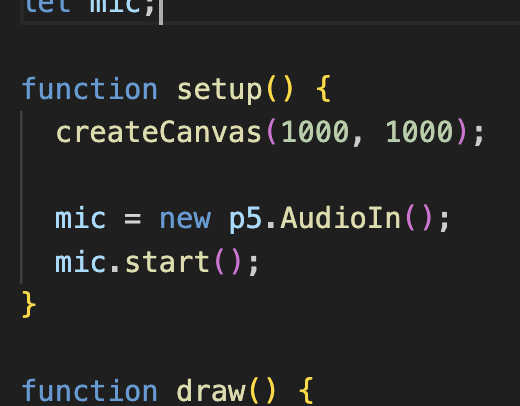
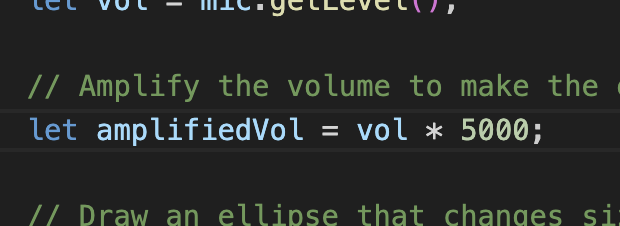
For this project I recorded different sounds around campus and learned how to use p5.js to create visuals that react to music/sound. For my final work I made an interactive website where the visuals and song react to where your move your cursor.

Activity 1
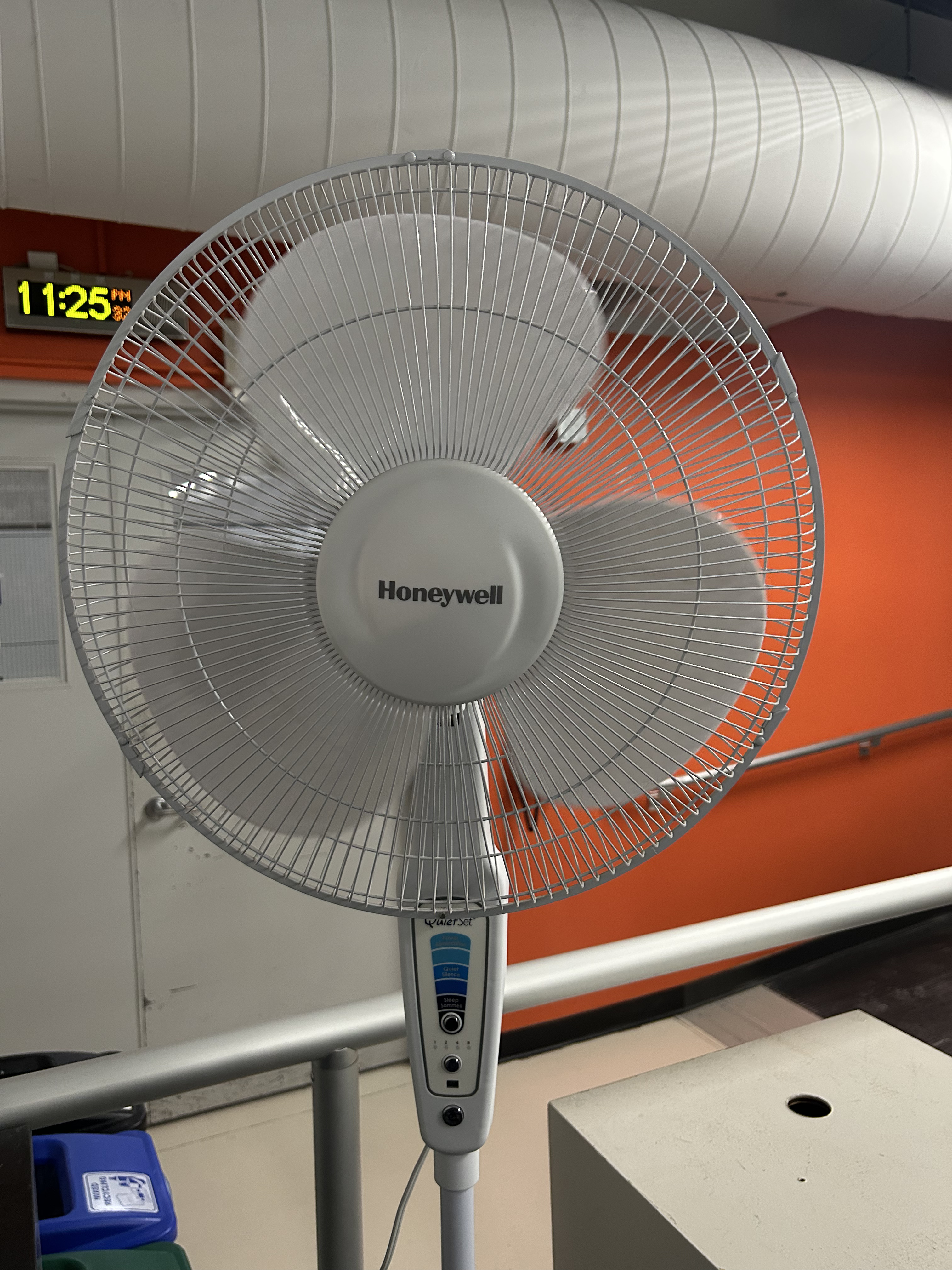
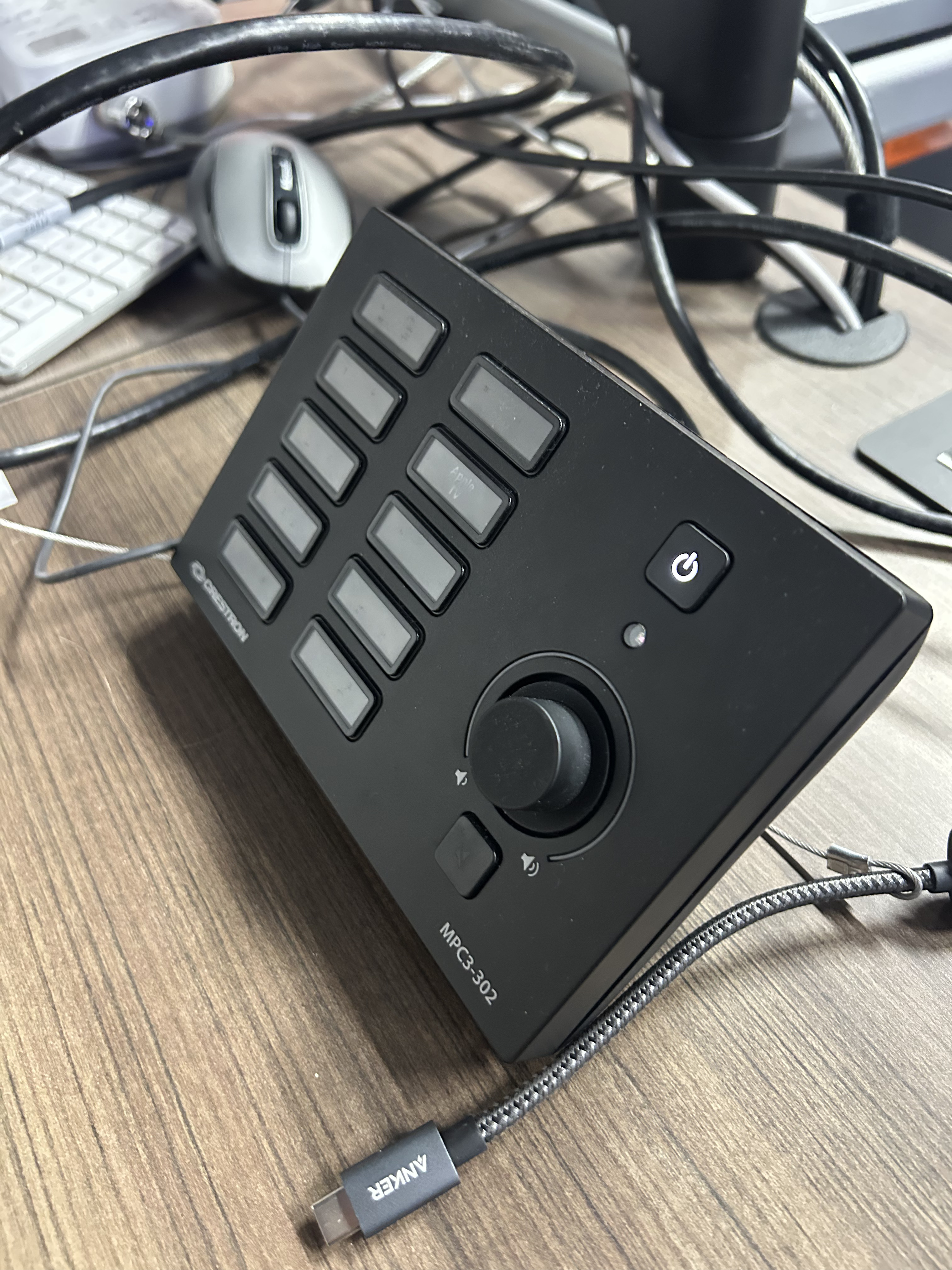
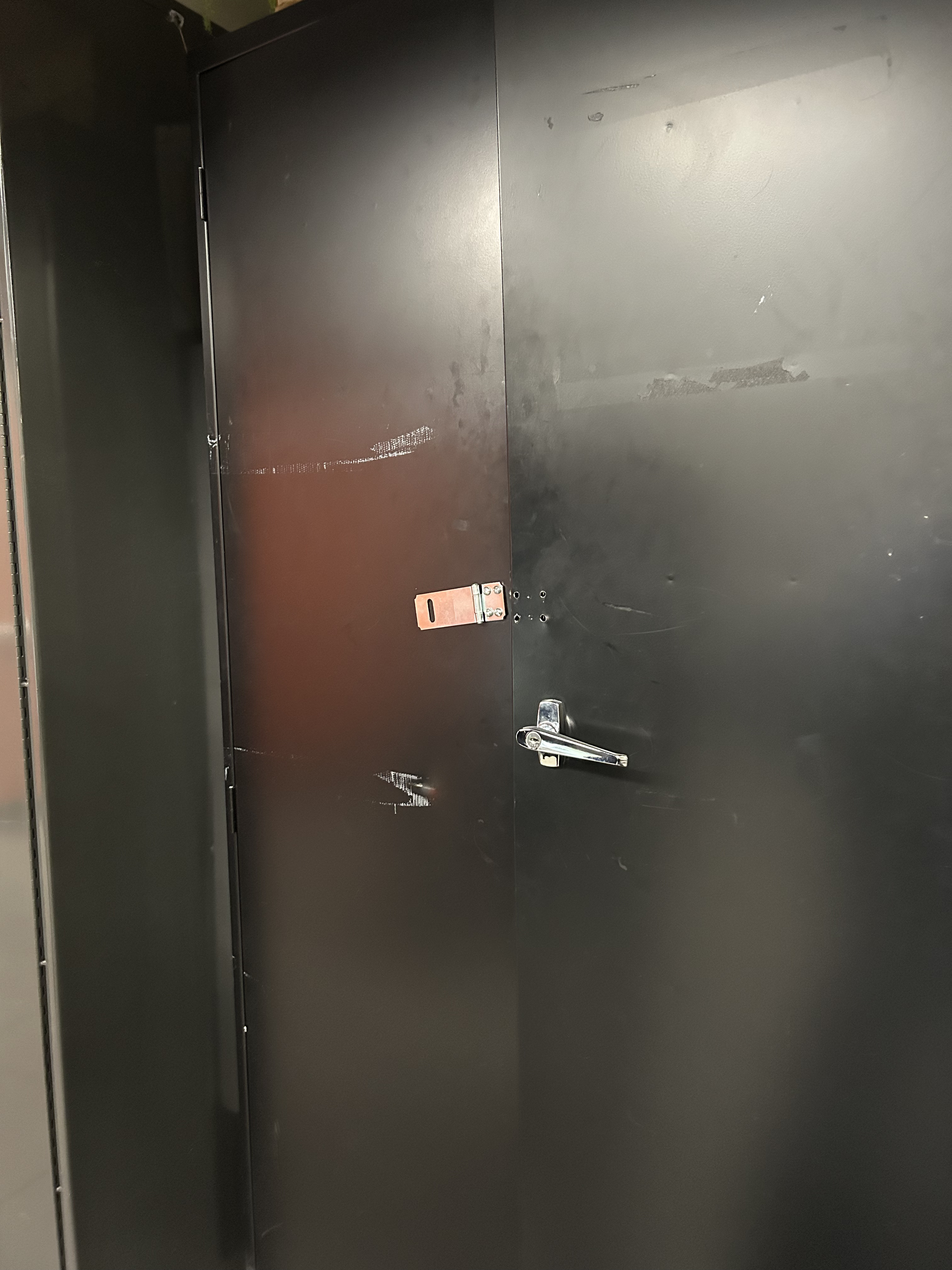
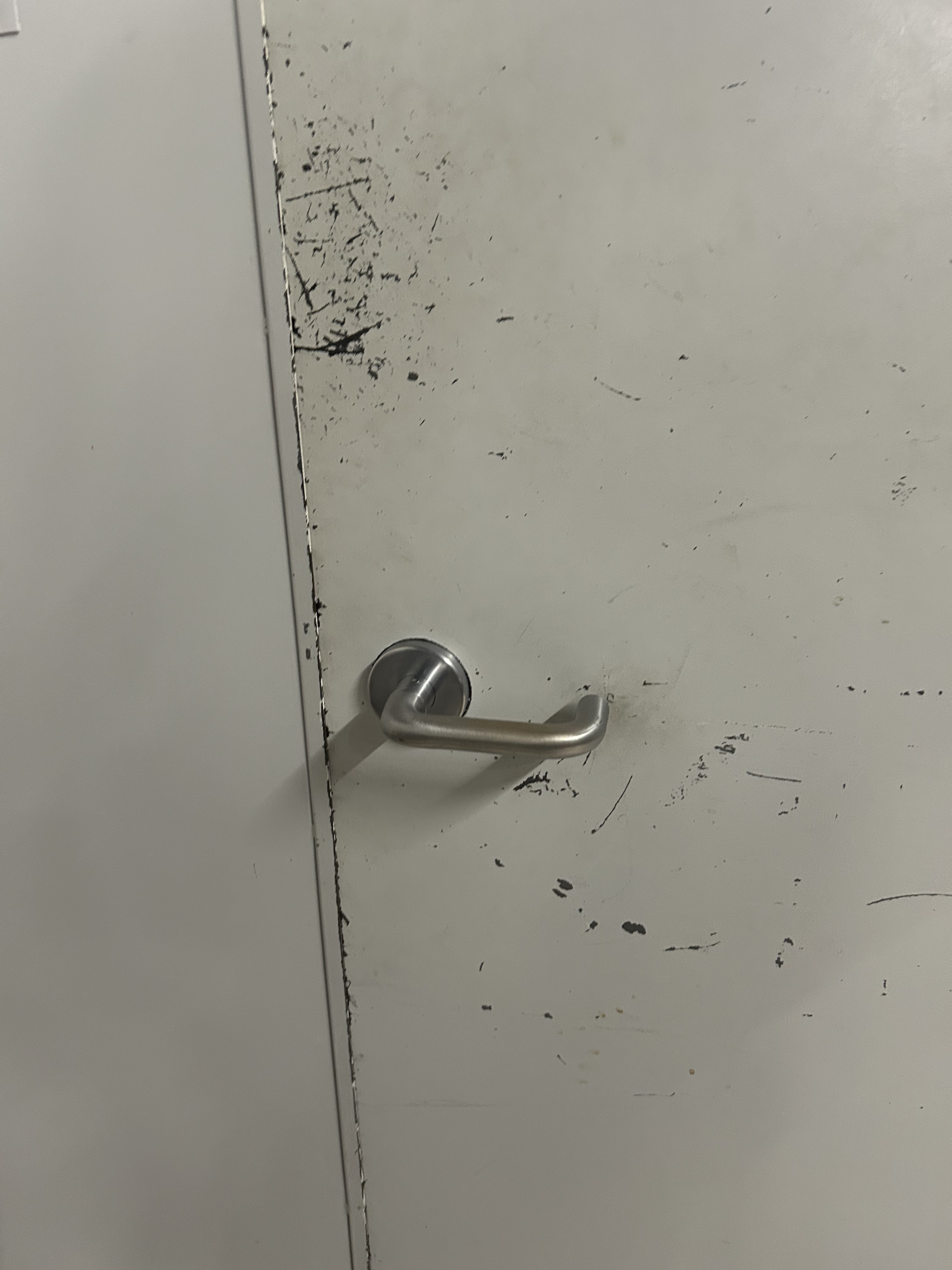
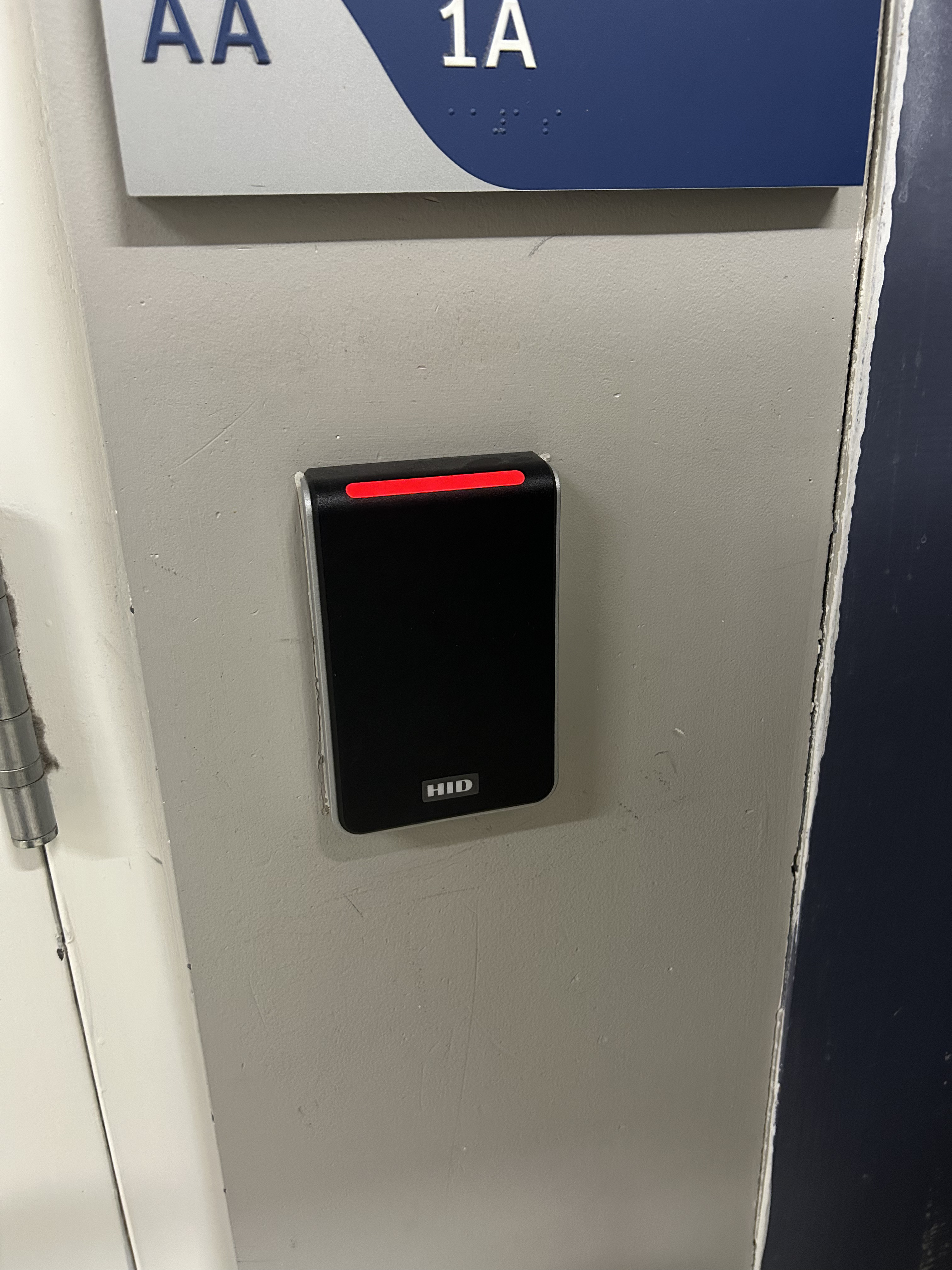
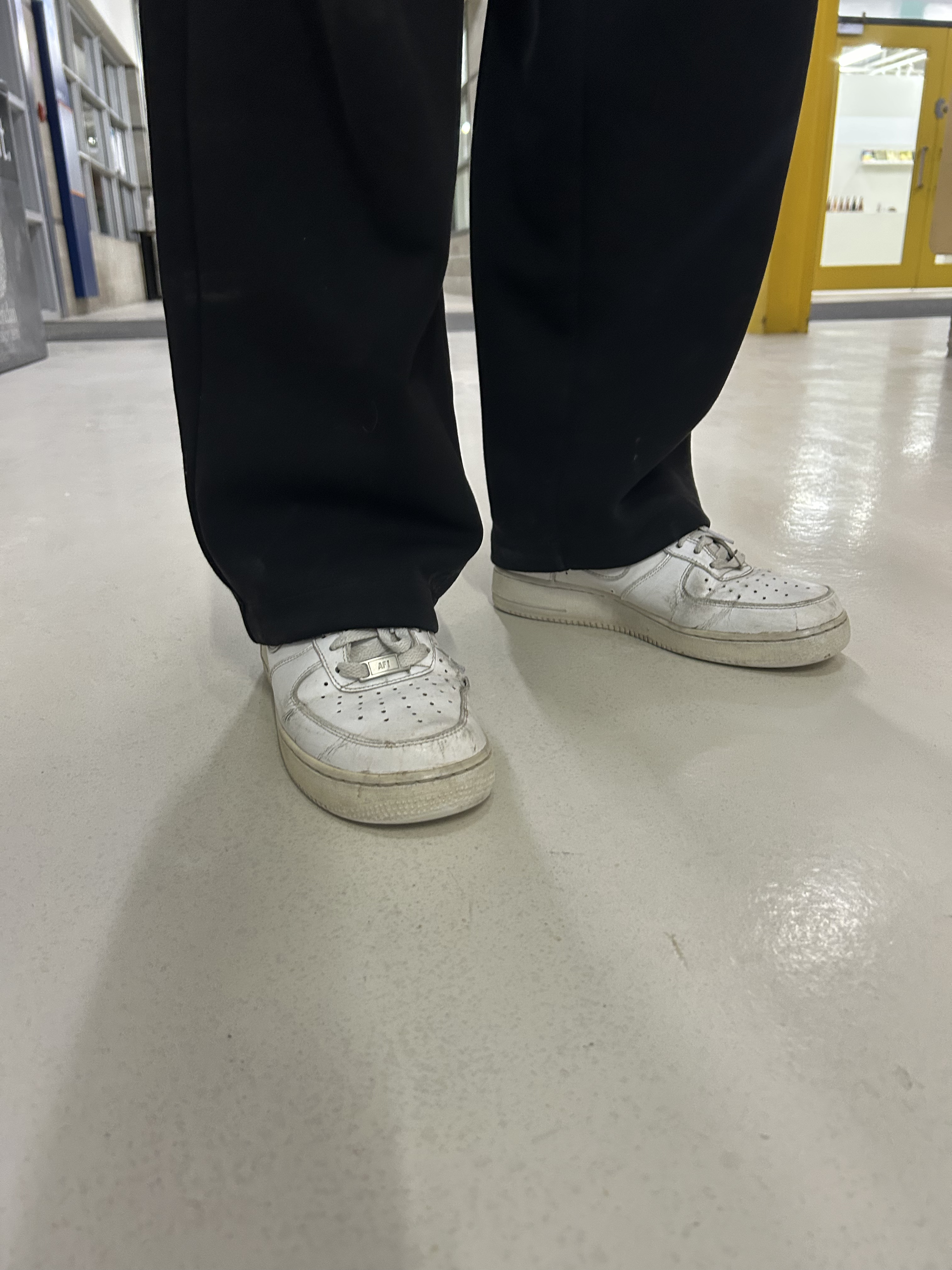
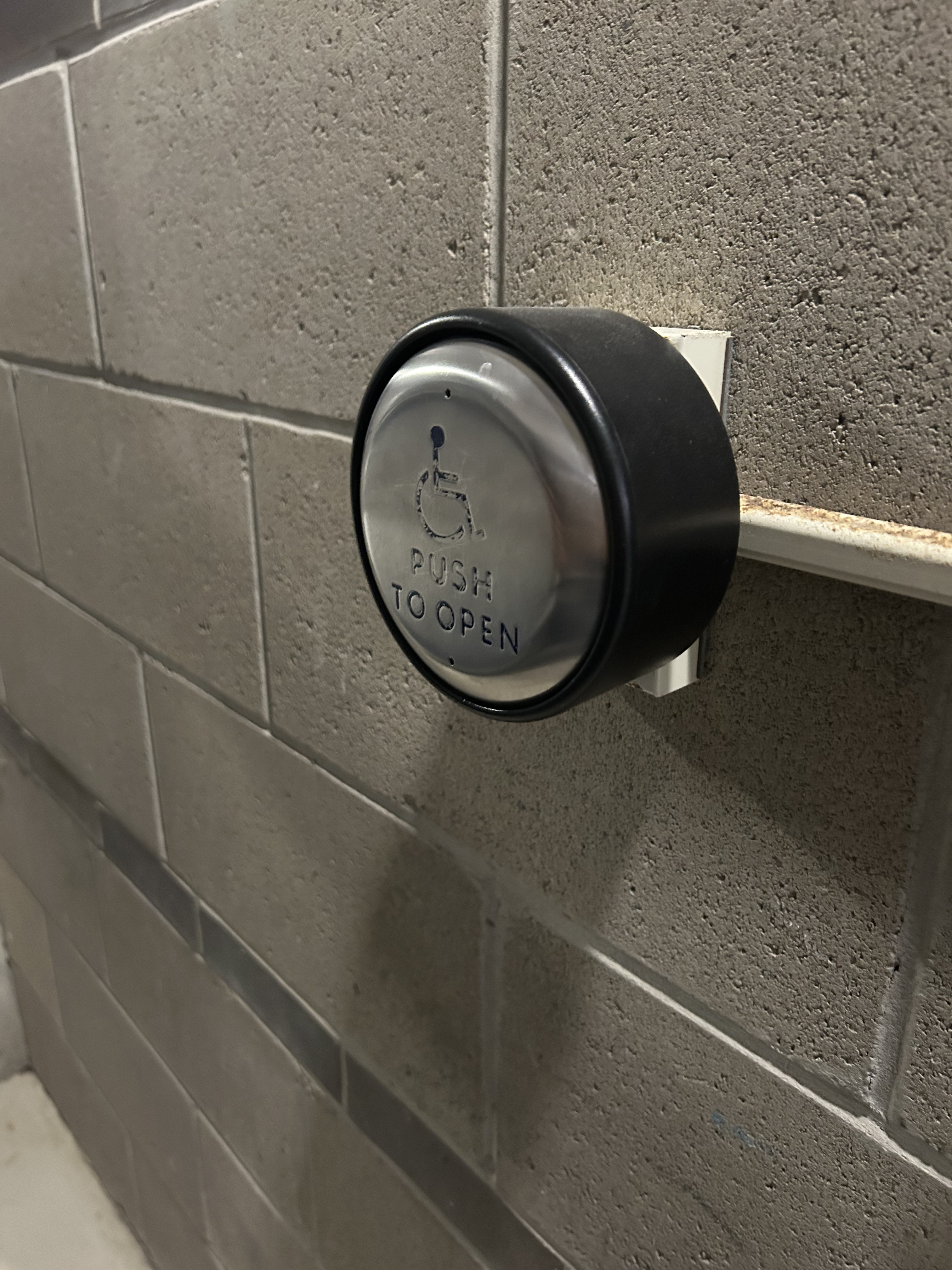
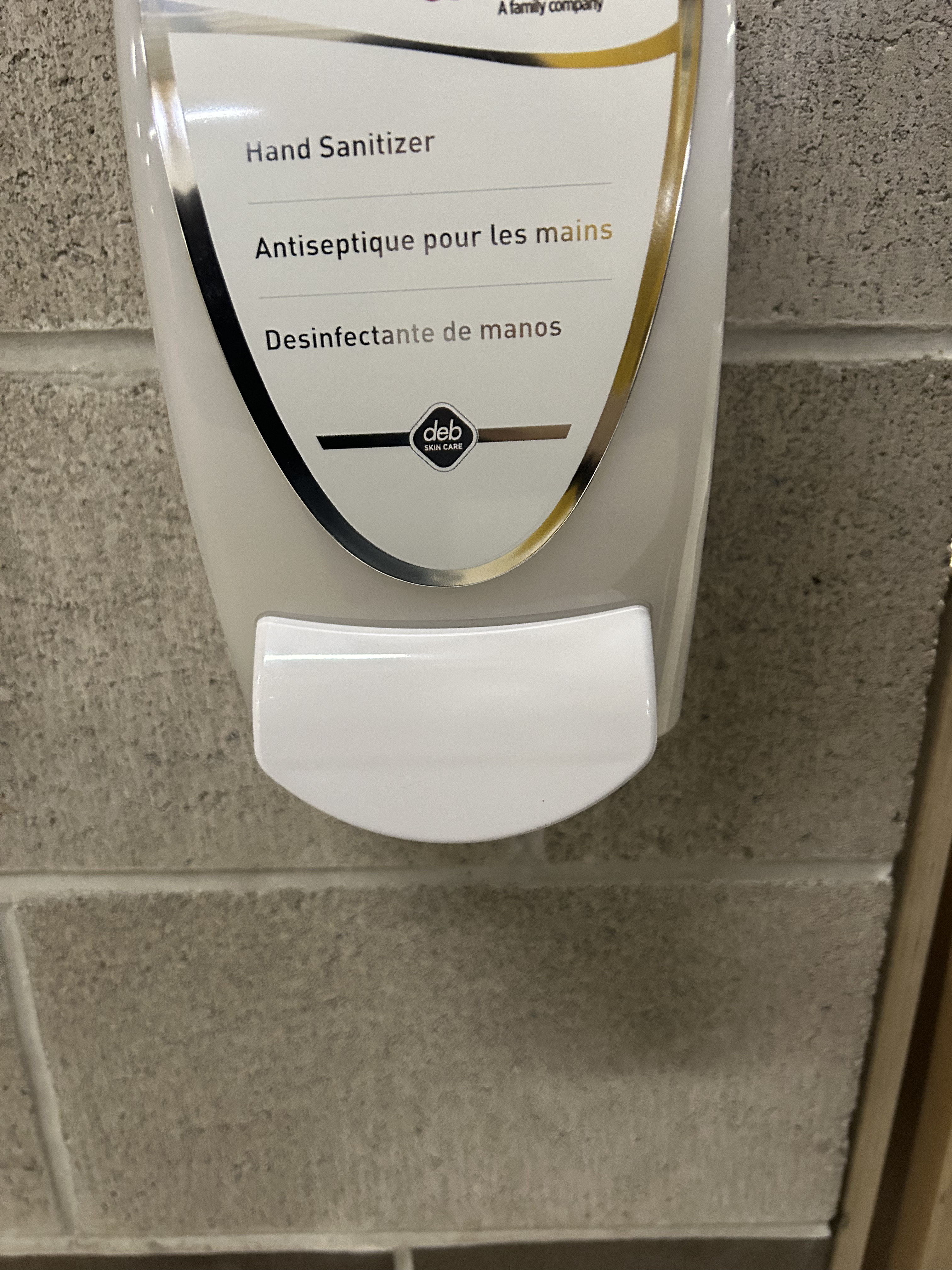
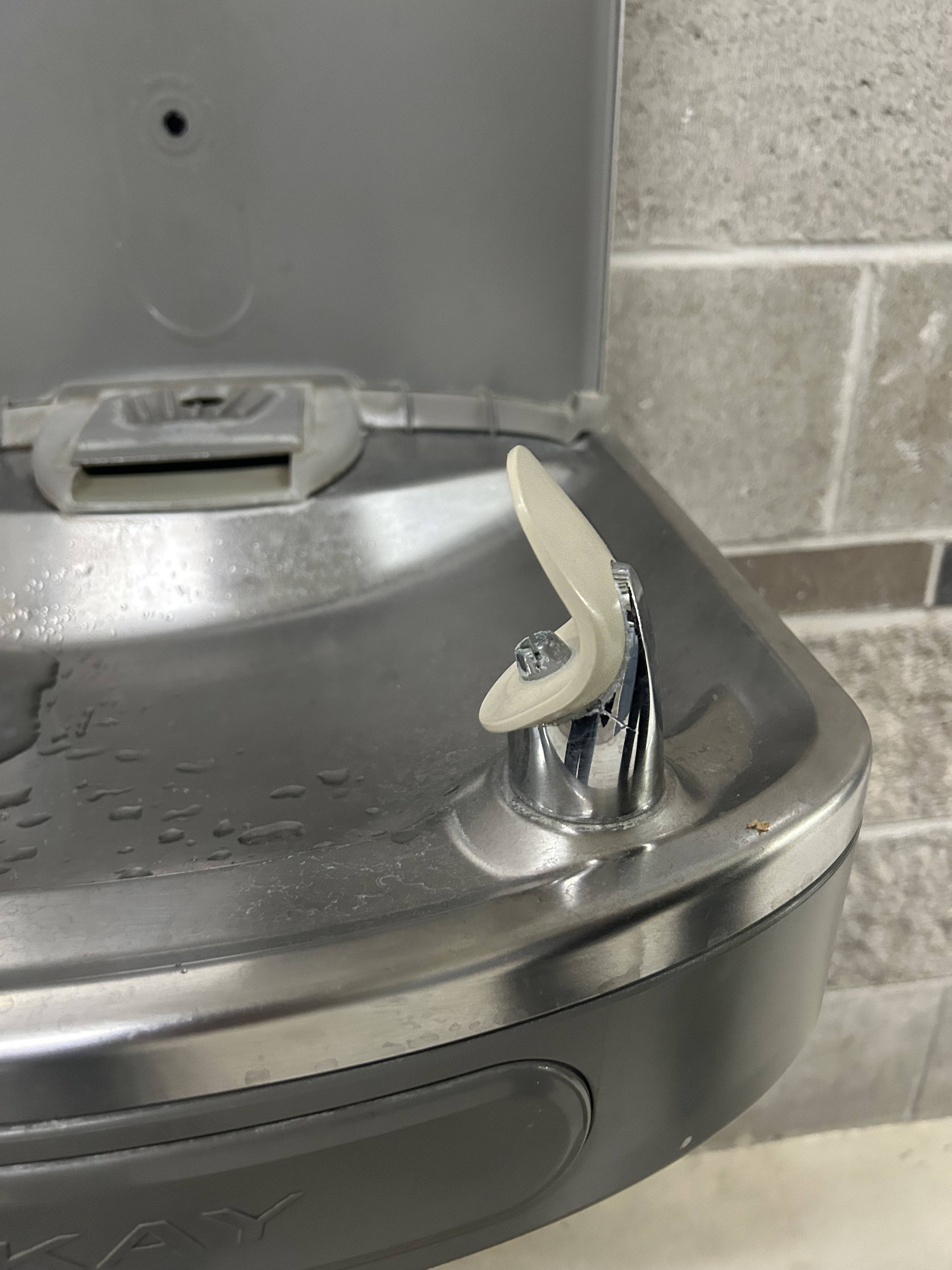
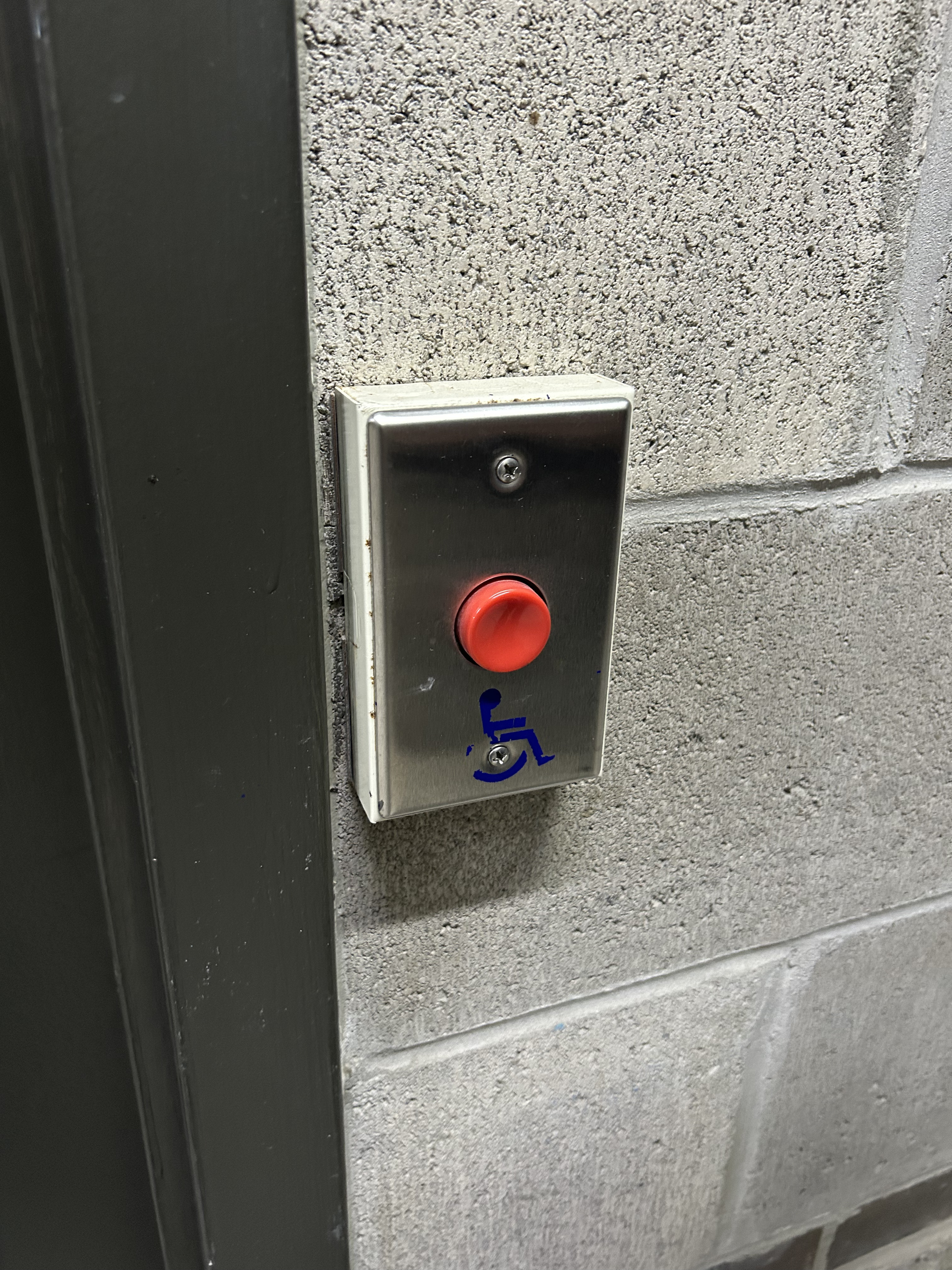
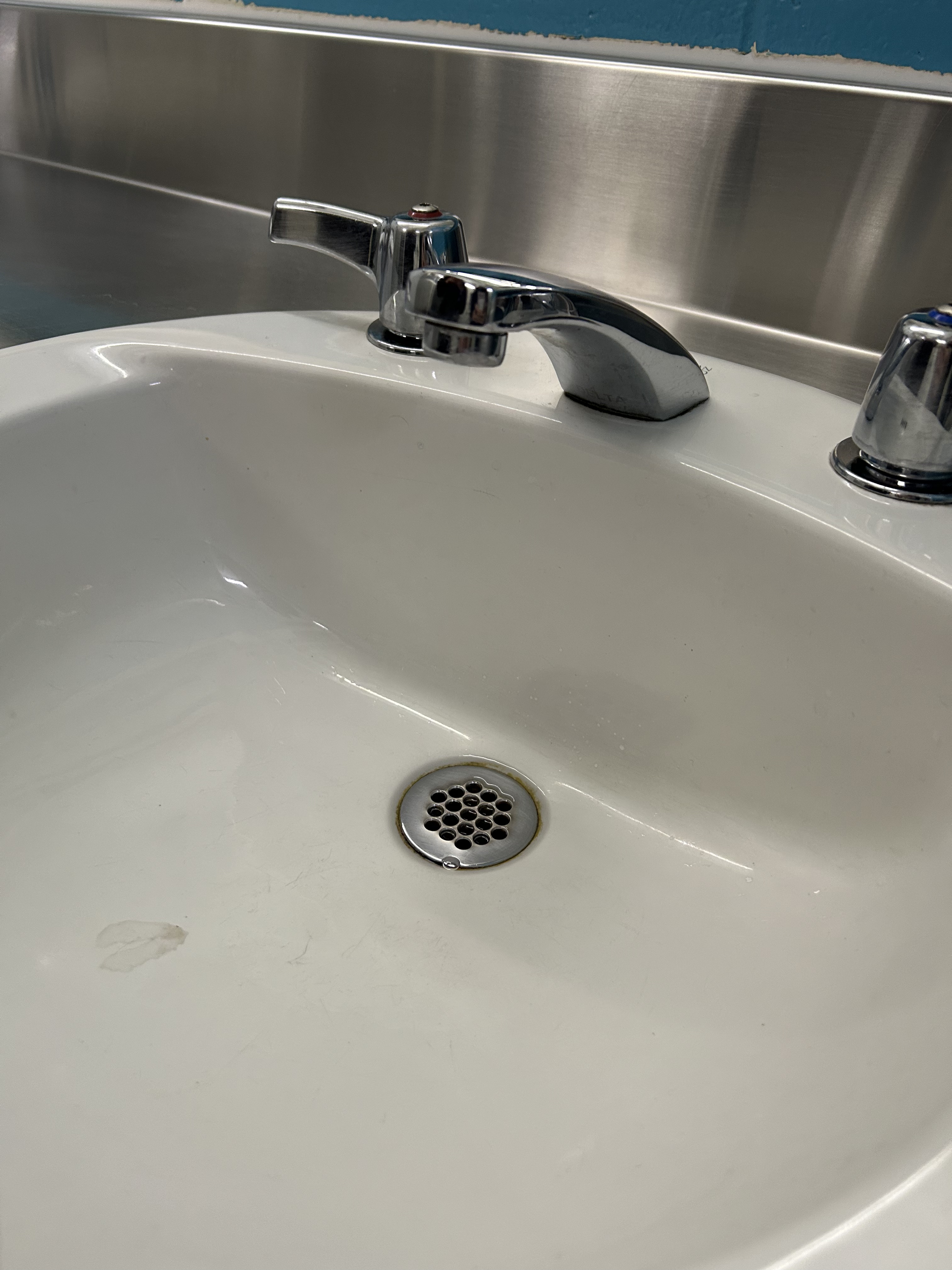
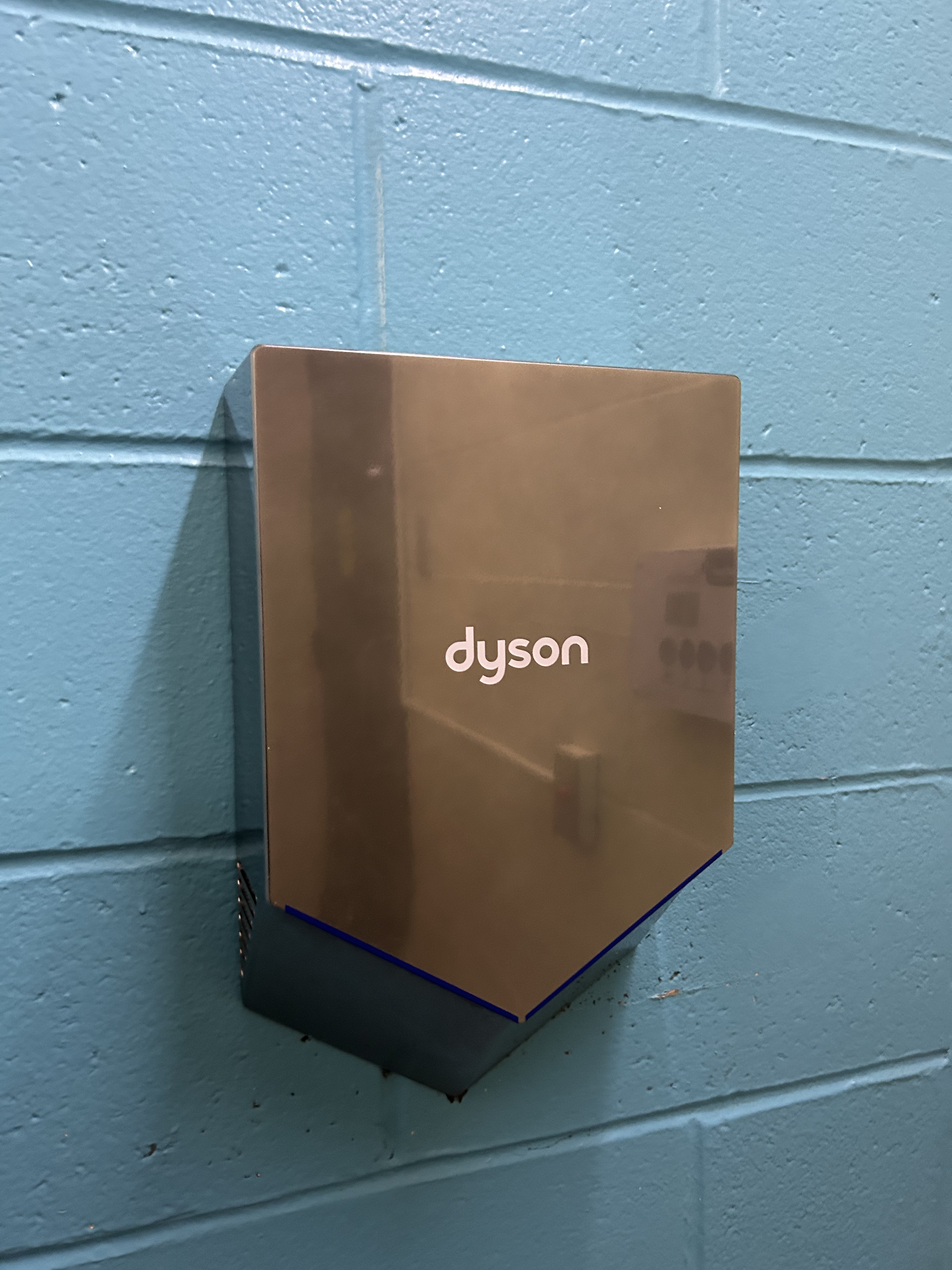
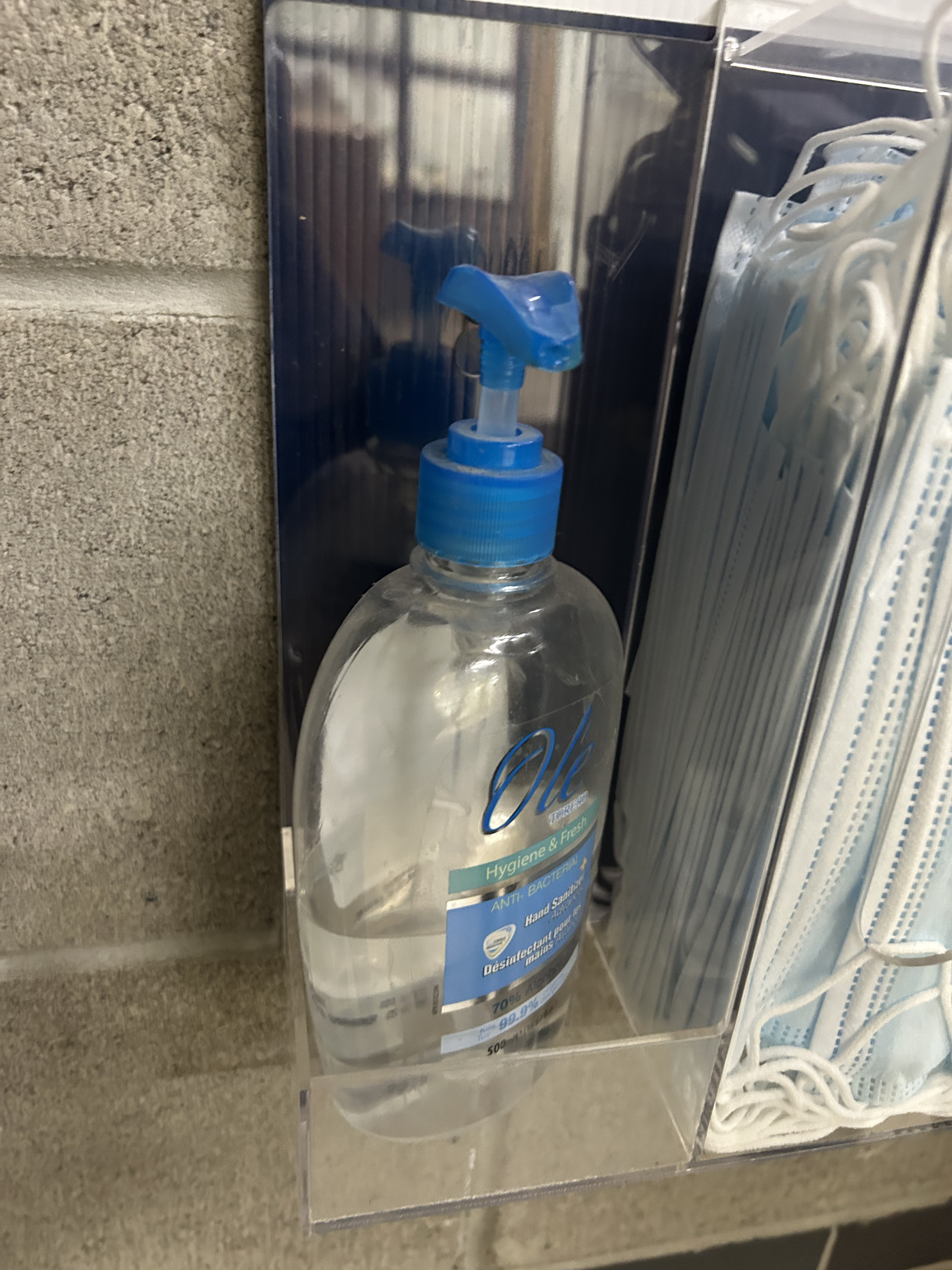
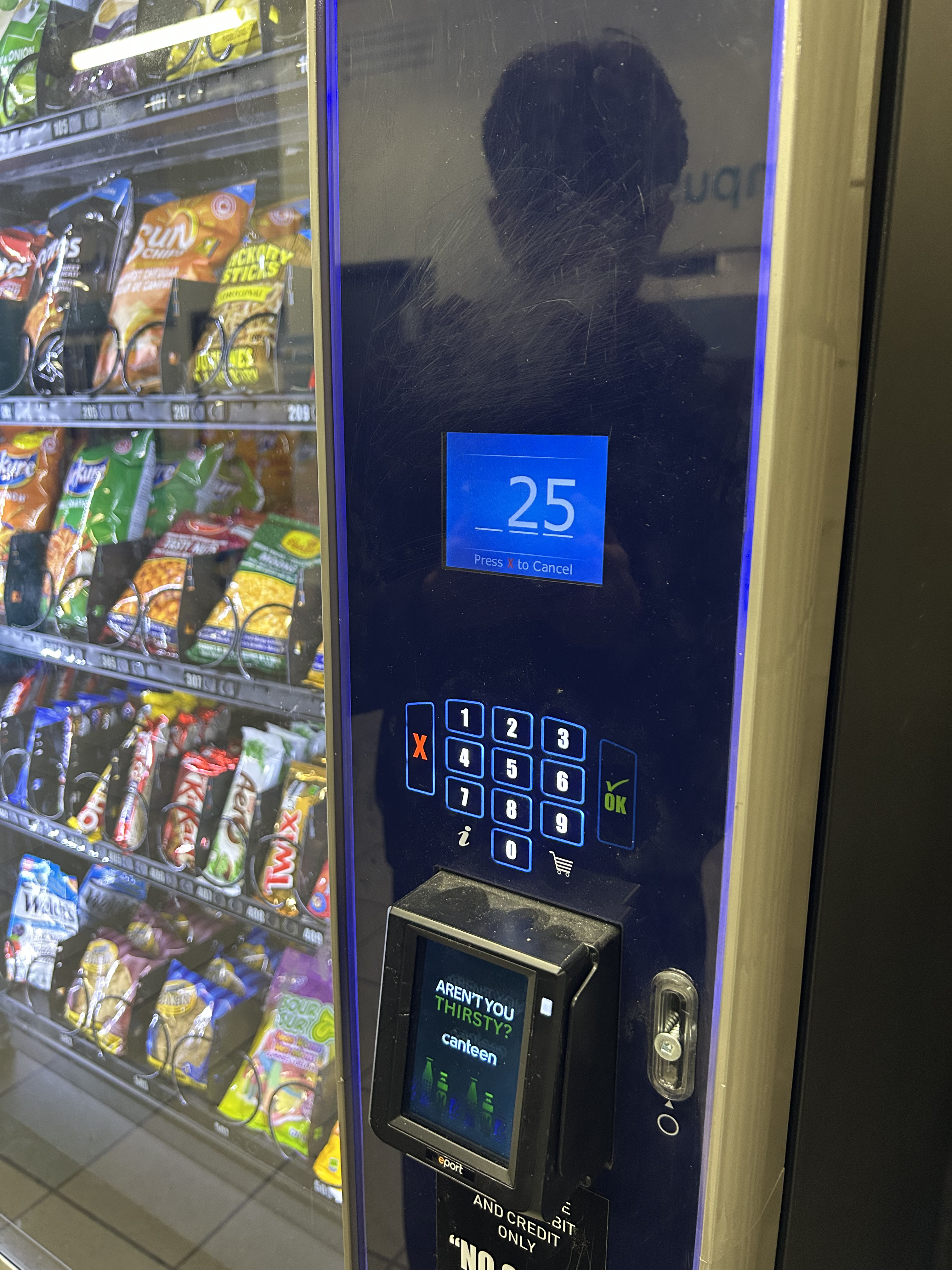
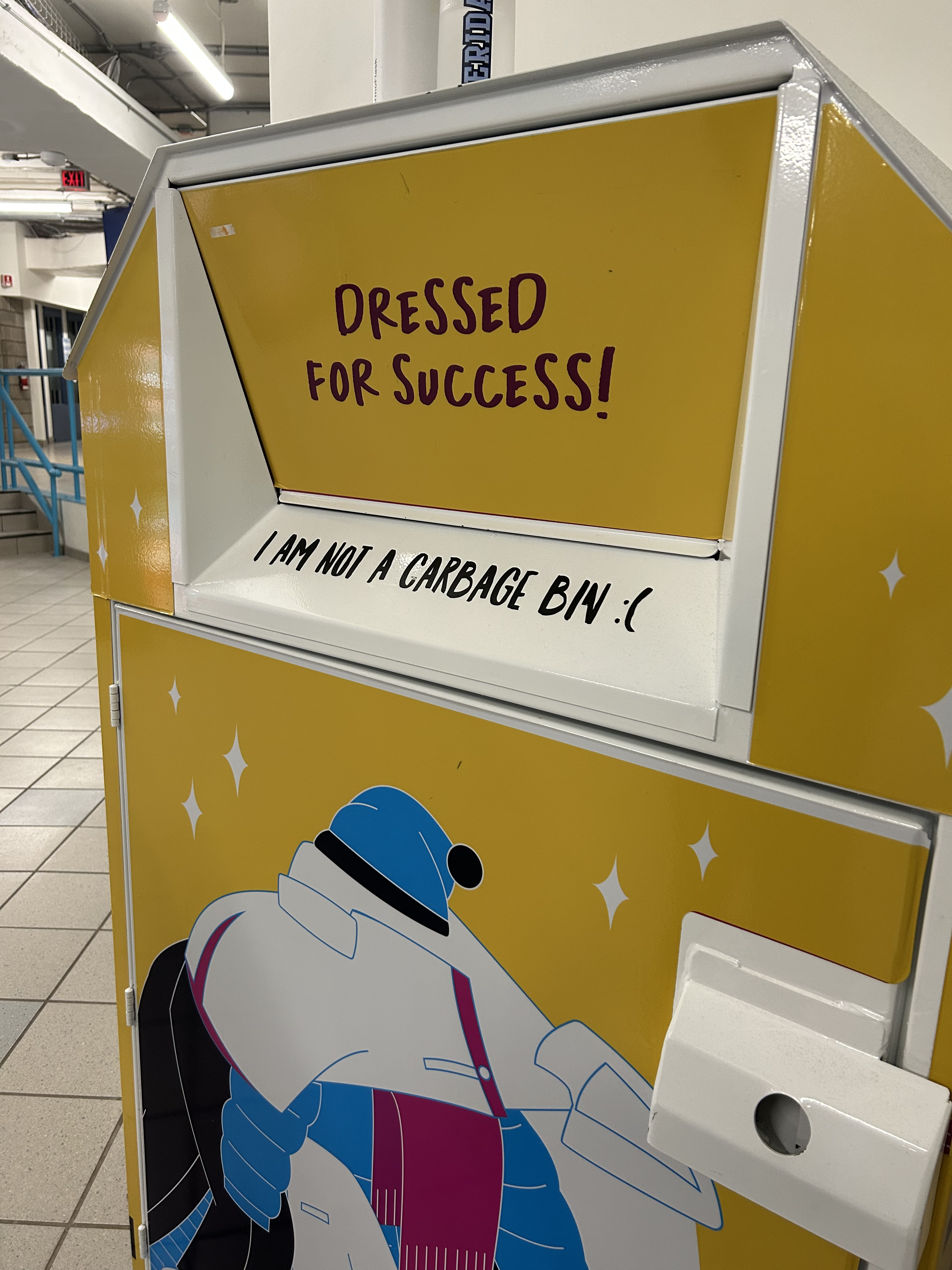
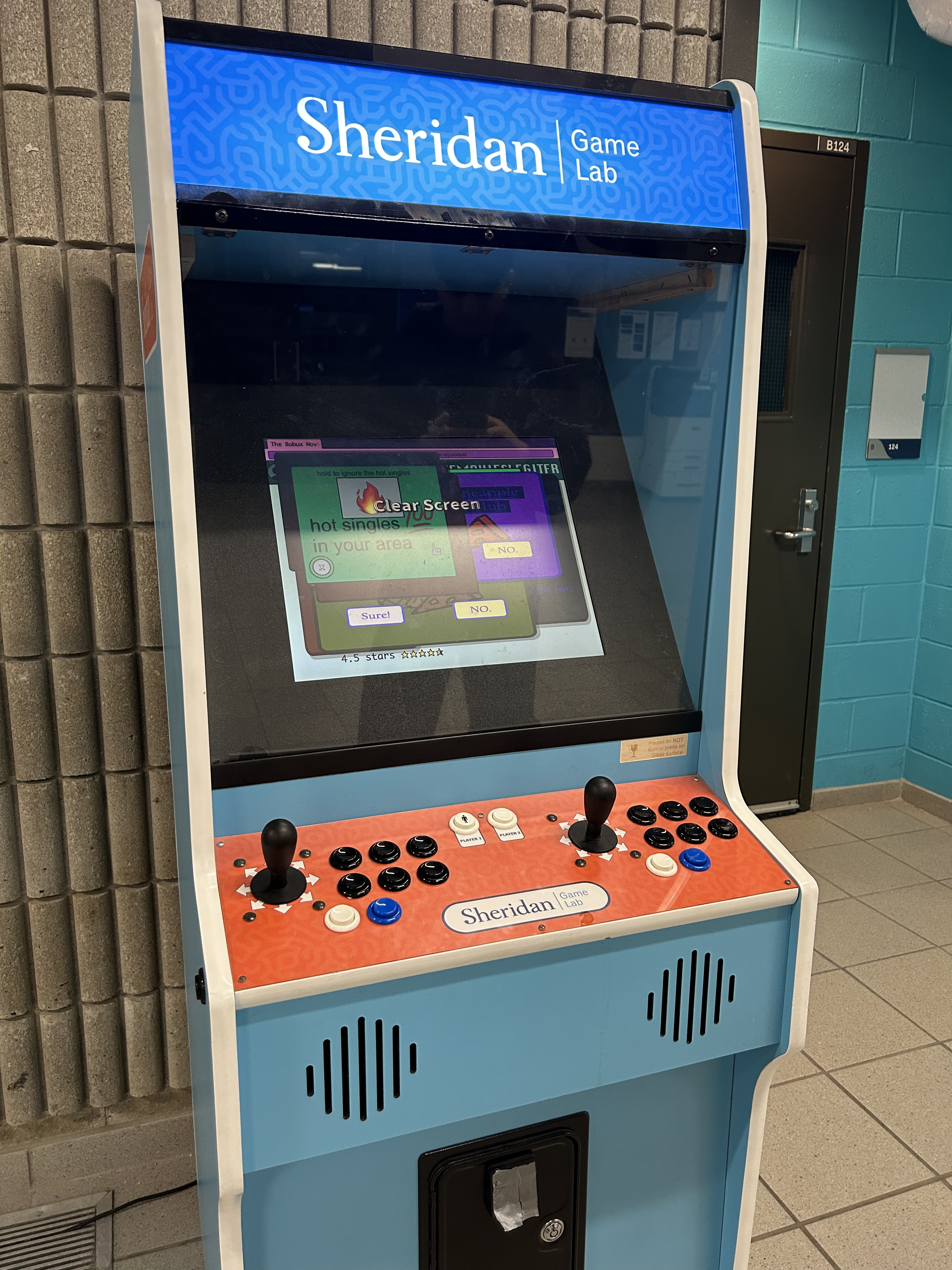
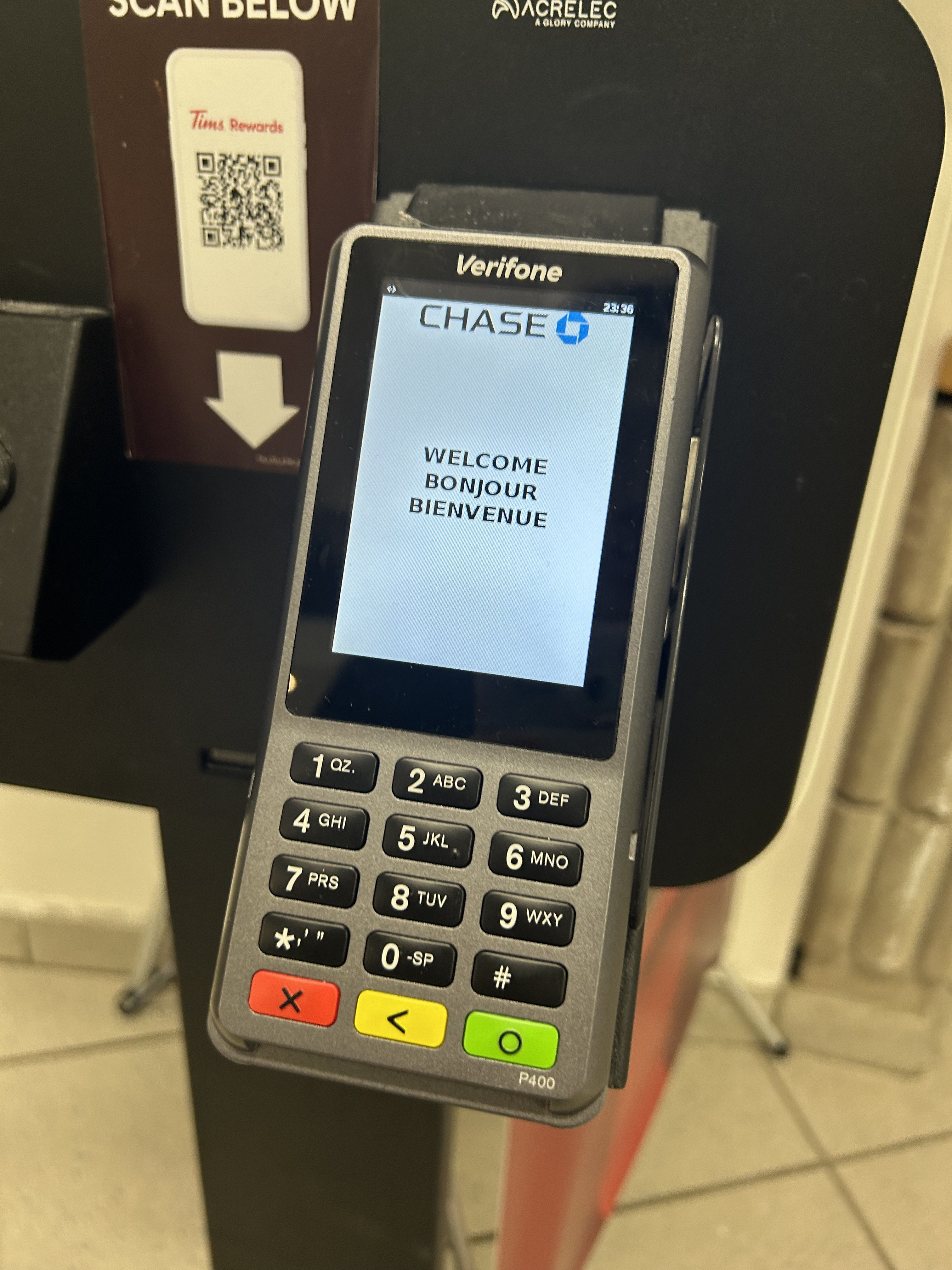
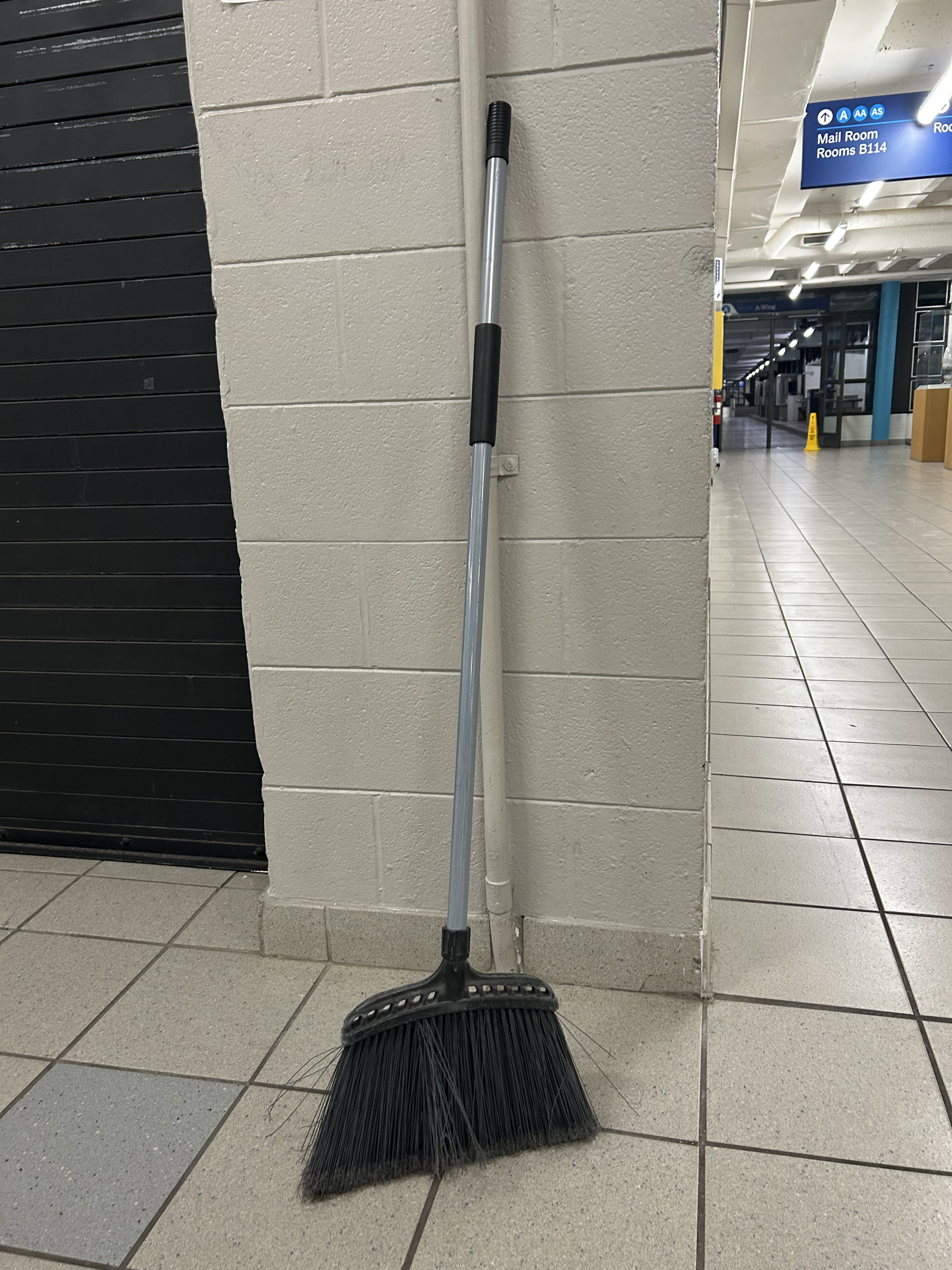
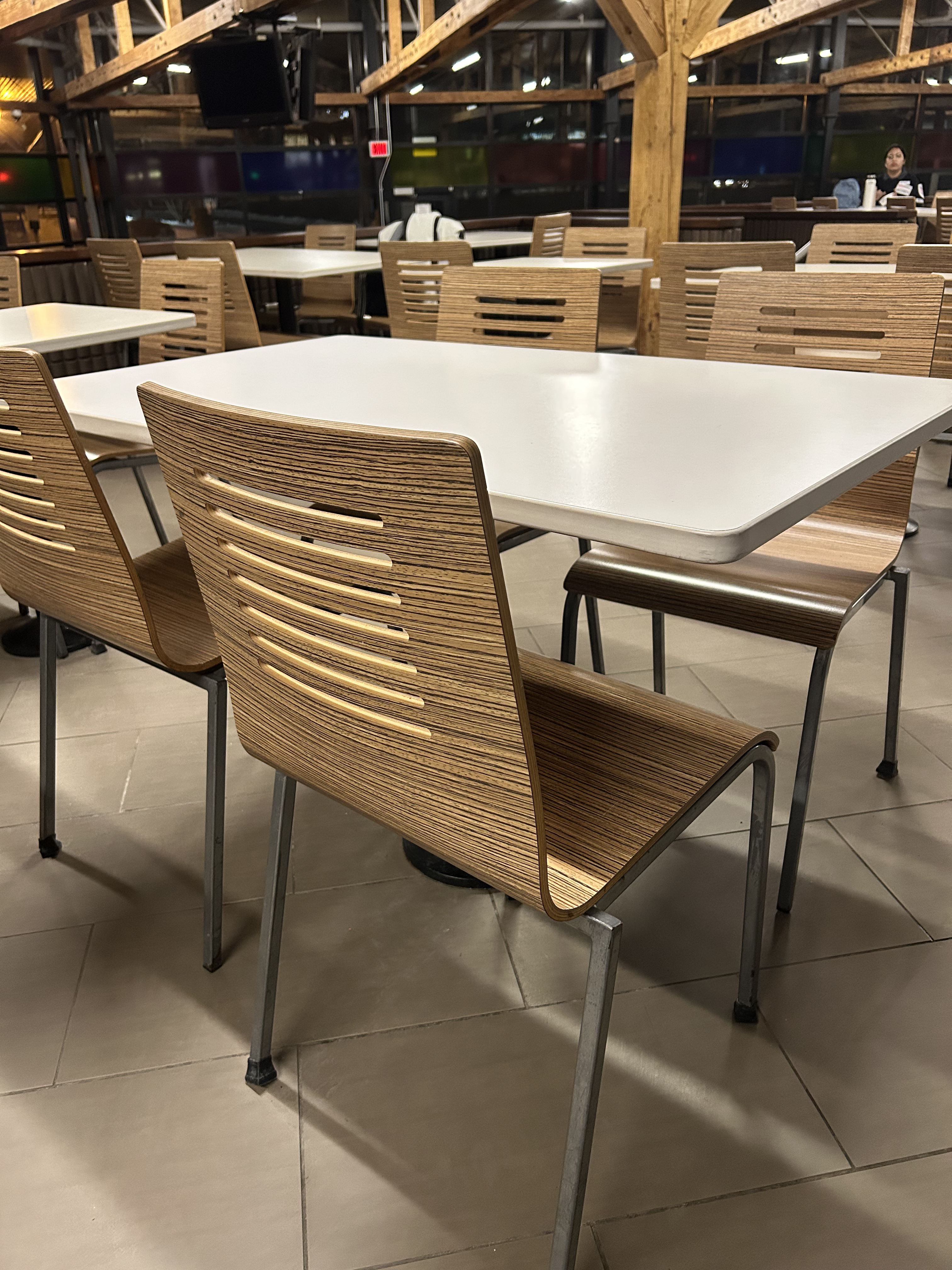
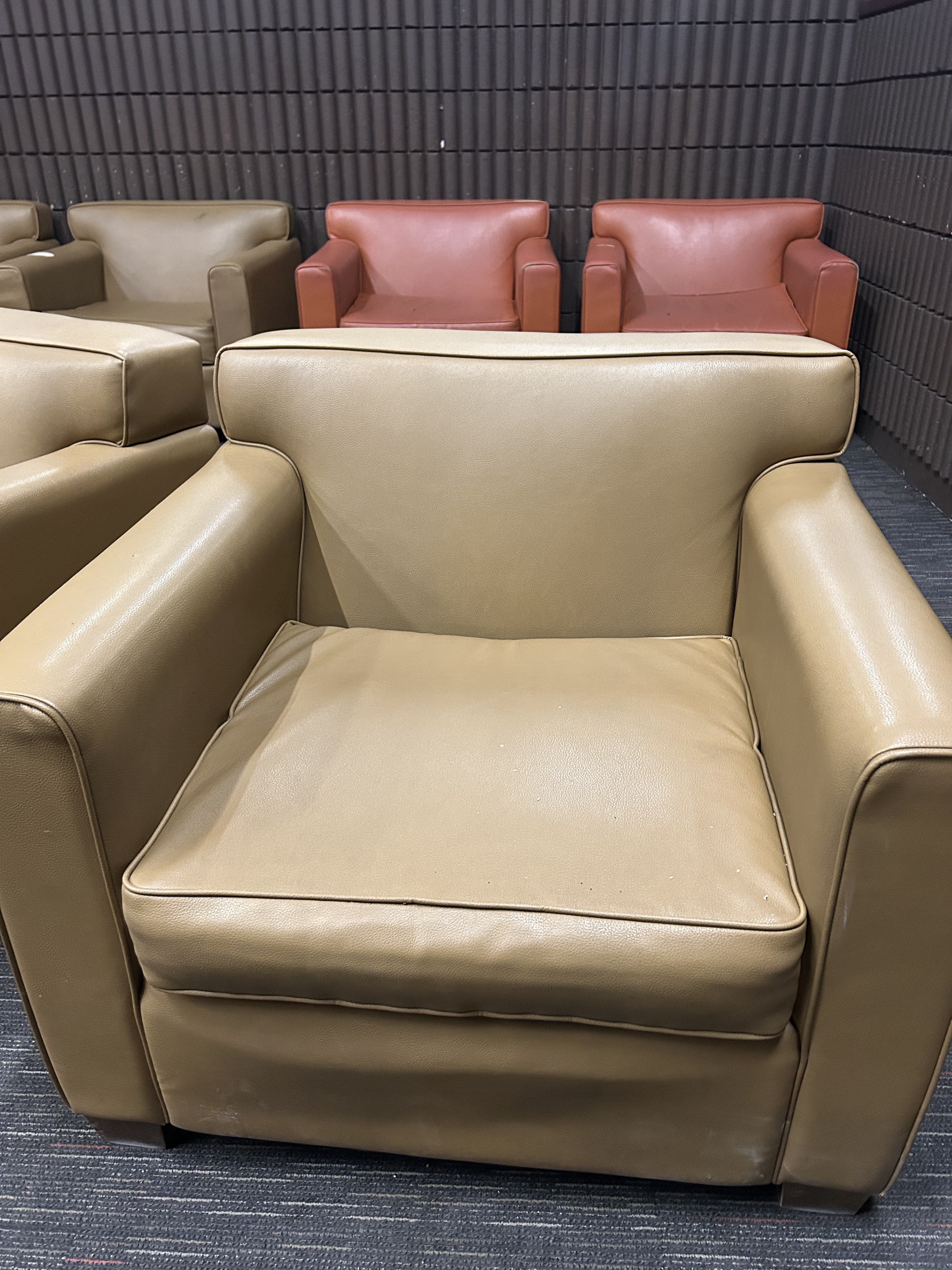
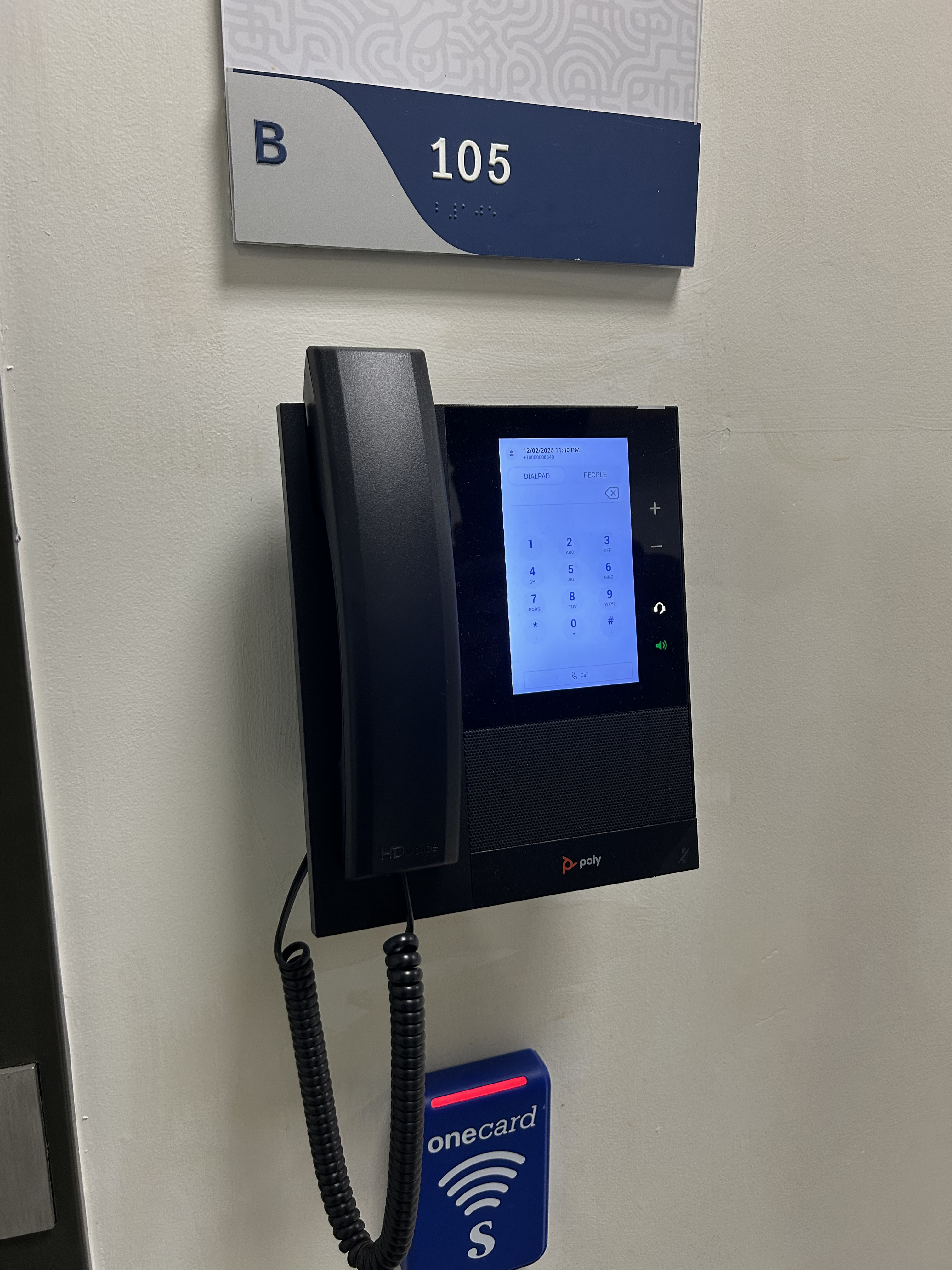
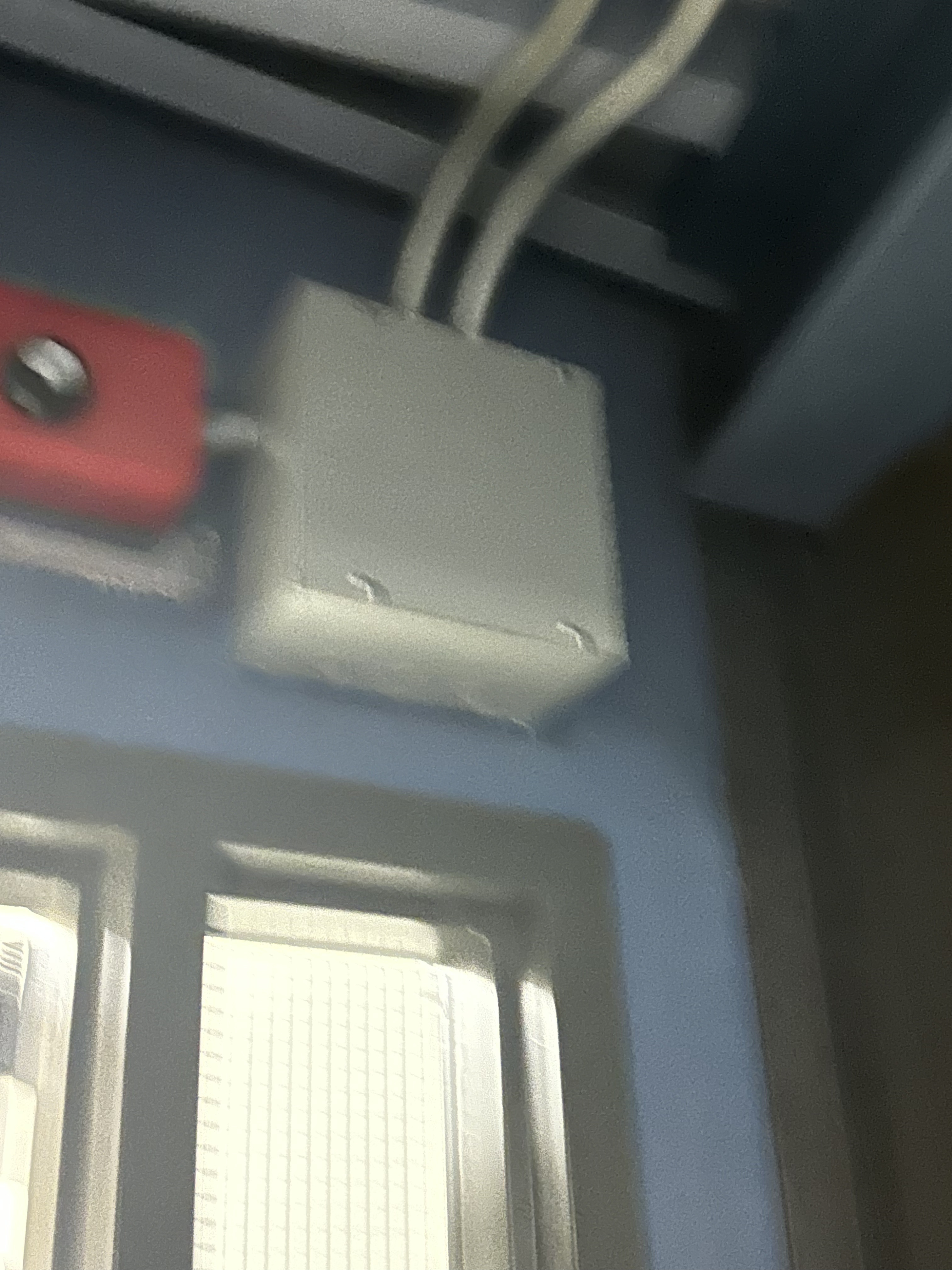
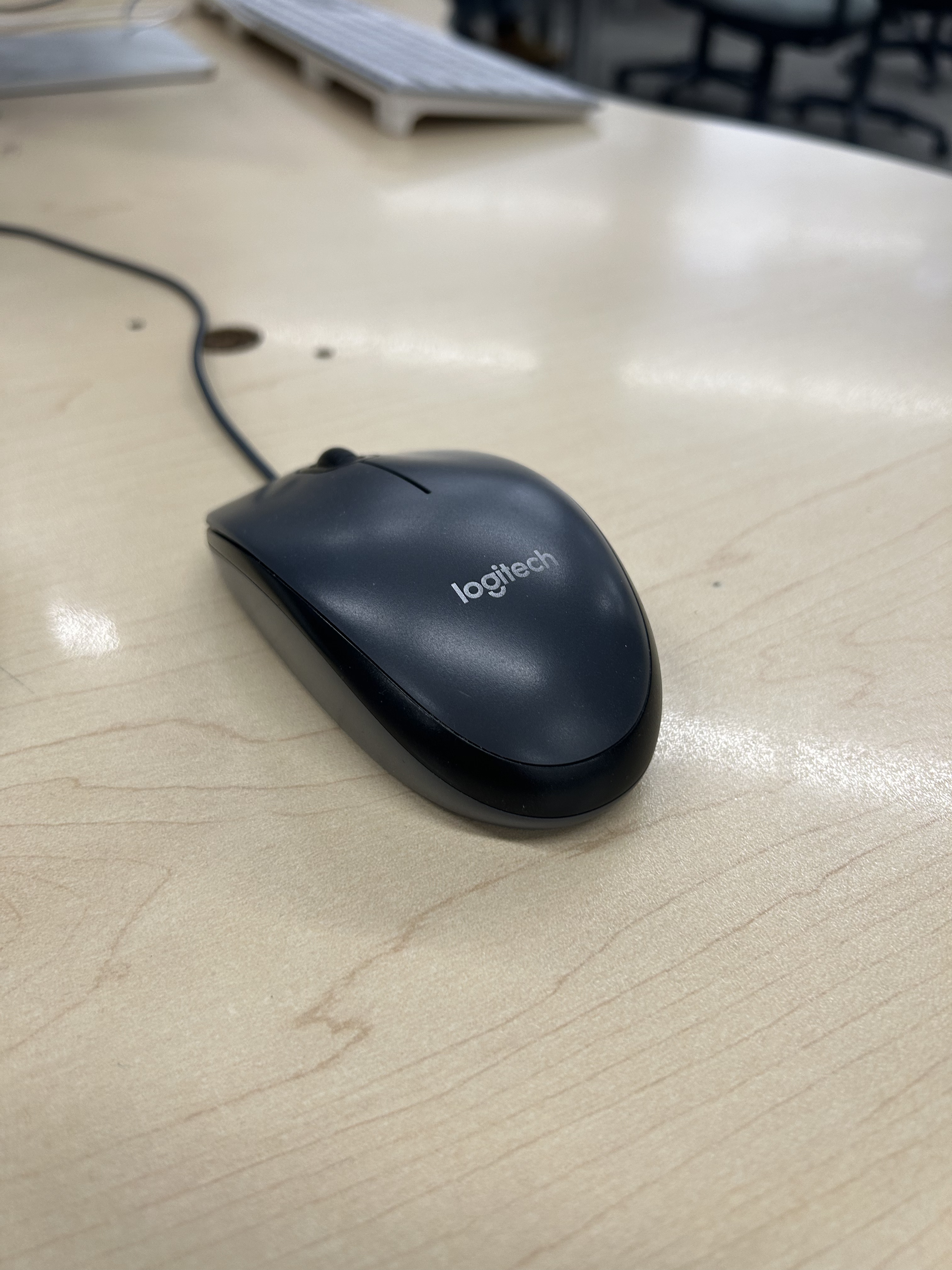
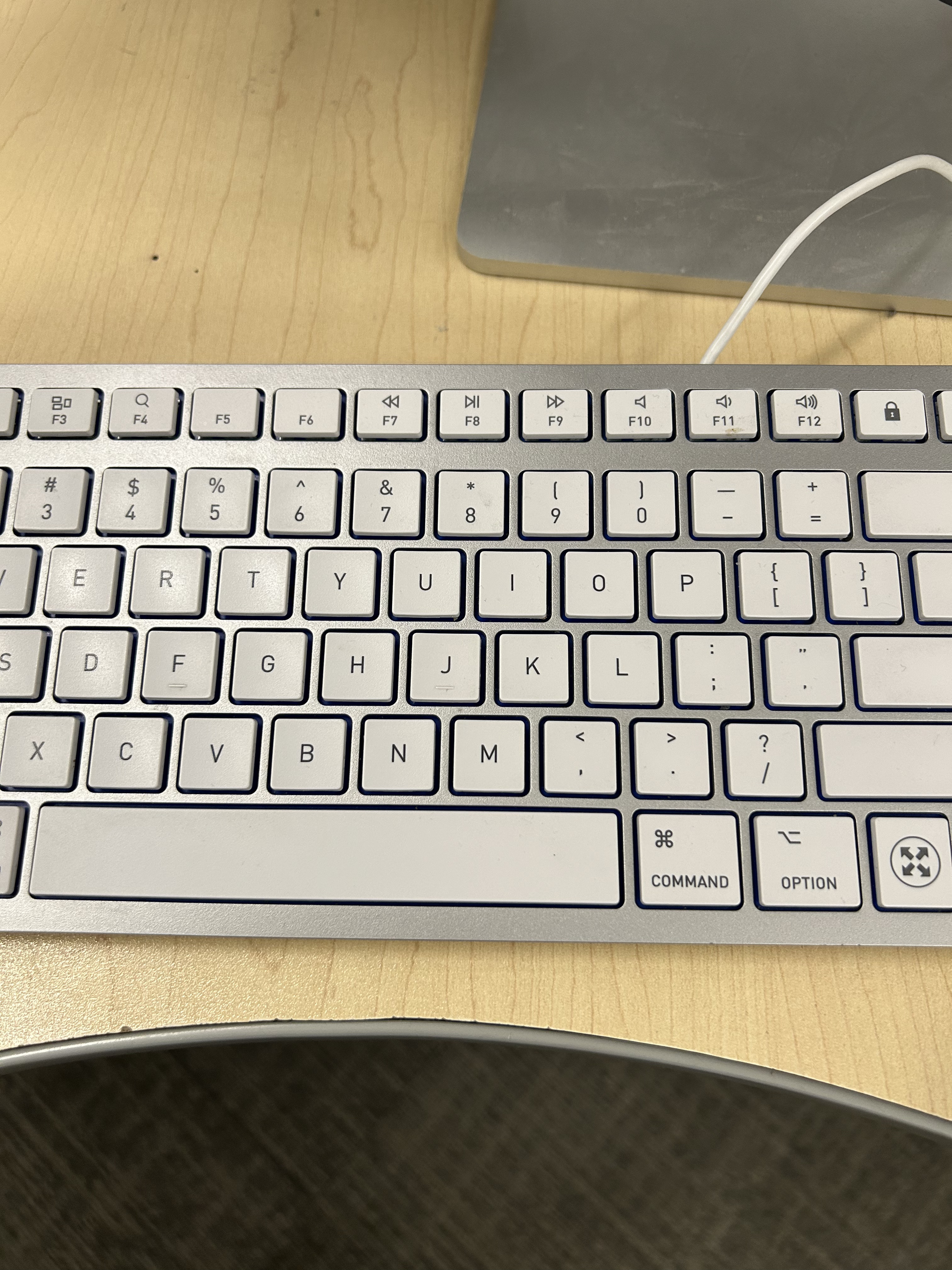
This is fan turning on using the control buttons to make it spin faster.<br><audio controls src='/audio/Fan_1.mp3'></audio> This is the projector buttons.<br><audio controls src='/audio/Projector_2.mp3'></audio> This is a door handle with a locked door.<br><audio controls src='/audio/Door_3.mp3'></audio> This is a door handle with an unlocked door.<br><audio controls src='/audio/Door_4.mp3'></audio> This is the sound of Sheridan's One Card machine being unlocked.<br><audio controls src='/audio/Tap_5.mp3'></audio> These are footsteps.<br><audio controls src='/audio/Steps_6.mp3'></audio> This is the sound of a push to open button being pushed.<br><audio controls src='/audio/Accessibility_7.mp3'></audio> This is what the sanitizing foam sounds like being pushed.<br><audio controls src='/audio/Foam_8.mp3'></audio> This is the sound of a water fountain.<br><audio controls src='/audio/Water_9.mp3'></audio> This is an accessibility door button being pushed.<br><audio controls src='/audio/Button_10.mp3'></audio> This is the water faucet being turned on.<br><audio controls src='/audio/Sink_11.mp3'></audio> This is a blow dryer being turned on.<br><audio controls src='/audio/Blow_12.mp3'></audio> This is the sound of a bottled hand sanitizer being pressed.<br><audio controls src='/audio/Sanitizer_13.mp3'></audio> This is the sound of a vending machine when you click the buttons to buy stuff.<br><audio controls src='/audio/Vending_14.mp3'></audio> This is the Dressed for Success lid being pushed.<br><audio controls src='/audio/Bin_15.mp3'></audio> This is the background noise of an arcade cabinet and the controls being used.<br><audio controls src='/audio/Game_16.mp3'></audio> This is a payment terminal being clicked.<br><audio controls src='/audio/Keypad_17.mp3'></audio> This is the sound of someone sweeping the floor with a broom.<br><audio controls src='/audio/Broom_18.mp3'></audio> This is the sound of a flapping piece of paper.<br><audio controls src='/audio/Poster_19.mp3'></audio> This is the sound of a chair being pulled out.<br><audio controls src='/audio/Chair_20.mp3'></audio> This is a sound of someone sitting on the sofa.<br><audio controls src='/audio/Couch_21.mp3'></audio> This is the sound of a wall phone being picked up and placed back.<br><audio controls src='/audio/Phone_22.mp3'></audio> This is the sound of a electrical junction box buzzing.<br><audio controls src='/audio/Buzzer_23.mp3'></audio> This is a mouse being clicked.<br><audio controls src='/audio/Mouse_24.mp3'></audio> This is someone typing on a keyboard.<br><audio controls src='/audio/Keyboard_25.mp3'></audio>

Activity 2
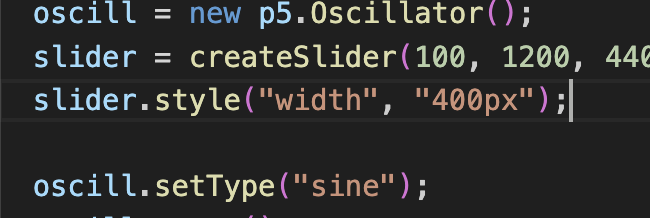
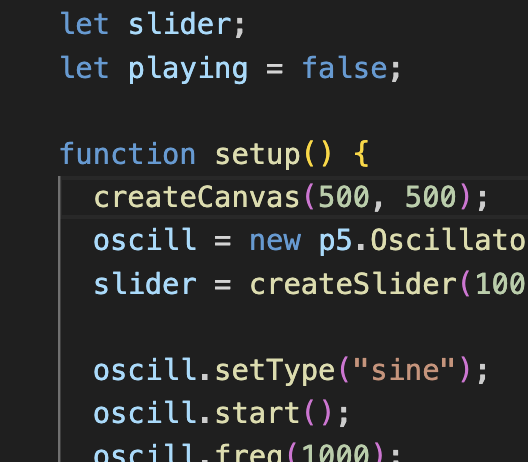
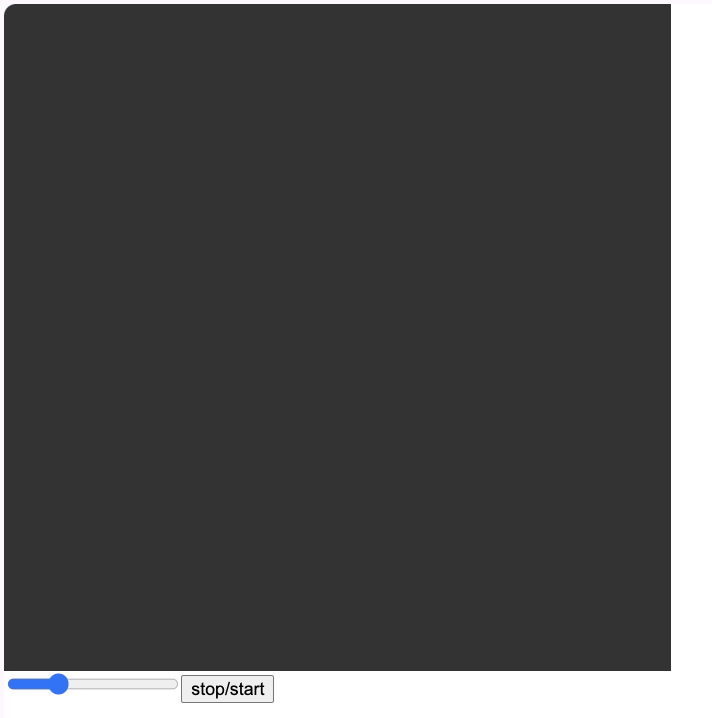
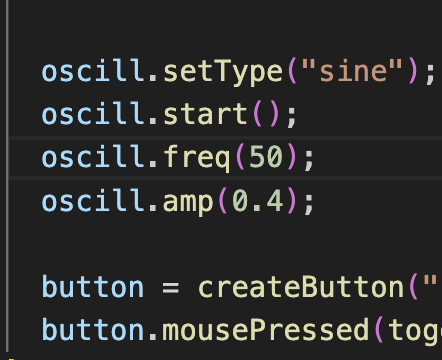
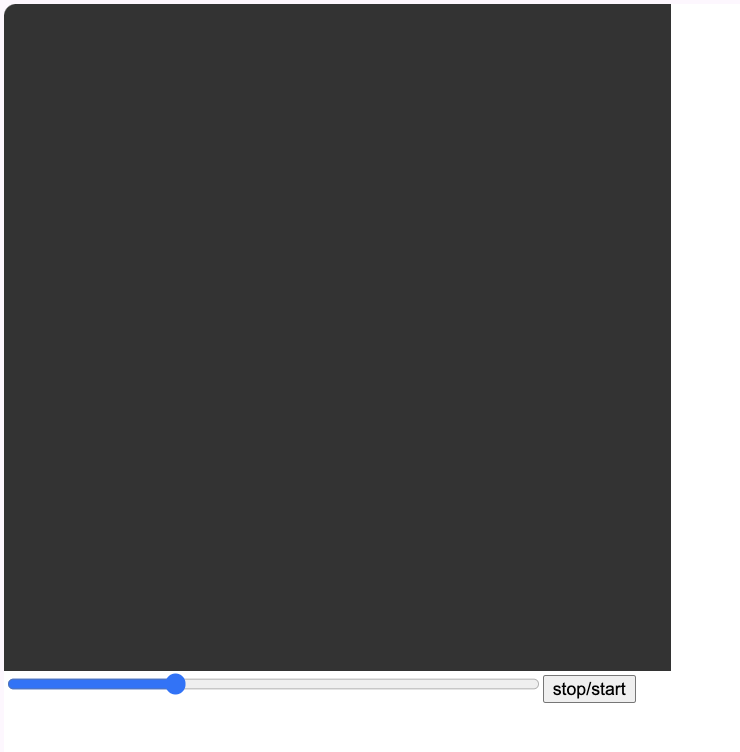
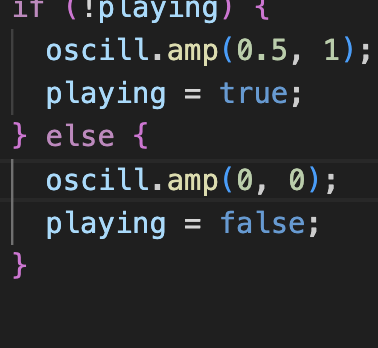
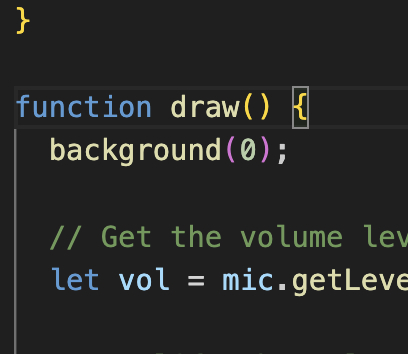
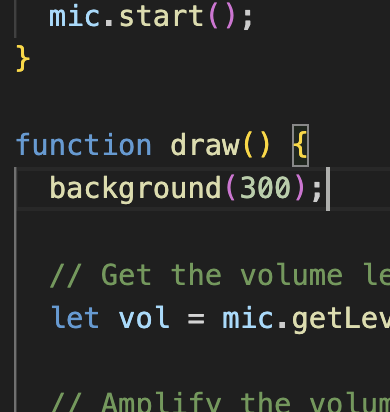
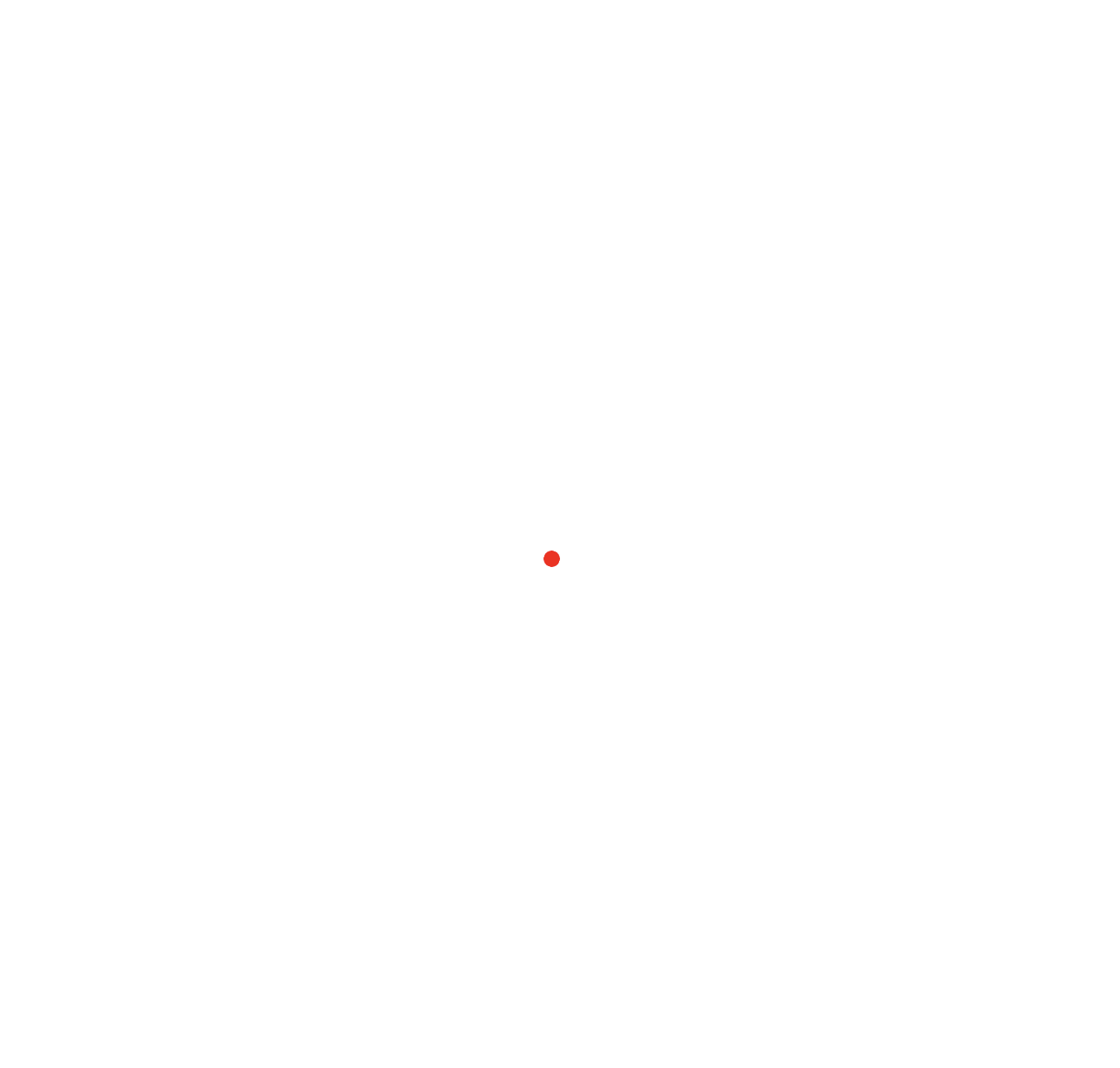
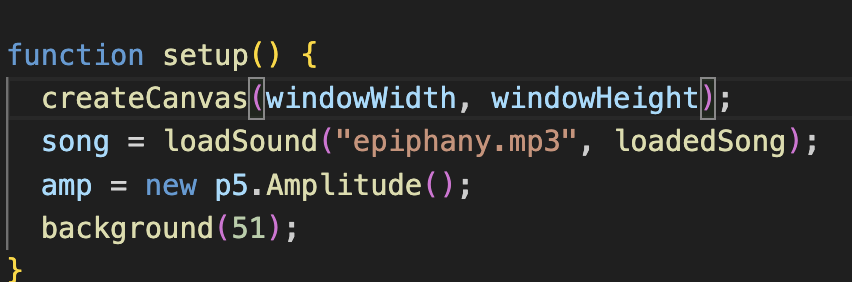
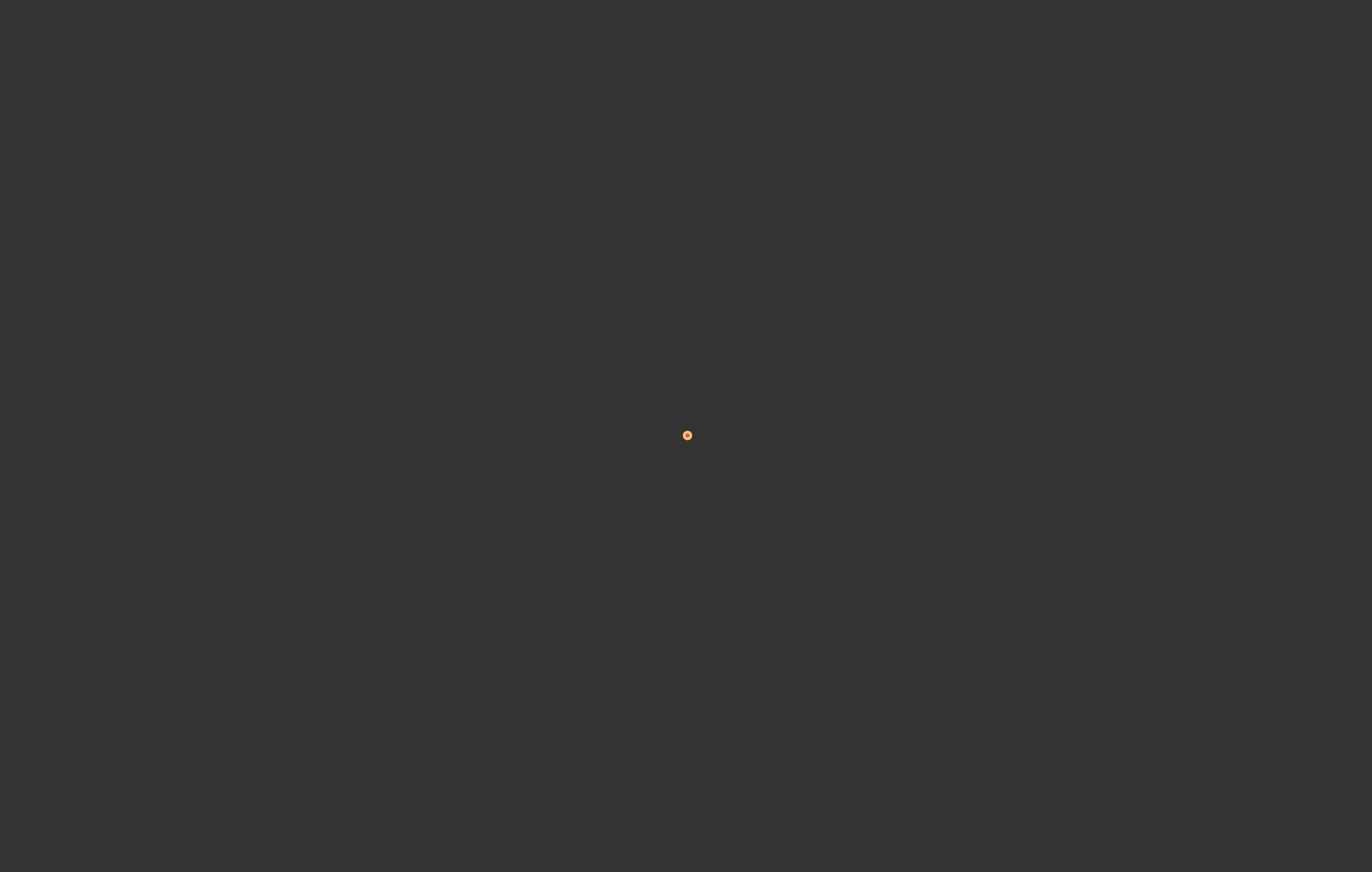
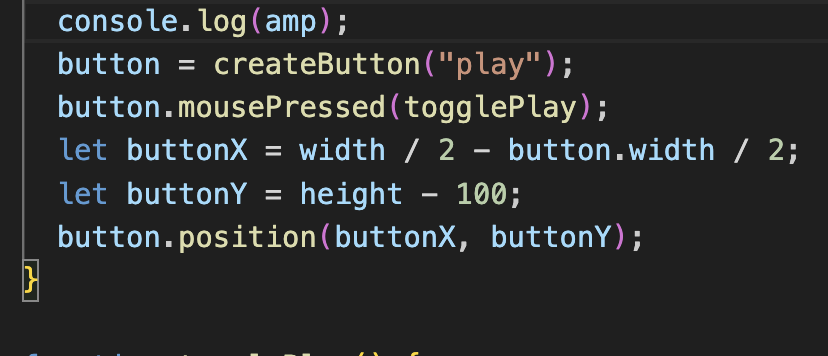
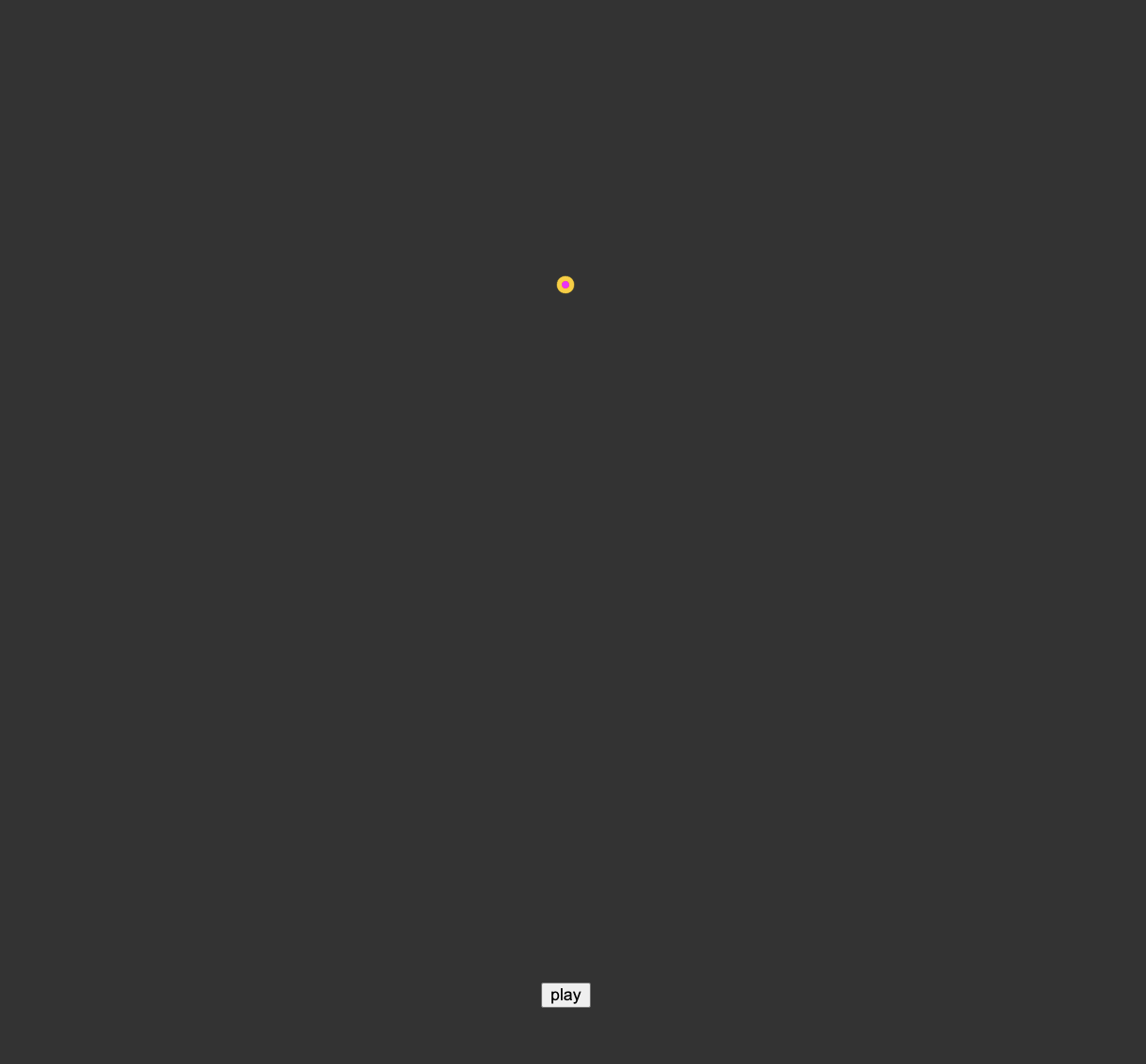
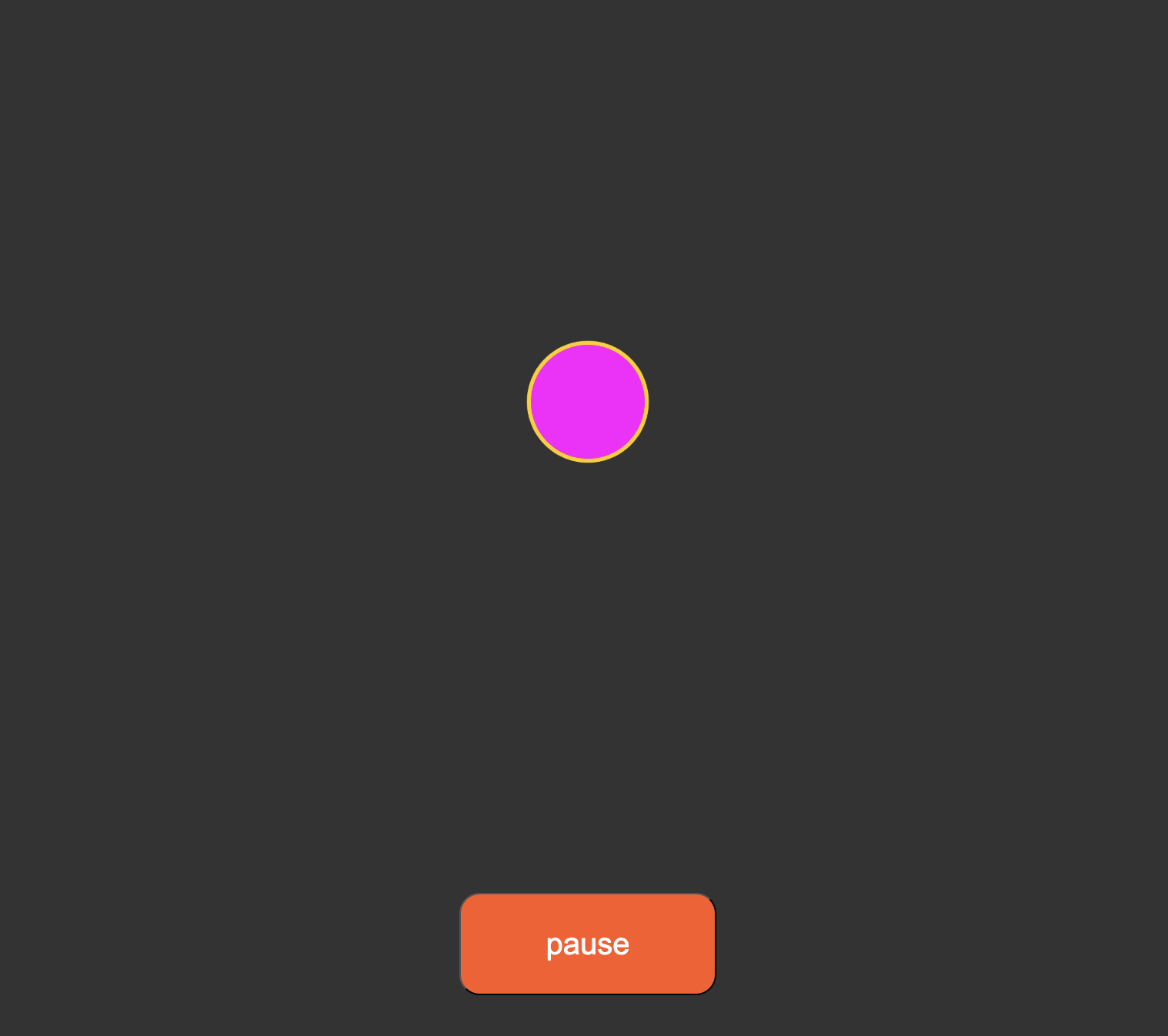
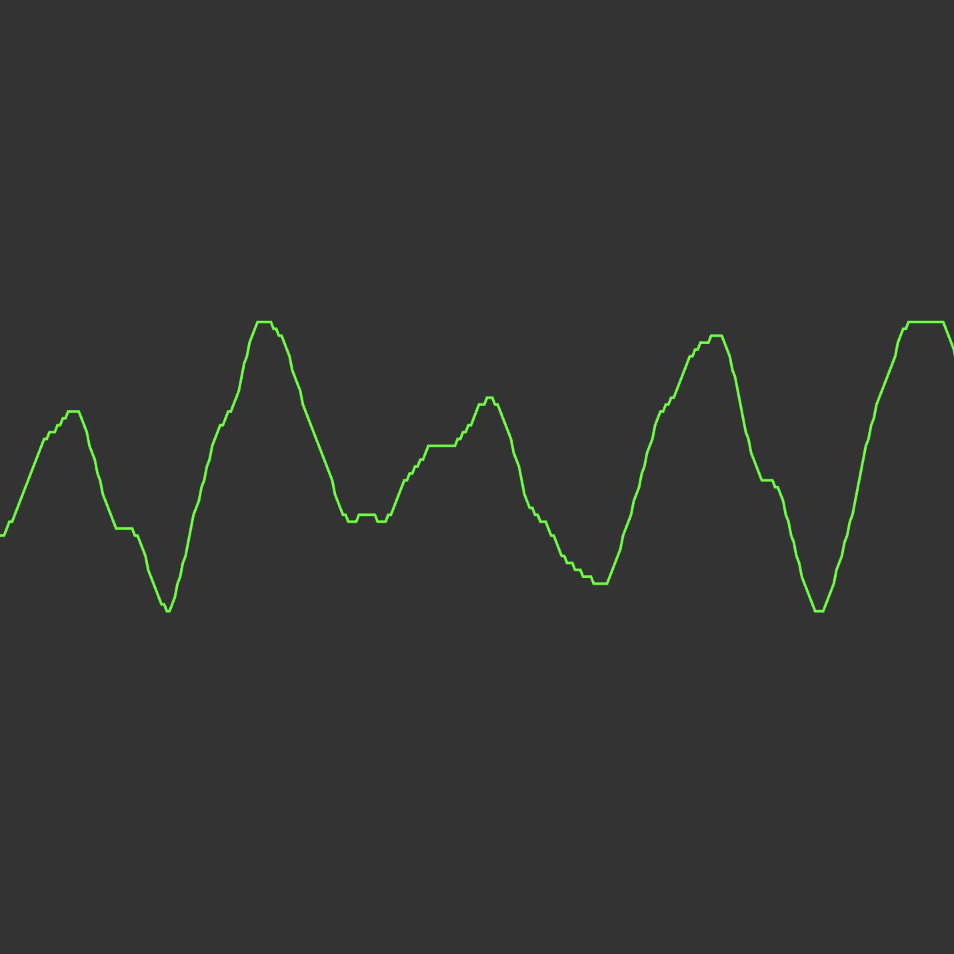
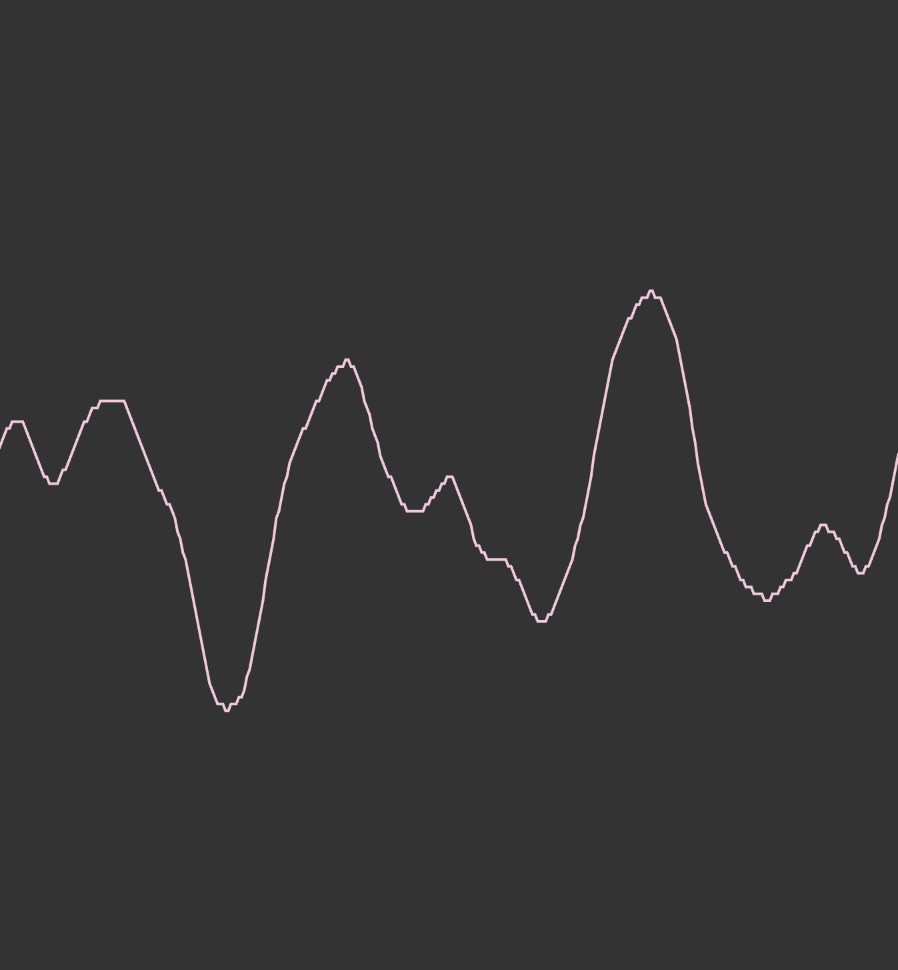
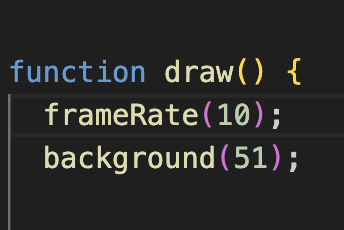
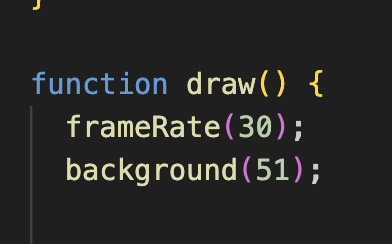
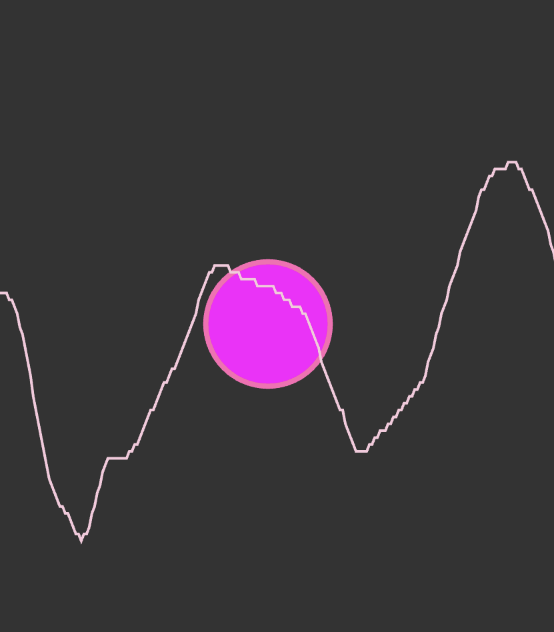
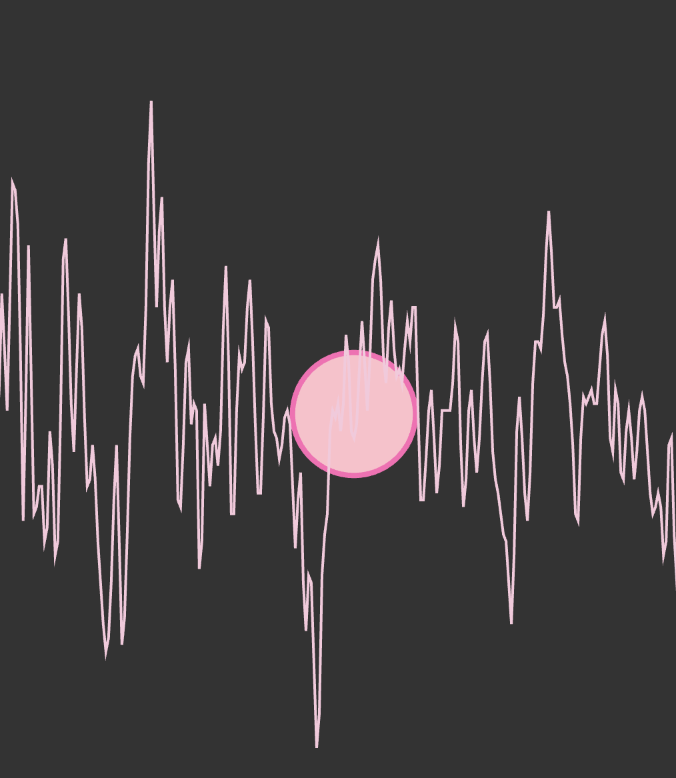
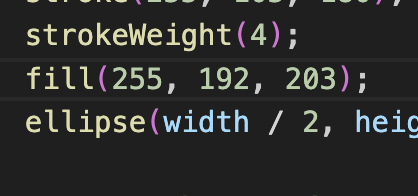
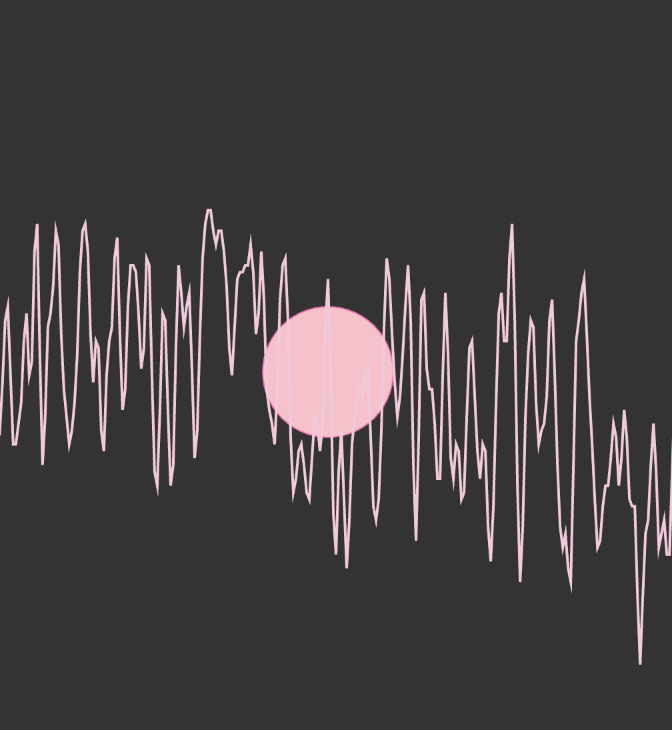
I played around with the sizing of the square. This is the visual of the square being enlarged. I changed the frequency to 50. I changed the width size of the slider so it spans longer. This is the slider's width expanded. Here I changed the oscill.amp from 1 to 0, so the sound stops immediatetly when you click the button. I changed the background to black. I changed the background to white. This is what it looks like with the background being white. I made the canvas size larger. I played around with the frequency and made it 5000. I added a stroke/outline to the circle. I made the screen fit the whole size by adding windowWidth and windoHeight. This is what the visuals looked like when I made the canvas fit the whole screen. The play/pause button got pushed back to the bottom, so I brought it back. This is what the button looked like with the new implemented code. I styled the button so it's more visually appealing and visable to the users. I added sound waves that would also react to the music. I changed the colour of the sound waves to a pastel pink colour. I played around with the frame rate and made it 10, but the visuals endded up beng very choppy. I changed the frame rate to 30, and it went a lot smoother. I changed the border colour of the cicle to pink. I changed the inside of the circle to a different colour. I changed the stroke weight of the outline for the circle to a thinner weight. This is what the changed stroke weight looks like.

Project 2


Final Project 2 Design

P5 Interactive Audio Web Header Portfolio

Interactive audio visualizer that reacts to the user's cursor movement.

Click here to see it working on my server


×

Powered by w3.css